



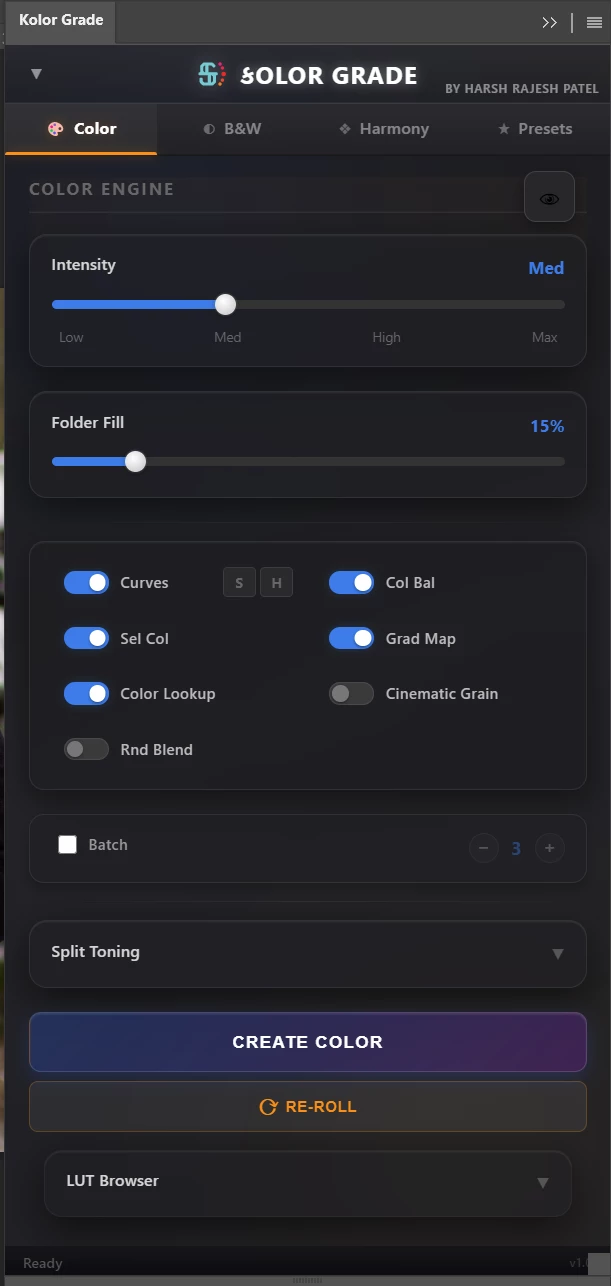
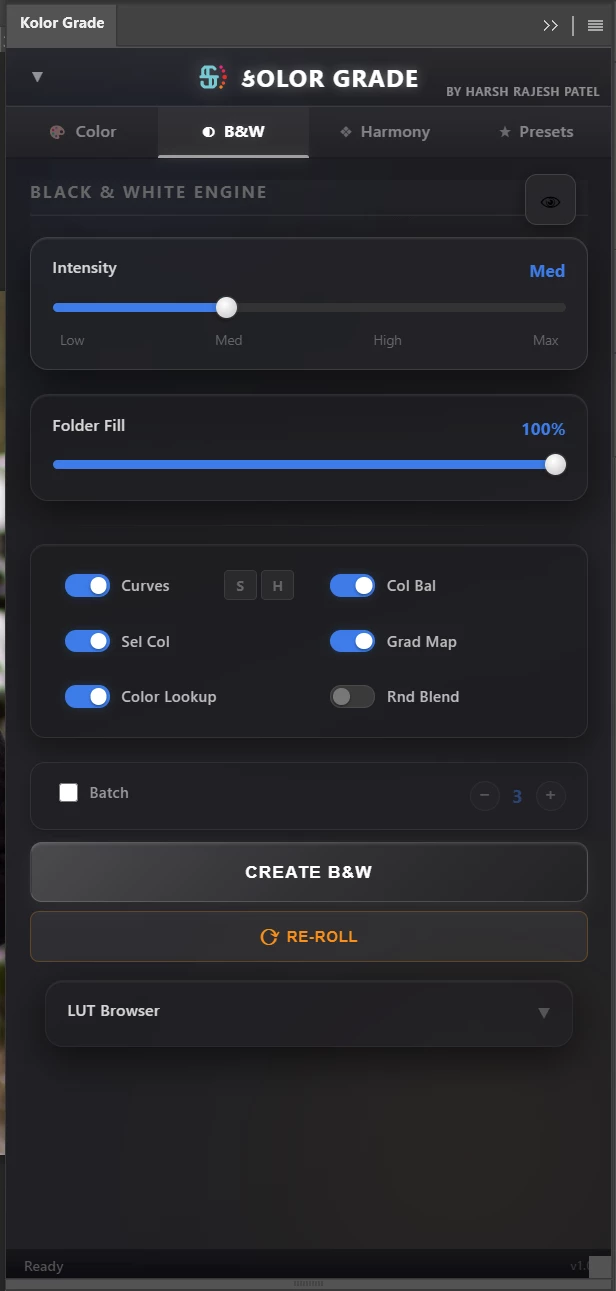
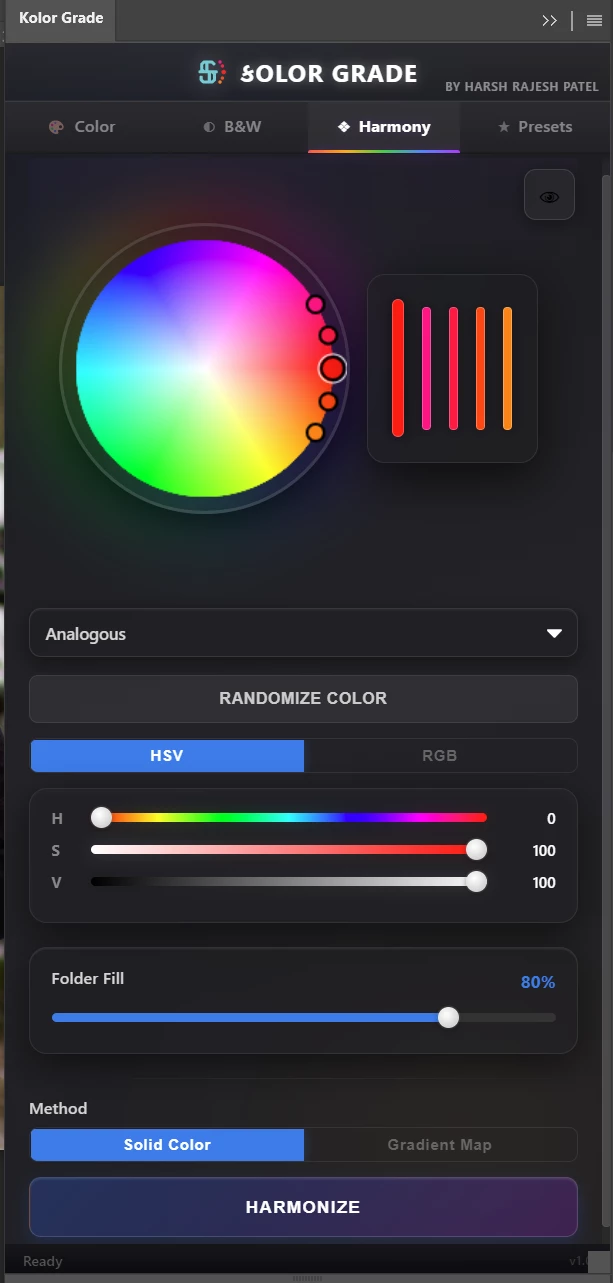
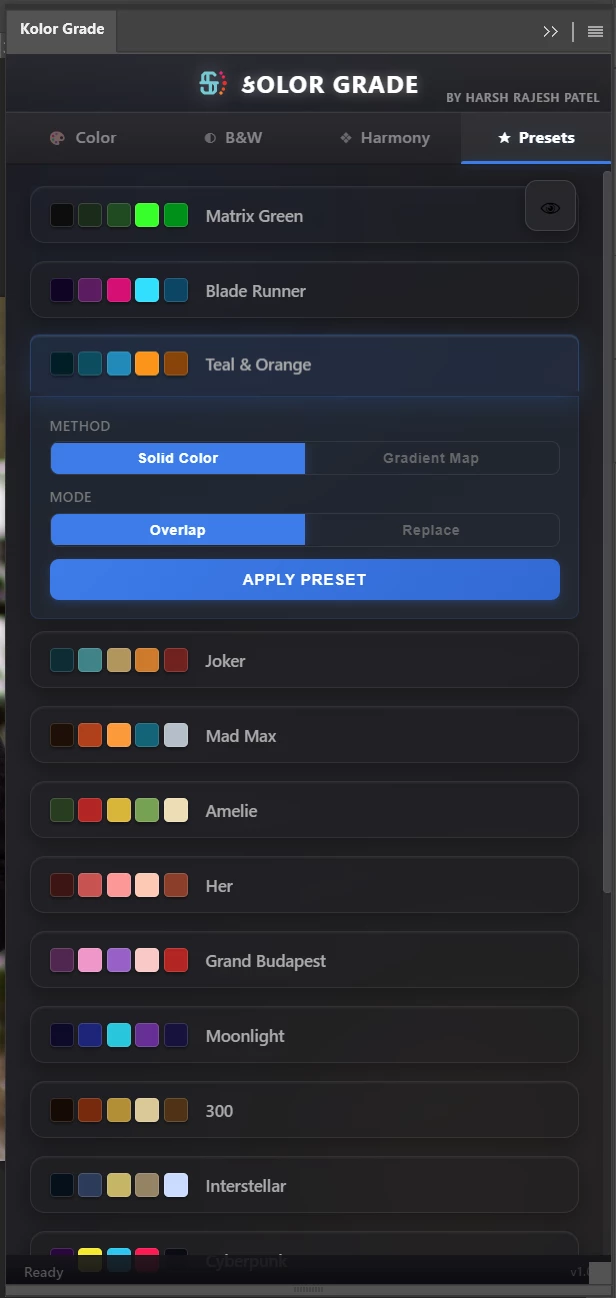
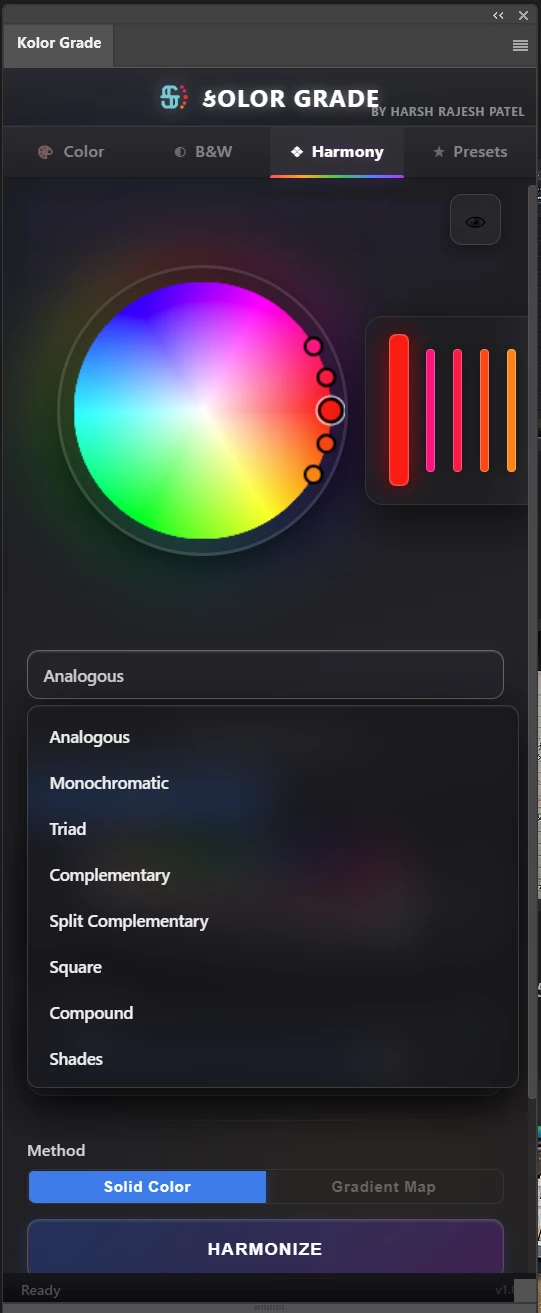
I made a photoshop CEP plugin for color grading and filmic look but i don't know how to pack it and upload it to exchange
This is my very first CEP plugin submission for the Adobe Marketplace, and despite following the Creative Cloud Developer Guidelines, I am having significant trouble successfully uploading my packaged file to the Producer Portal.
Initially, I provided a
.zxp
file directly to the portal, the automated validator continuously rejected it with the following parsing errors:
"Ensure the bundle version is not empty for CEP or MXI. Your MXI file or CEP manifest file is empty. Could not extract bundle ID from your MXI file or CEP manifest file... Ensure that at least one supported host product and its minimum and maximum versions supported by your extension are present in MXI file or CEP manifest file."
To the best of my knowledge, my
CSXS/manifest.xml
is perfectly well-formed. It clearly defines the ExtensionBundleId, sets the ExtensionBundleVersion="1.0.0", and explicitly defines the <HostList> with PHSP and PHXS pointing to version ranges [14.0,99.9]. The plugin also functions flawlessly within Photoshop when installed locally.
Because the Producer Portal rejected the
i uploded
.zip with exmancmd installer but
installer, which unfortunately resulted in the "Not Compatible" flag within the Creative Cloud Desktop app during your review.
i just want someone to help me to Pack this plugin and guide me how to do so , so i can upload it to the exchange. i will share my plugin(unpacked) to them if they are willing to help for evaluation.
my Email_Id-> harshpatelharsh590@gmail.com
 AdChoices