


Answered
Page faild to load in cef client
Hi everyone
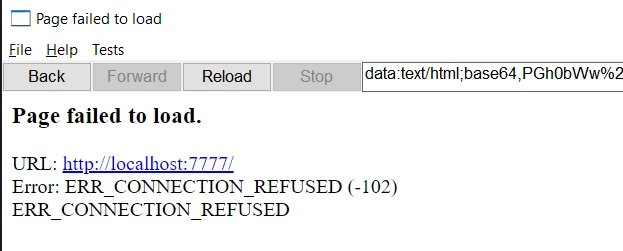
I want to do remote debugging on a cep panel. I followed this link to set up my .debug file. But ervery time it says Page Failed to load. I even tried other extension downloaded from the Official CEP repo. None worked. Chrome not working, either.
Here is what cef client showed
Here is the my .debug file content:
<?xml version="1.0" encoding="UTF-8"?>
<ExtensionList>
    <Extension Id="com.adobe.PProPanel">
        <HostList>
            <Host Name="PPRO" Port="7777"/>
        </HostList>
    </Extension>
</ExtensionList>
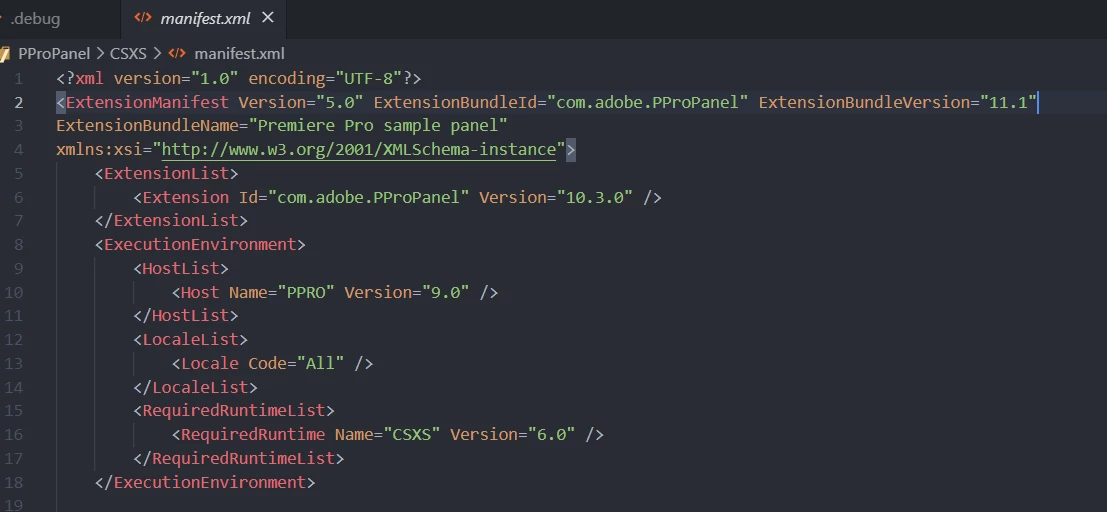
And manifest.xml screenshot:
Can anyone help me? What I am missing?
 AdChoices