


Participant
April 5, 2022
Question

Remove uninstalled plugins

  • April 5, 2022
  • 1 reply
  • 572 views

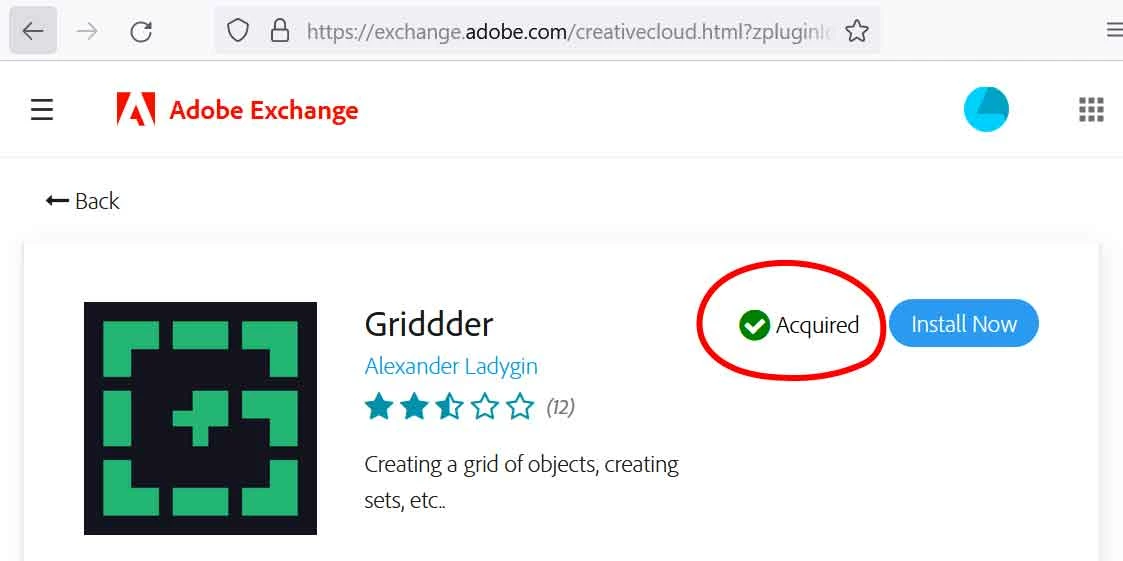
Hi, I have uninstalled plugins that I don't want anymore, but they won't go away from "Manage plugins" in the Creative Cloud app. When I go to exchange.adobe.com they show as "Acquired".

(Windows 10)


How do I remove the uninstalled plugins completely from the Creative Cloud account?
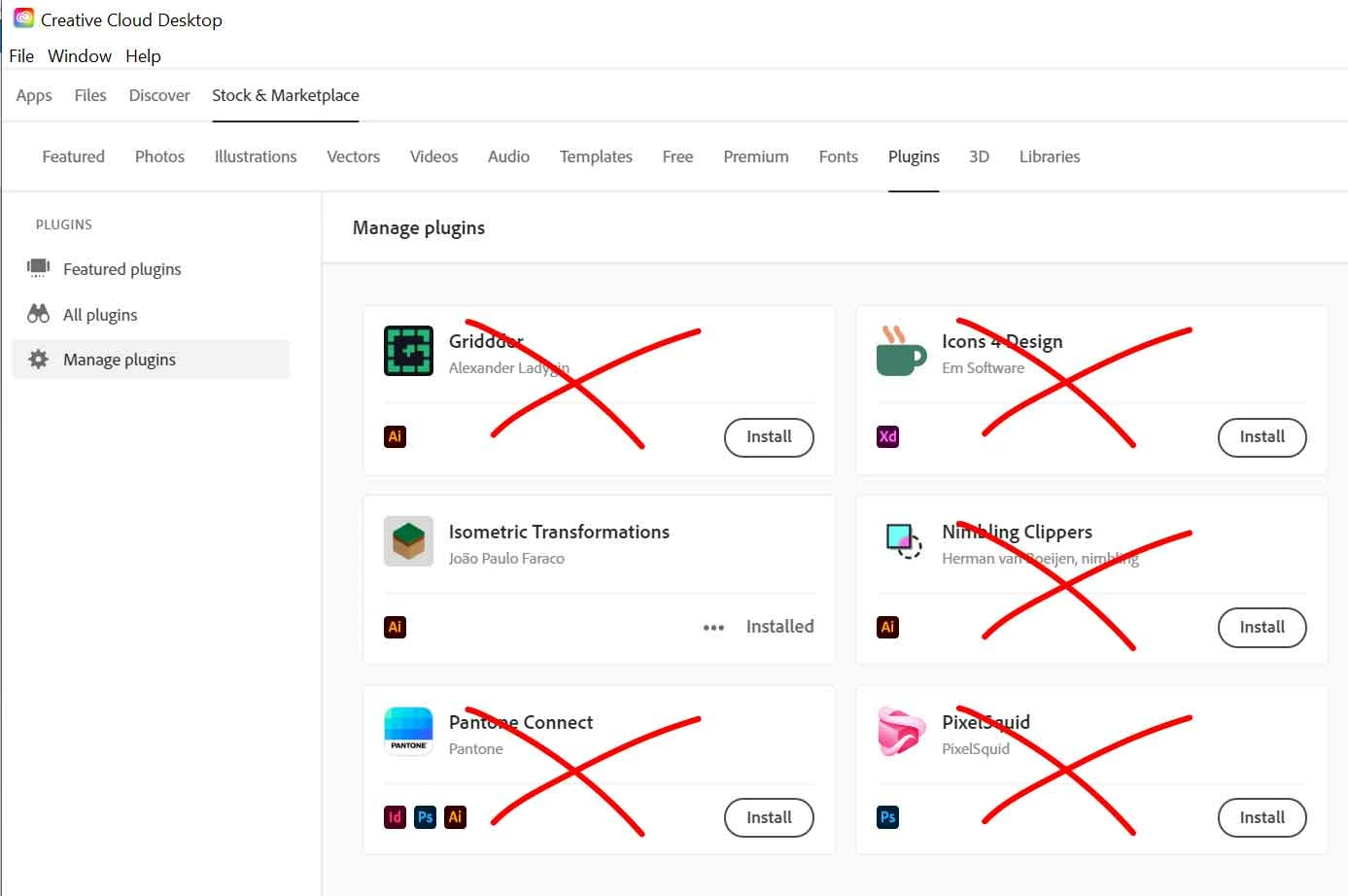


Above: manage plugins tab in the Creative Cloud app
 

    This topic has been closed for replies.

    1 reply

    erinferinferinf
    Adobe Employee
    Adobe Employee
    April 6, 2022

    Hi there!


    I shared this thread with the Exchange team.


    Entitlements to a plugin are handled differently from installations. You're still seeing these as "aquired" even if they aren't installed... Unfortunately, no, you cannot remove them from view at this time.


    That said, it makes sense that you'd want to hide them or remove them from view in the Creative Cloud desktop app, and it is something that other users have also requested. I'll track this and post here when there's an update.

    Participant
    June 29, 2024

    Hello,

    We still need to remove it,

    Is there any personal breach if we do not install it yet?