



Question
Scale applied to CEP panel
Hi. It appears there is some sort of scaling being applied to the panel content within CEP. Note the difference between the two screenshots below. The first is running within Chrome 65. The second is the same content running within Photoshop. Looks to me like device / viewport emulation in the CEP panel. I double-checked that Chrome was set to 100% zoom. The screenshots were taken on a Surface Pro 3.
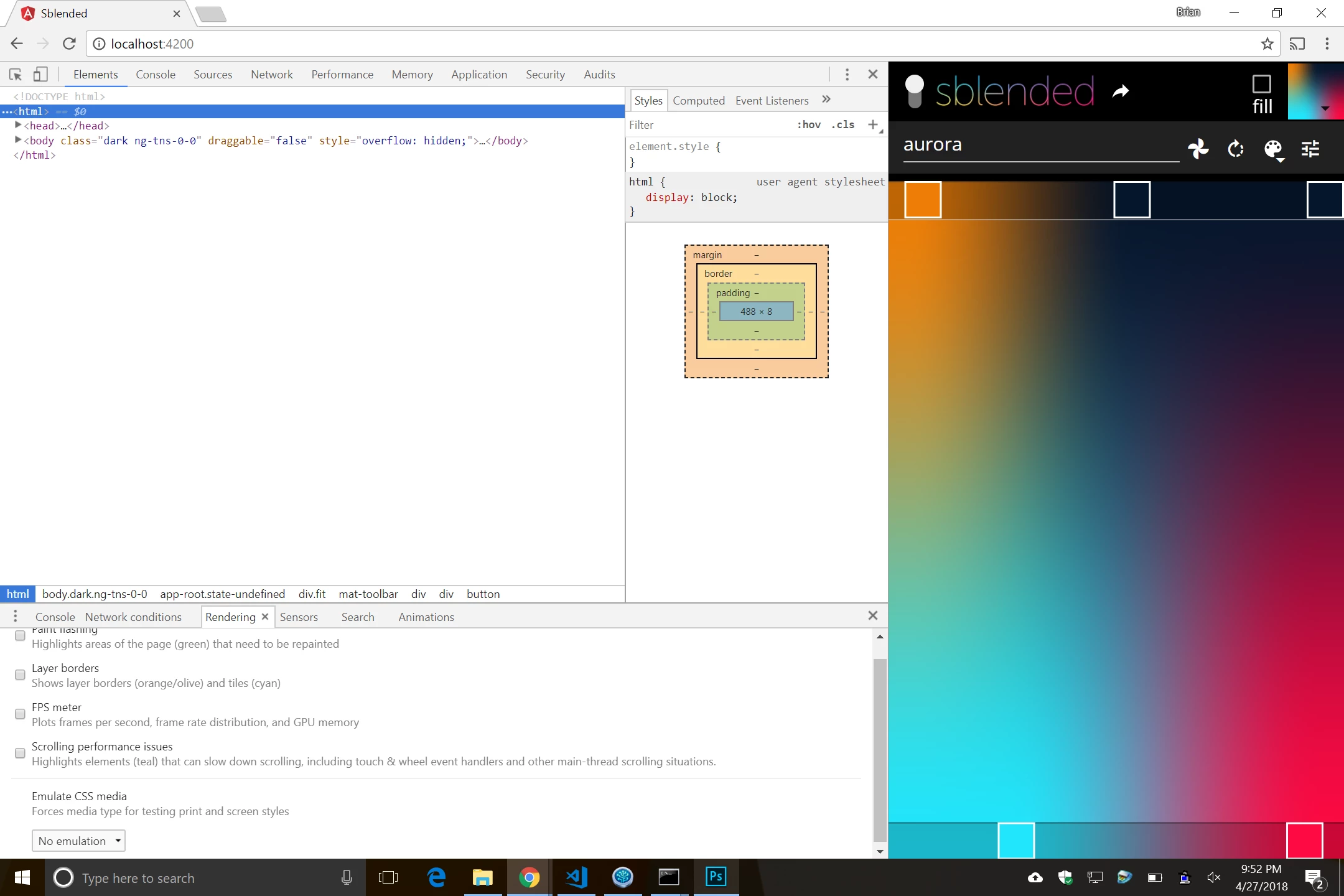

I had previously worked around this issue by applying a CSS zoom to the body, but this is no longer an option because it creates issues with the Angular Material framework.
Is there a way to control / avoid this scaling?
Kind regards,
-Brian
 AdChoices