


copy/paste changes image size to ridiculous size?
For some reason, the Adobe Fireworks CS5 installed in my Windows 10 PC is resizing images when copy/pasting from one document to the other. This started happening today.
I have LocationArrow.png, which has has a simple image. Its size is 484px by 484px. This is what I see in my Windows laptop:
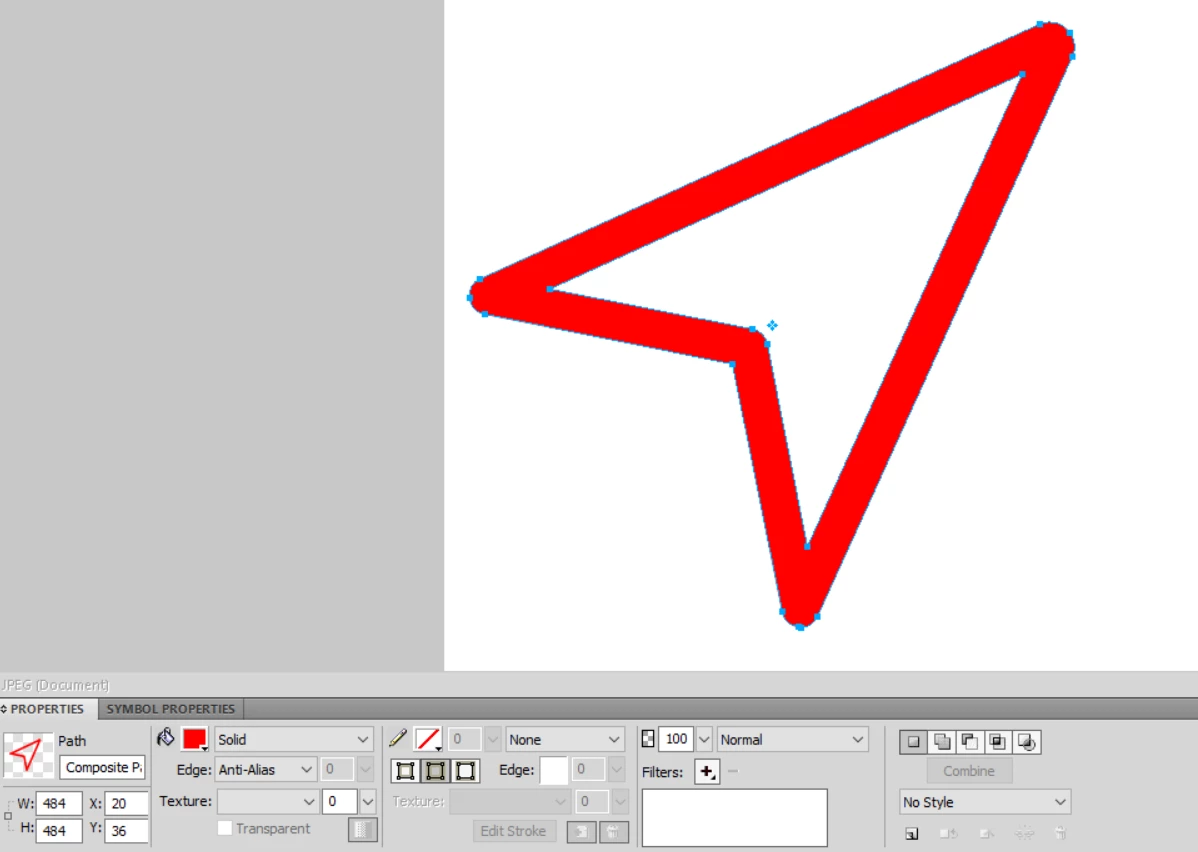
I copy this path and paste in another Fireworks file. When I paste, the image has been resized to 7px by 7px:
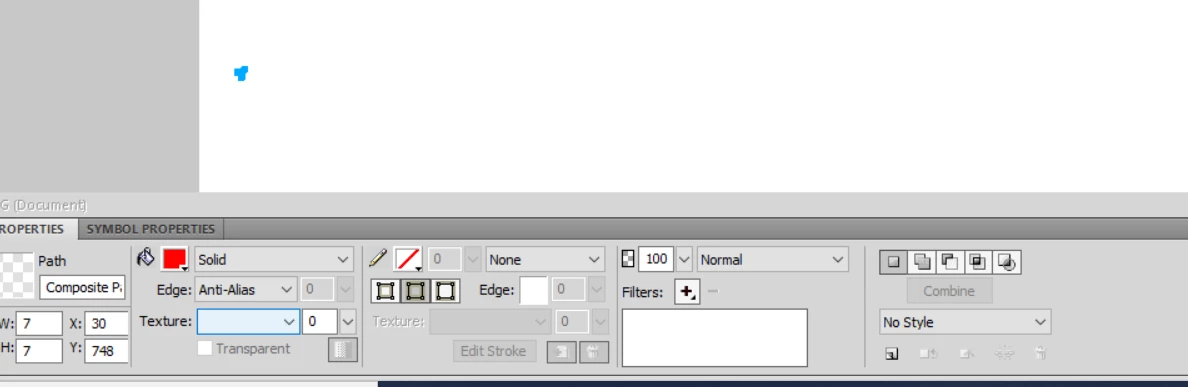
It seems that the pasting isn't working correctly.
Another example: I use the Snipping Tool in Windows 10 to create the screenshots that I used in this post. This is what happens when I paste the contents of the Snipping Tool to Fireworks:
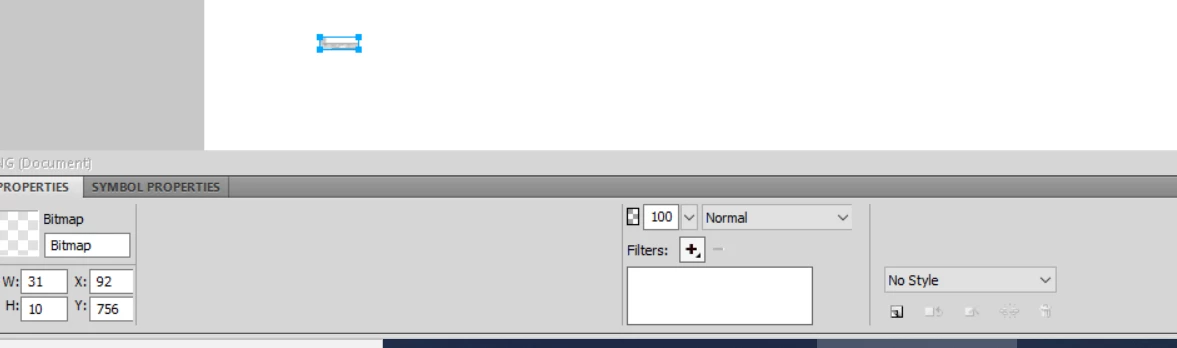
What can the issue be? In worse-case scenarios, the pasting makes the image so huge that Fireworks freezes.
On the other hand, if I copy/paste in the same file, the size remains the same.
 AdChoices