

January 2, 2016
Question

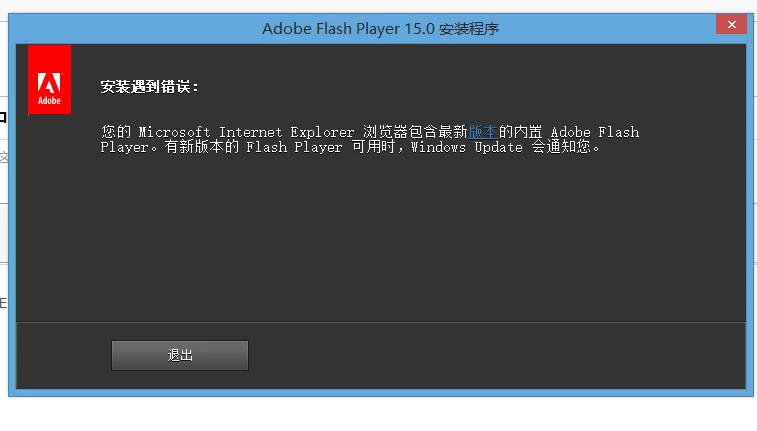
如何卸载win8.1中IE内置的adobeflash,而安装低版本的flash。

  • January 2, 2016
  • 1 reply
  • 1487 views

大家好:

        由于公司工作需要,win8.1IE内置的高版本flash无法与我司系统软件兼容,特询问如何可以卸载现有的版本,而安装低版本的。

    This topic has been closed for replies.

    1 reply

    _maria_
    Community Manager
    Community Manager
    January 2, 2016

    Hi,


    You'll need to uninstall the Flash Player for IE Update to downgrade to the previous version.  The latest update is 3132372.  Go to Windows Update and view Installed Updates.  Search for Update 3132372 and uninstall it.


    We are working on a fix for the issues caused by the version released on 12/28 and Microsoft will release another update when it's available for Windows 8 and above users.

    --

    Maria

    January 2, 2016

    What the technical support in China?

    <deleted phone number> Could'nt call.

    And I did what you said and did not solve the problem.

    _maria_
    Community Manager
    Community Manager
    January 2, 2016

    There is no technical support in China, or anywhere else for Flash Player.  Flash Player is a free product and the only support is on the forums here.

    If uninstalling didn't fix the issue you'll need to wait until Microsoft releases an update.  I do not have an estimate as to when this will be.

    --

    Maria