Participant
March 6, 2021
Answered

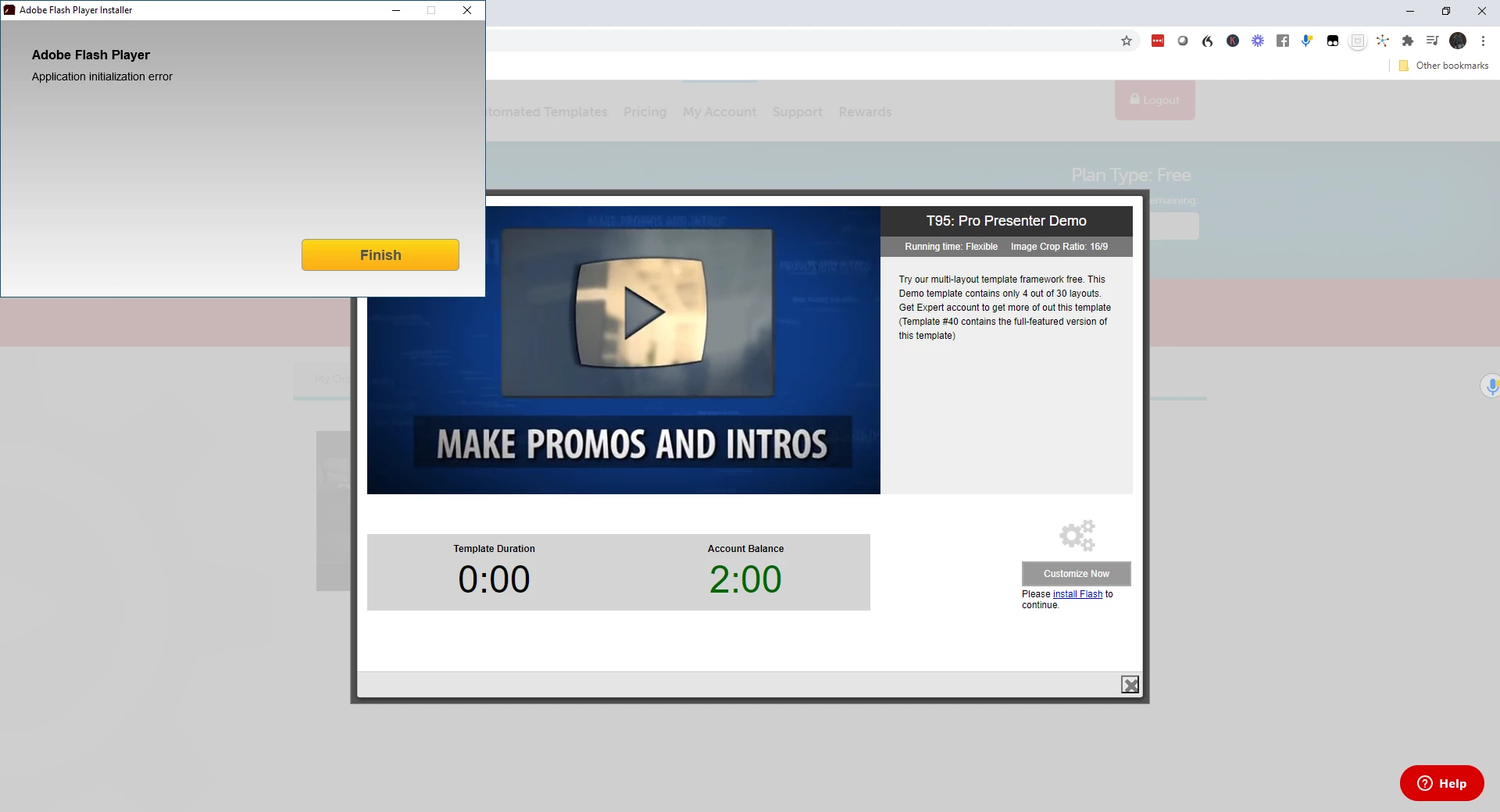
Adobe Flash error message - Application Initialization Error

  • March 6, 2021
  • 2 replies
  • 653 views

I downloader the executable file for flash and went through the download steps.

This error message came up upon completion.

Can you pls tell me what I have done wrong?


TY

    This topic has been closed for replies.
    Correct answer _maria_

    Flash Player has reached end-of-life and is no longer available for download from official Adobe channels.  No idea where you downloaded the file from, but best advice is to not use it.

    For completeness, Adobe announced Flash Player's end-of-life in July 2017 giving content creators, programmers, developers, IT experts, etc over 3 years remove Flash Player dependencies from their products. All modern browsers provide the capabilities necessary to do this in JavaScript.  This is an investment and prioritization choice, not a technical limitation. 


    For reference:


    Major browser vendors are deprecating Flash Player support.  Details specific to each vendor:

    • Apple Safari - removed Flash Player support in Safari 14, released Sept 16, 2020
    • Google Chrome - removed Flash Player support in Chrome 88, released Jan 19, 2021
    • Firefox - removed Flash Player support in Firefox 85, released on Jan 26, 2021.
      • Firefox ESR 78 will support Flash Player for the time being, assuming the Flash Player NPAPI plugin is already installed as it’s no longer available for download.
    • Microsoft Edge - removed Flash Player support in Edge 88, released Jan 15, 2021
    • Microsoft Internet Explorer and legacy Edge  - Has information on options for continued support for enterprise customers

    2 replies

    _maria_
    Community Manager
    _maria_Community ManagerCorrect answer
    Community Manager
    March 9, 2021

    Flash Player has reached end-of-life and is no longer available for download from official Adobe channels.  No idea where you downloaded the file from, but best advice is to not use it.

    For completeness, Adobe announced Flash Player's end-of-life in July 2017 giving content creators, programmers, developers, IT experts, etc over 3 years remove Flash Player dependencies from their products. All modern browsers provide the capabilities necessary to do this in JavaScript.  This is an investment and prioritization choice, not a technical limitation. 


    For reference:


    Major browser vendors are deprecating Flash Player support.  Details specific to each vendor:

    • Apple Safari - removed Flash Player support in Safari 14, released Sept 16, 2020
    • Google Chrome - removed Flash Player support in Chrome 88, released Jan 19, 2021
    • Firefox - removed Flash Player support in Firefox 85, released on Jan 26, 2021.
      • Firefox ESR 78 will support Flash Player for the time being, assuming the Flash Player NPAPI plugin is already installed as it’s no longer available for download.
    • Microsoft Edge - removed Flash Player support in Edge 88, released Jan 15, 2021
    • Microsoft Internet Explorer and legacy Edge  - Has information on options for continued support for enterprise customers

    Legend
    March 6, 2021

    Flash is finished. What you've done wrong is simply to try to download Flash. Give up on it, and any app which needs it, all obsolete.