
oliviac60171717
Participant
May 22, 2017
Question

Adobe Flash not working on Mac

  • May 22, 2017
  • 1 reply
  • 650 views

I am taking an online class and I am trying to be approved for taking the test at home since I live far from my university. However I am testing out the required software, Examity, and it says my adobe flash isn't plugged in, as well as my camera and microphone. I just installed flash again but it still says it is not plugged in. How do I activate all three of these? Thanks!
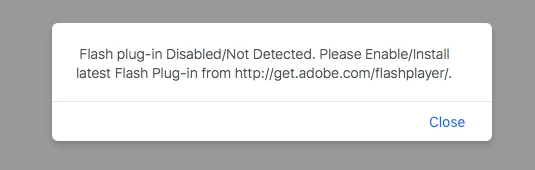
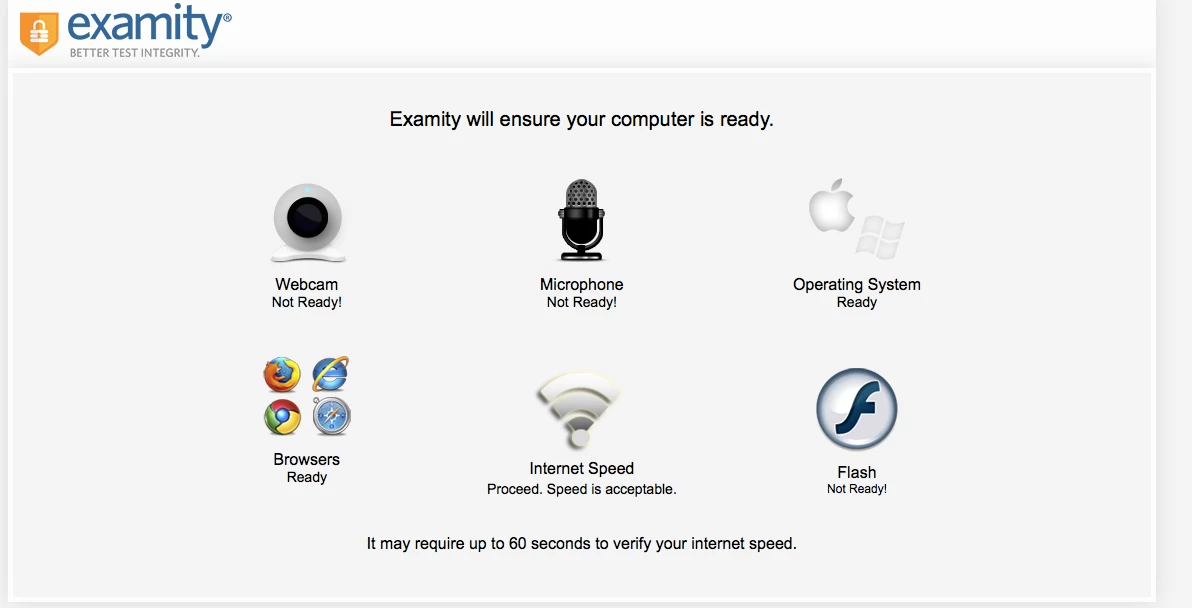
    This topic has been closed for replies.

    1 reply

    _maria_
    Community Manager
    Community Manager
    May 22, 2017

    Is this a web-based app?  If so, which browser are you using?

    oliviac60171717
    Participant
    May 22, 2017

    Yes it is web based, I tried both google chrome and safari but both of them say the same thing.

    ridhij4208356012135538
    Adobe Employee
    Adobe Employee
    May 23, 2017

    Hi,

    Please go through the following two links to enable Flash Player for Google Chrome and Safari browsers:

    Enable Adobe Flash Player for Safari

    Enable Flash Player for Google Chrome

    Thanks!