
Participating Frequently
April 3, 2012
Answered

Adobe flash player 11 always downloading failed in windows 7 ultimate 32bit
  • April 3, 2012
  • 1 reply
  • 18349 views

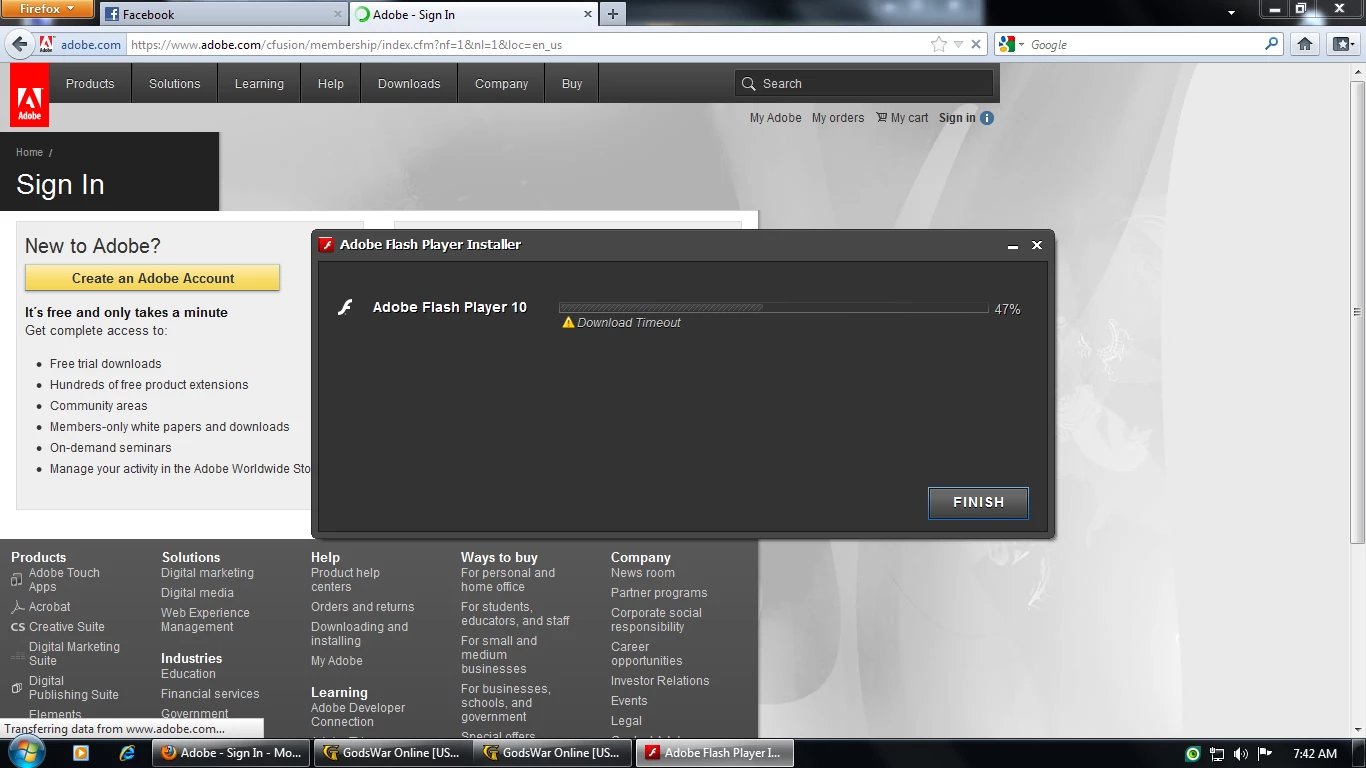
the picture above is the installation process coz i already downloaded it then i install it and thats what happen in both internet explorer 9 and mozilla firefox after that the installer disappeared in my downloading folder

then i try it again and same problem occur

i have a good internet connection and my computer fresh from formatting

what should i do ?
This topic has been closed for replies.
Correct answer Carl_E__Myers_Jr_

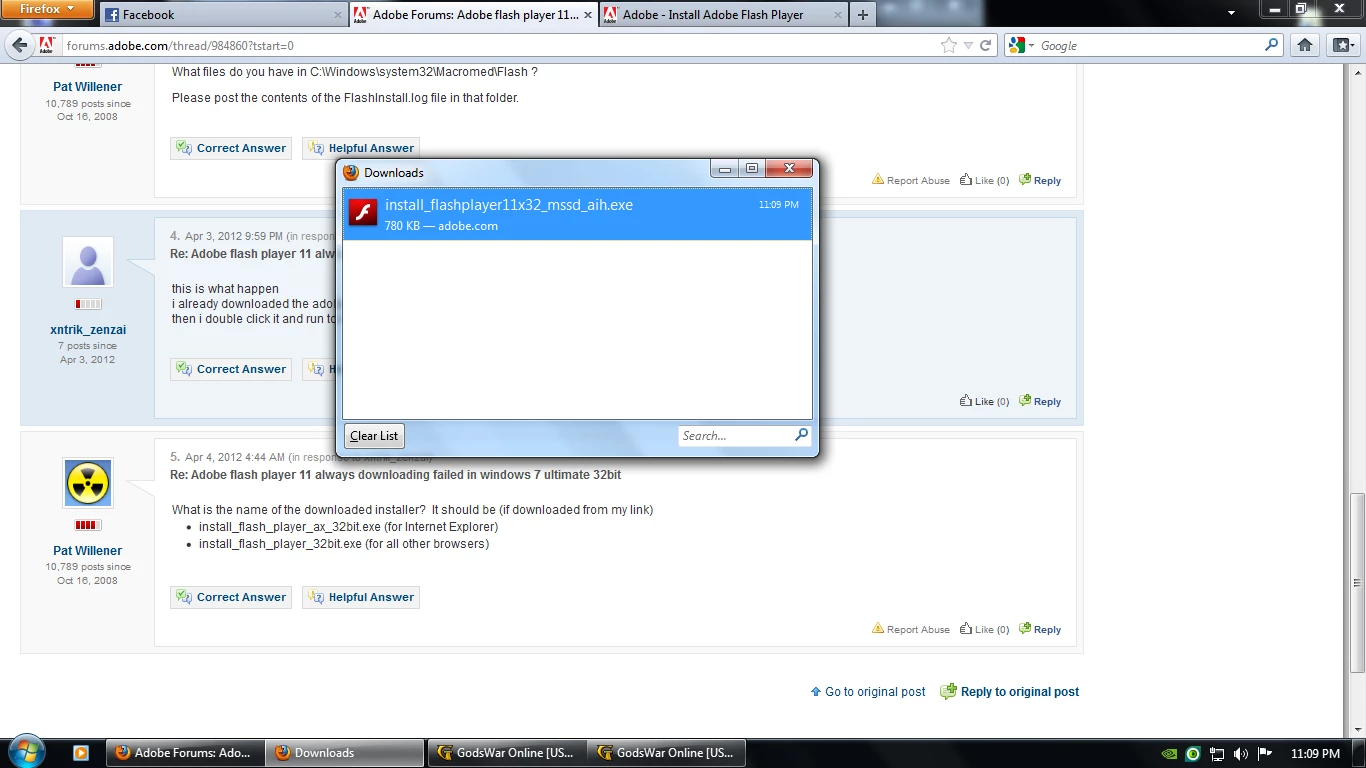
here what ive download and trying to install

try to give other link to download the adobe flash player 11


Download the current 32 uninstaller   Uninstaller for 32 bit Operating Systems

Close all browser windows and run the uninstaller 

Restart Windows 

Delete all remaining files and folders located in the following directories. (tip: copy and paste these paths into the path bar in a Windows Explorer window) 

  • C:\Windows\system32\Macromed\Flash 
  • %appdata%\Adobe\Flash Player 
  • %appdata%\Macromedia\Flash Player

Verify that the file “FlashPlayerCPLApp.cpl” in C:\Window\system32\ for 32 bit systems has been deleted.

Download the following files:

Physically disconnect from the Internet and run the files.

1 reply

pwillener
Legend
April 4, 2012
Participating Frequently
April 4, 2012

didnt work in windows 7 32bit(new windows update)

pwillener
Legend
April 4, 2012

Sorry, I don't understand "didnt work" - what exactly happened?

What files do you have in C:\Windows\system32\Macromed\Flash ?

Please post the contents of the FlashInstall.log file in that folder.