
Question
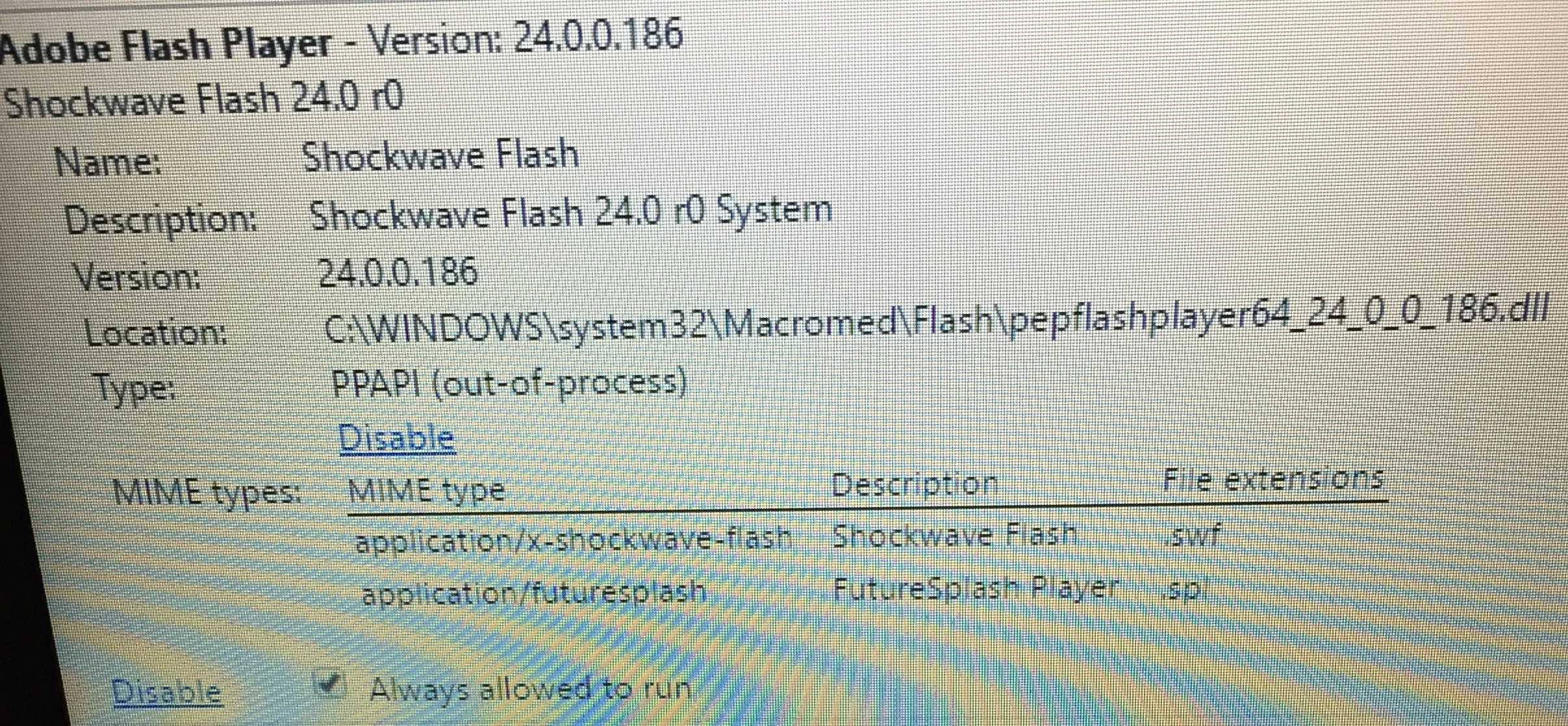
Adobe Flash Player 24.0.0.186 Isn`t working right in Google Chrome
- Operating system version: Windows 10 version 1607
- Web browser and version: Google Chrome (PPAPI) 55.0.2883.87 m (64-bit)
- Flash Player version: 24.0.0.186
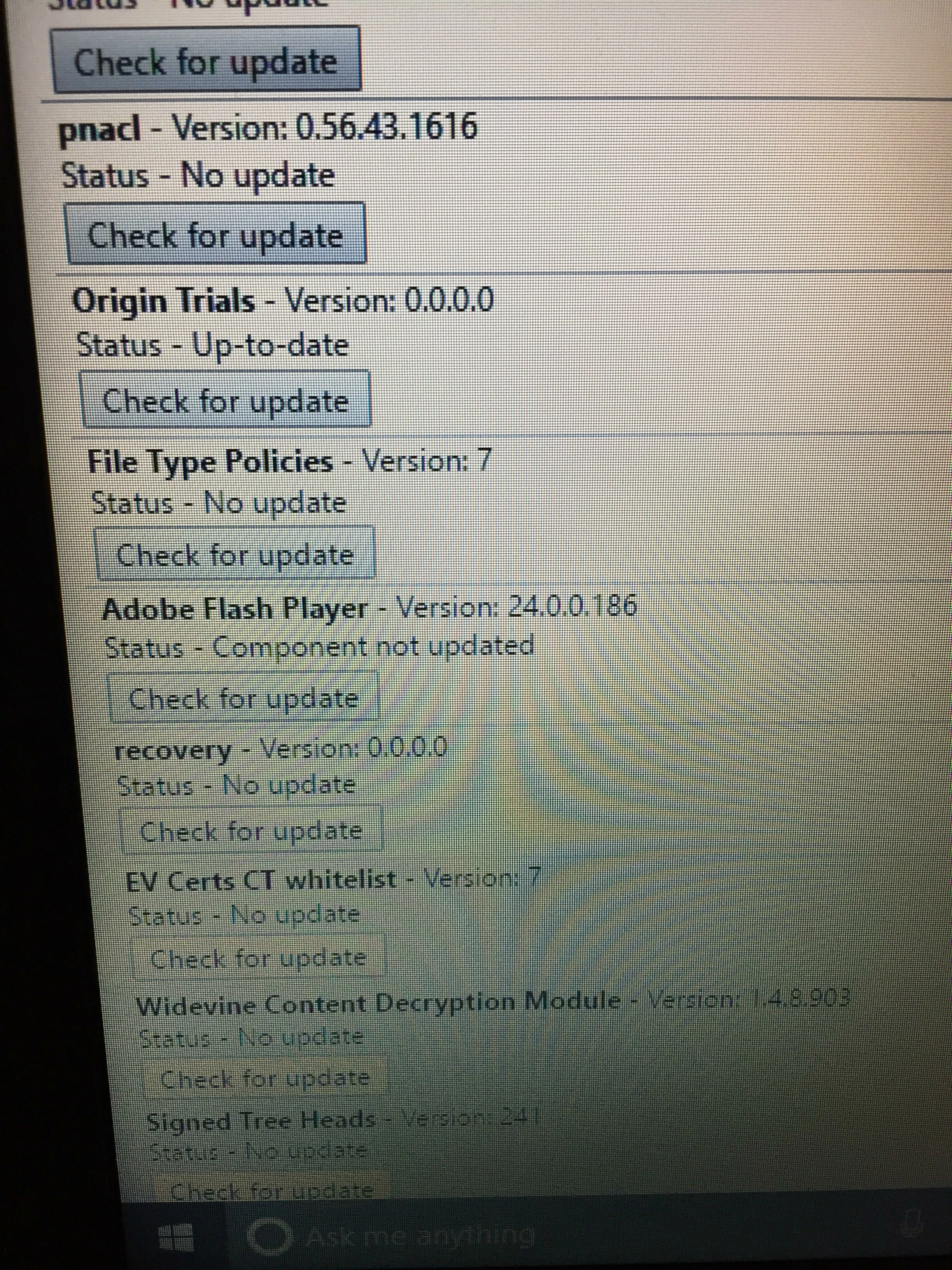
Flash Player stopped working in Google Chrome. Everything was ok but one day the flash didn`t work so I restarted my computer and still didn`t work. I tried other things like clearing caches, cookies and other site and plugin data, checked adobe adobe flash player updates, chrome plugins settings. I also check Chrome components, but when I scrolled down to Adobe Flash Player I clicked where it said "Check for Update" and when I did the Status said "Component not updates".


 AdChoices