
Adobe Flash Player for Firefox Won't Install
I'm running Windows 8.1 x64, and trying to install the latest Flash Player for Firefox. I know there's already a topic for this, but the person didn't provide any detail and I don't feel like waiting forever when it's clearly an installer issue.
I've disabled my firewalls completely to try and install this. I've tried running a clean install (uninstalled flash player completely before attempting to reinstall, big mistake), rebooting and all. And tried both the default installer and the installer provided in the "troubleshooting."
And just to be sure I was getting the correct version, I let the download page detect my system AND tried selecting it myself:
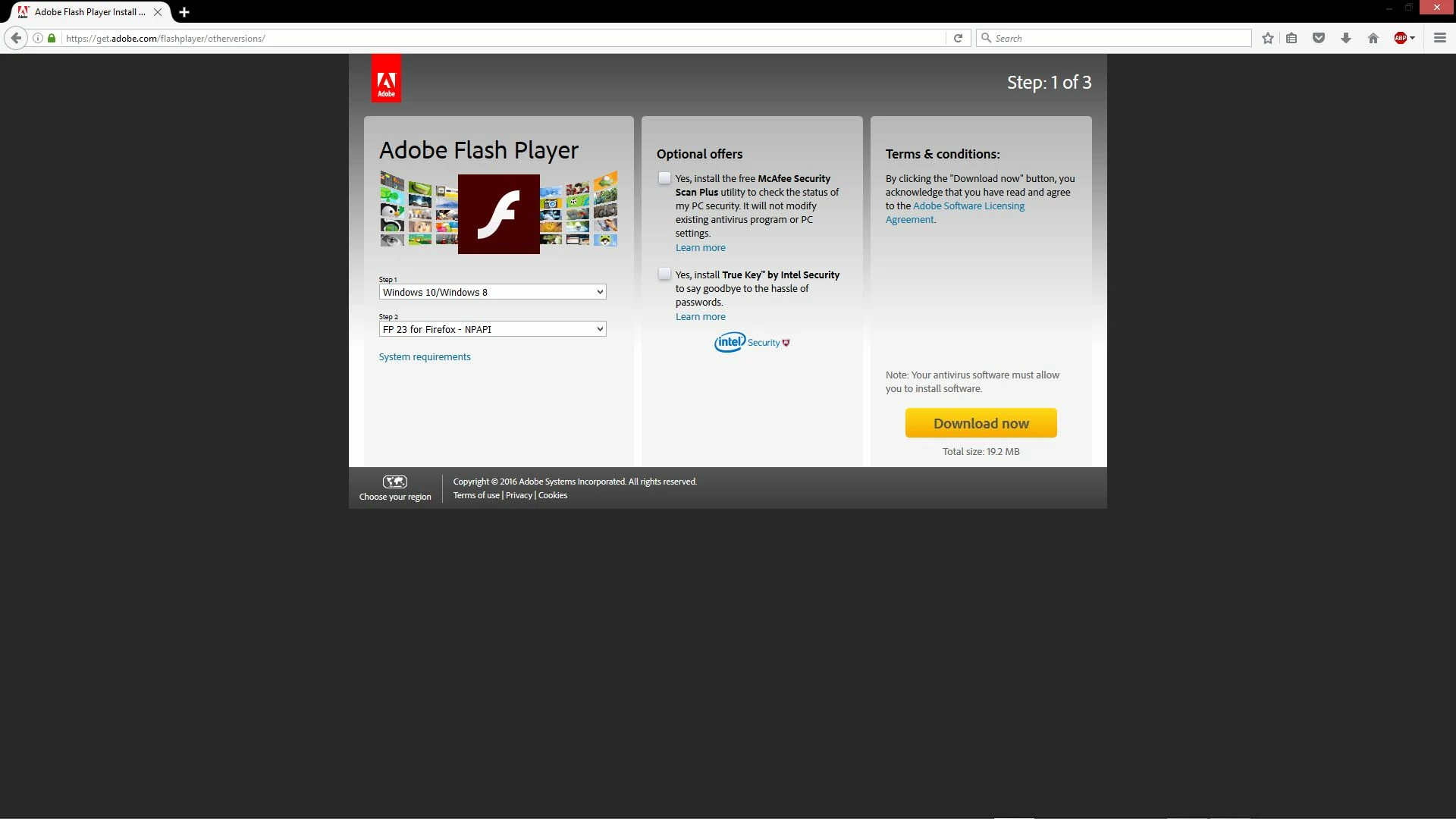
My install gets stuck at 90% with the default installer for a good 1-2 minutes: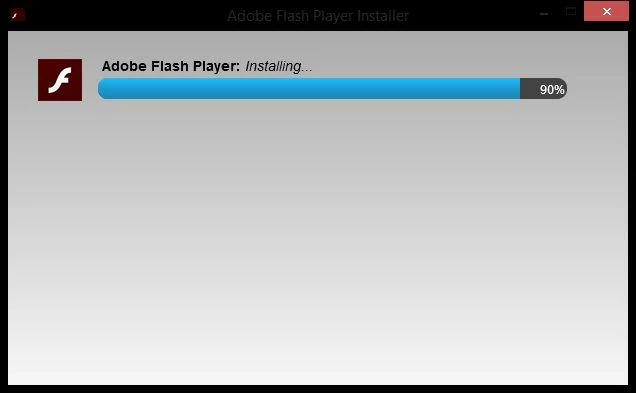
And then fails:
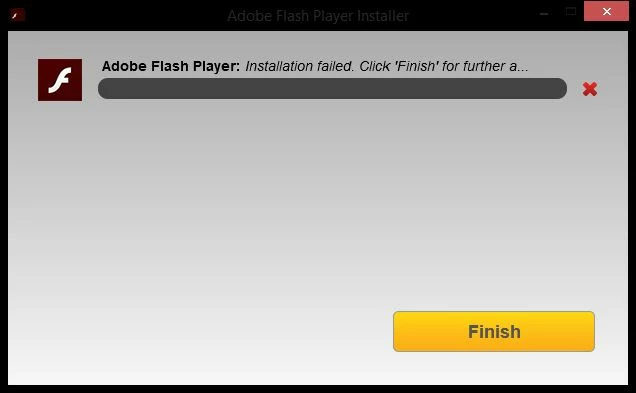
And, yes, I did click "Finish" to go to the supposed "further assistance" it speaks of in the error, but it opens a browser window and tells me what I already know: that the install was unsuccessful.
Then I went through the "troubleshooting" and ended up at the download link at the bottom:
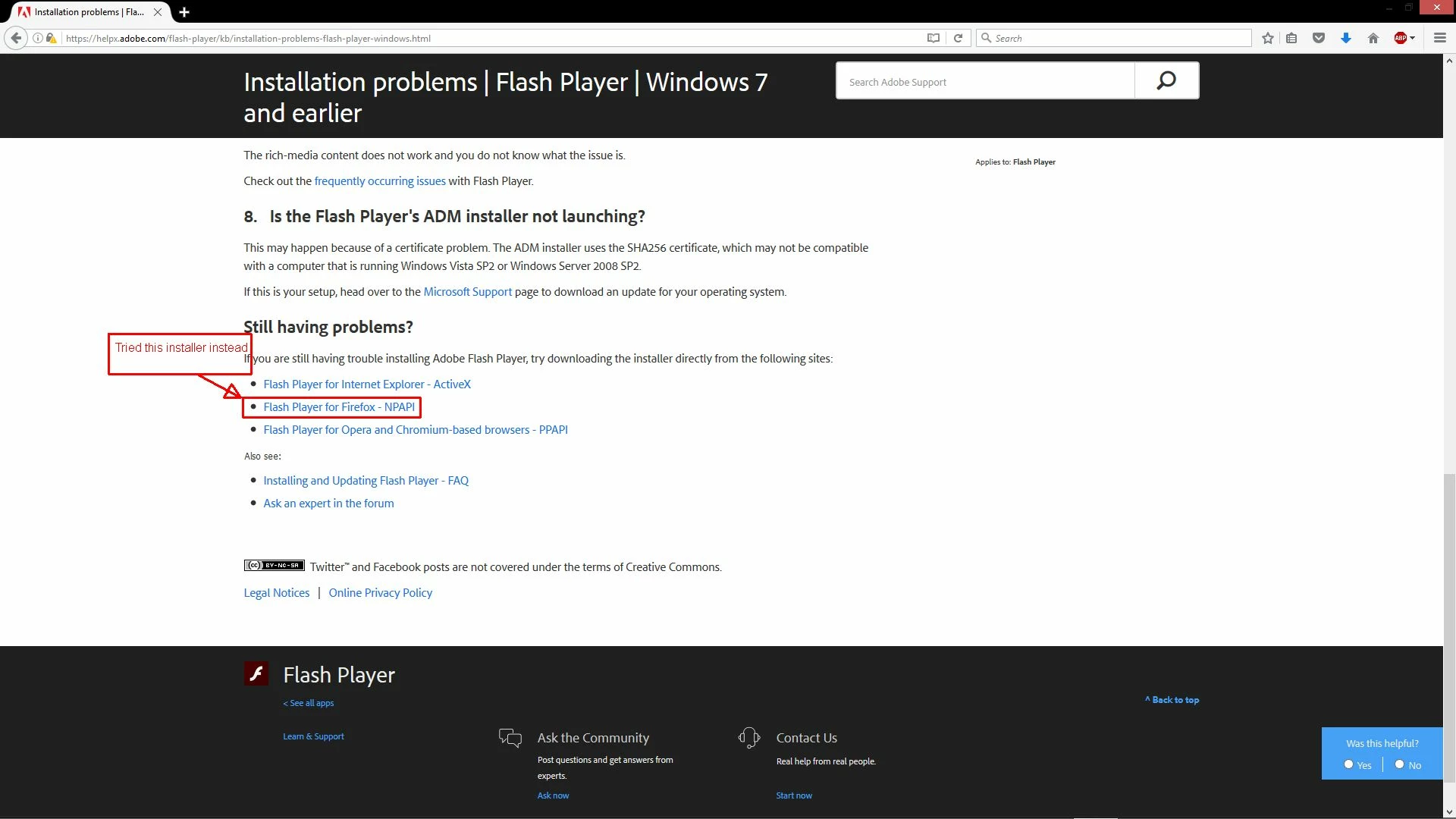
When I run it (even right-clicking and "Run as Administrator"), it goes fairly quickly, but then stops at 100% and does nothing. When I click on the installer window at this point, Windows notifies me that the program has stopped responding:
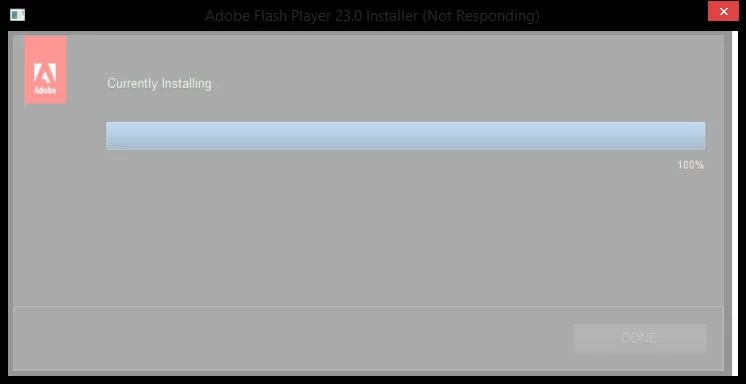
And it never will respond.
Please fix your installer.


 AdChoices