
Question
Adobe Flash Player Install Manager
Hi,
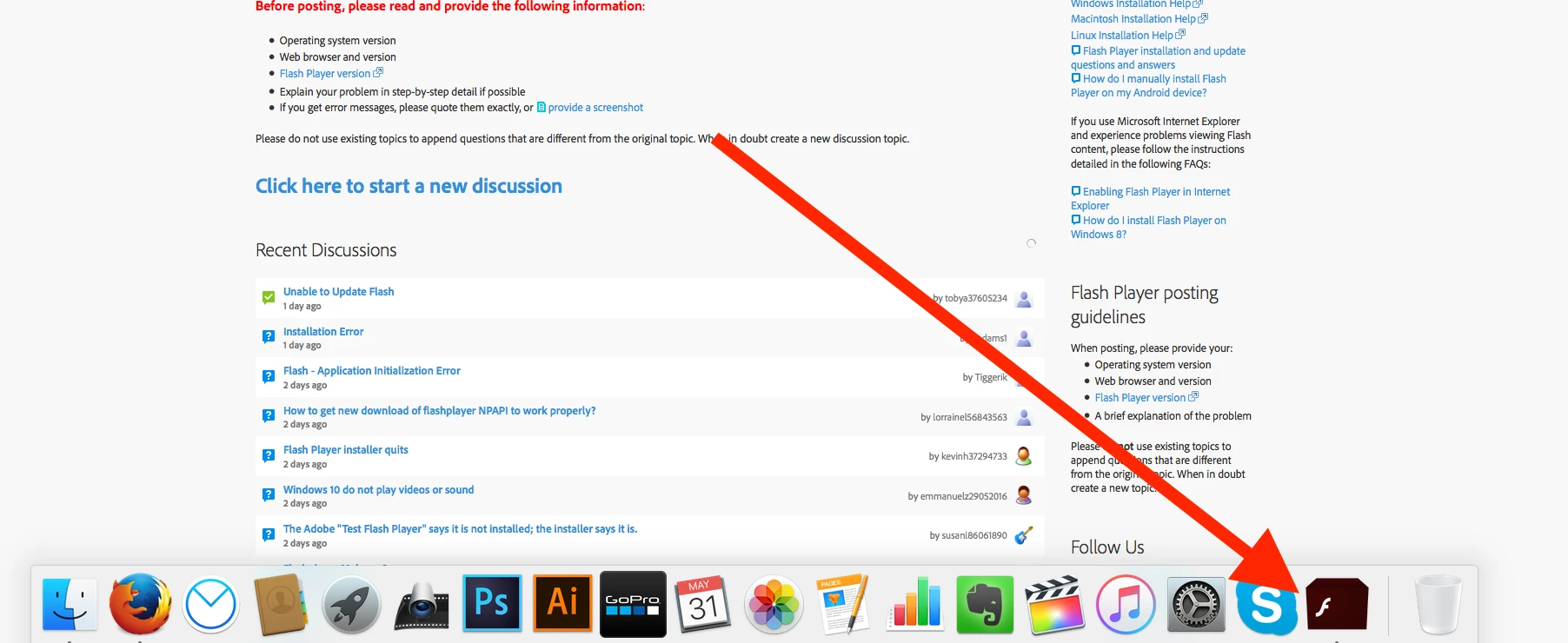
I'm running MacBook Pro Ver: 10:11:5, I can not get rid or remove the adobe flash player install manager from my docking station.
I have tried dragging it up and holding it for 5 seconds ect but no joy.
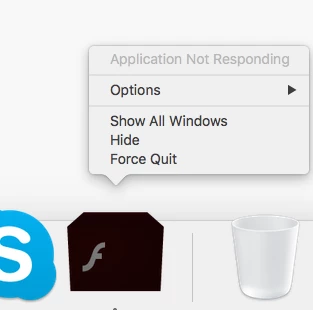
It wont force quit, I can not delete it or place it in the bin. Its says its not running then it informs me it is as per screen shot attached.
Please help, this is a real pain.
 AdChoices