


Participant
August 19, 2016
Question

Adobe Flash Player Picking Up White Noise In A Quiet Room

  • August 19, 2016
  • 1 reply
  • 453 views

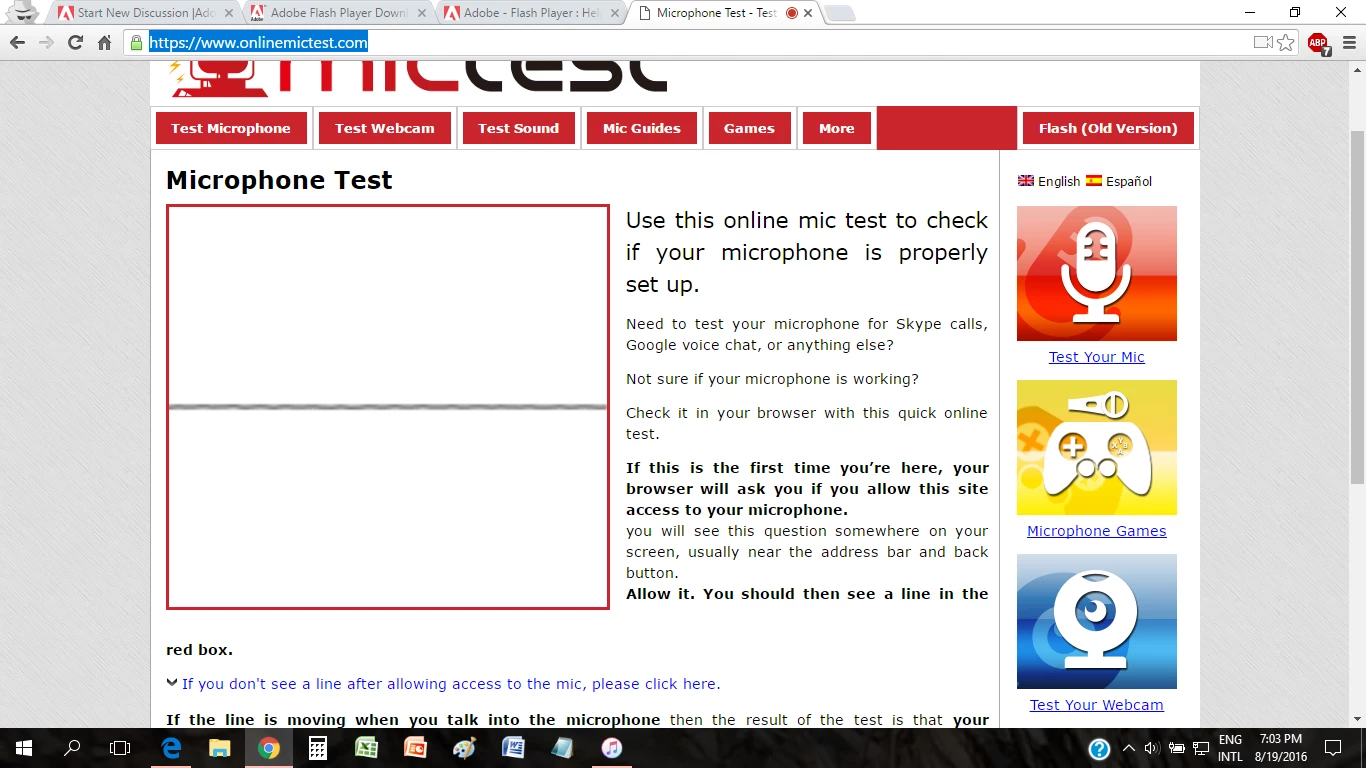
Hello, I am a student for EnglishLive. It is an website for learning English that uses Adobe Flash Player. Anyway, after a recent Windows 10 update, Adobe Flash Player keeps picking up some kind of white noise, even when I turned off my ceiling fan. This white noise prevents the website from recognizing my speech. When I tried to use the voice recorder in my windows 10, it will not pick up the white noise. I tried changing headsets, but Adobe Flash Player still picks up the white noise. To test my microphone, I went to this website Microphone Test - Test Your Mic With Our Online Tool. It shows that my microphone is detecting some noise since the line is not straight, but the room is quiet. Thanks in advance. 
    This topic has been closed for replies.

    1 reply

    jeromiec83223024
    Inspiring
    August 19, 2016

    Not sure what to tell you, beyond find a different microphone.  A nice gaming headset would be a good choice, as they typically have decent noise isolation.

    Participant
    August 19, 2016

    Thanks, currently I'm using my iPhone's headset. Can you give me some examples of good gaming headsets?

    jeromiec83223024
    Inspiring
    August 19, 2016

    Logitech makes good headsets.  The crazy expensive ones are overkill.  Something that you plug in by USB ideally would work.  I'm guessing that you're picking up electrical noise either from the headset itself or from the internal sound card, so an external sound card, like the one that's built into the headset is probably the way to go.  If you can borrow a couple to experiment with from your gamer friends, even better.

    You could also experiment with the computer's sound settings to see if you can drop the mic volume low enough that the noise isn't picked up, but your voice is heard clearly. 

    This Youtube video covers a couple extra things that might be interesting to try out.  Mostly, you're just going to have to experiment with it and figure out what works.  Be methodical and try one thing at a time until you figure out what does it.

    Low Microphone Volume [Easy Fix] [Windows 10] - YouTube