

Exchequer
Participant
February 8, 2015
Answered

Adobe Flash Player v16.0.0.305 for Opera on Windows 7 can not be installed

  • February 8, 2015
  • 1 reply
  • 1580 views

When downloading the file for Windows 7 it has a size of only 1 MB, not 16,3 MB that says the download page.

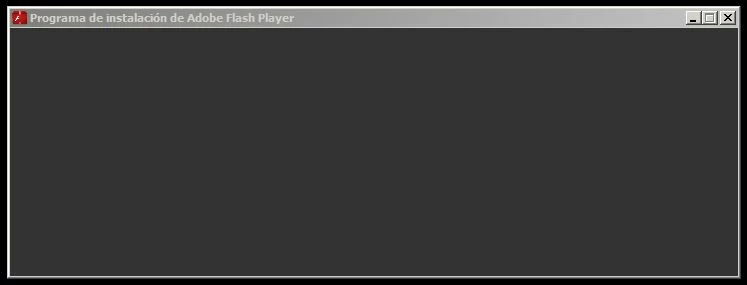
When executing the installer, it opens a window without any option.
This topic has been closed for replies.
Correct answer _maria_

Hi Jorge,


This is the online installer (which is 1MB).  It then downloads and installs Flash Player silently in the background.  We are aware of the blank screen displaying with the online installer and are working on a fix.

In the mean time, you can use the full offline installer (16MB).  The installer download is posted at the bottom of the Installation problems | Flash Player | Windows page, in the 'Still having problems' section.

--

Maria

1 reply

_maria_
Community Manager
_maria_Community ManagerCorrect answer
Community Manager
February 13, 2015

Hi Jorge,


This is the online installer (which is 1MB).  It then downloads and installs Flash Player silently in the background.  We are aware of the blank screen displaying with the online installer and are working on a fix.

In the mean time, you can use the full offline installer (16MB).  The installer download is posted at the bottom of the Installation problems | Flash Player | Windows page, in the 'Still having problems' section.

--

Maria

Exchequer
ExchequerAuthor
Participant
February 13, 2015

Thanks.

But, why don't you let download the installers full versions from the main download page?

https://get.adobe.com/es/flashplayer/