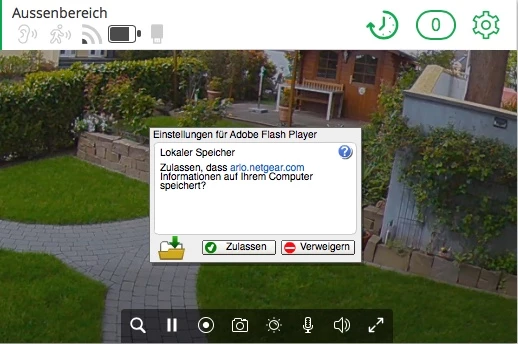
Determining whether or not a dialog is visible from the context of a browser plug-in is difficult. For security-related dialogs like this, we need to know that the dialog is actually visible to you at the time you clicked. To do this, we compare the pixels on the screen with what we think *should* be on the screen, among other things.
When this dialog pops up over moving video or animations, sometimes those checks fail. It's a design limitation, but there's not much we can do about it.
The easiest way to deal with this is to avoid having the dialog pop up in the first place.
If you go to System Preferences > Flash Player > Storage and choose "Allow sites to store information on this computer" or go to Local Storage Settings by Site and add arlo.netgear.com to the allow list, this should fix it for you.




 AdChoices