Participant
August 29, 2012
Question

Auto update fails with permissions error on Win 7

  • August 29, 2012
  • 1 reply
  • 791 views

Everytime there is an update and I try to istall it I get this error on Windows 7 :
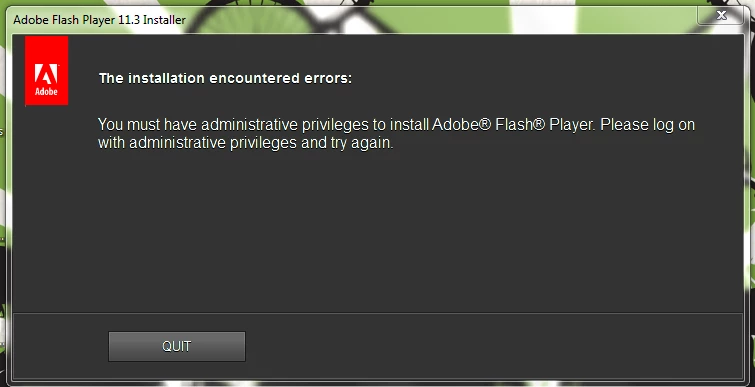
How do I set it right?

My user a/c has admin privileges to my system. It is my personal laptop, so no corporate policies or such stuff.

Currently I have to download the update everytime manually and install it.

My currently installed version is : 11.4.402.265

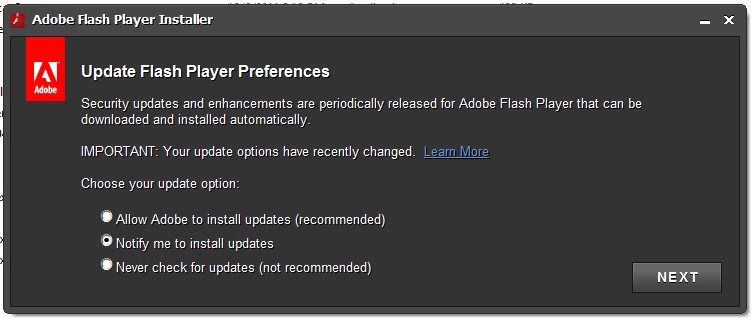
And I have chosen to be notified when updates are available.
This topic has been closed for replies.

1 reply

chris.campbell
Legend
August 30, 2012

Could you try running through the steps in this FAQ to see if they help?

How do I fix Windows permission problems with Flash Player?

_brahmanaAuthor
Participant
August 30, 2012

Did it and this is the final output :

Elapsed Time: 00 00:00:00

Done:       13, Modified       13, Failed        0, Syntax errors        0

Last Done  : C:\Windows\SysWow64\Macromed\Flash\NPSWF32_11_4_402_265.dll

=========================

Finished.

=========================

Press any key to continue . . .

I will have to wait for the next available update and see if this works. I will update this post once that happens.

Please note that several of the registry keys mentioned in the batch file are not present in my registry. I did not verify all the resources mentioned there. I have copied the complete output and I can pass it on if it can be of any use.