Participant
September 10, 2015
Question

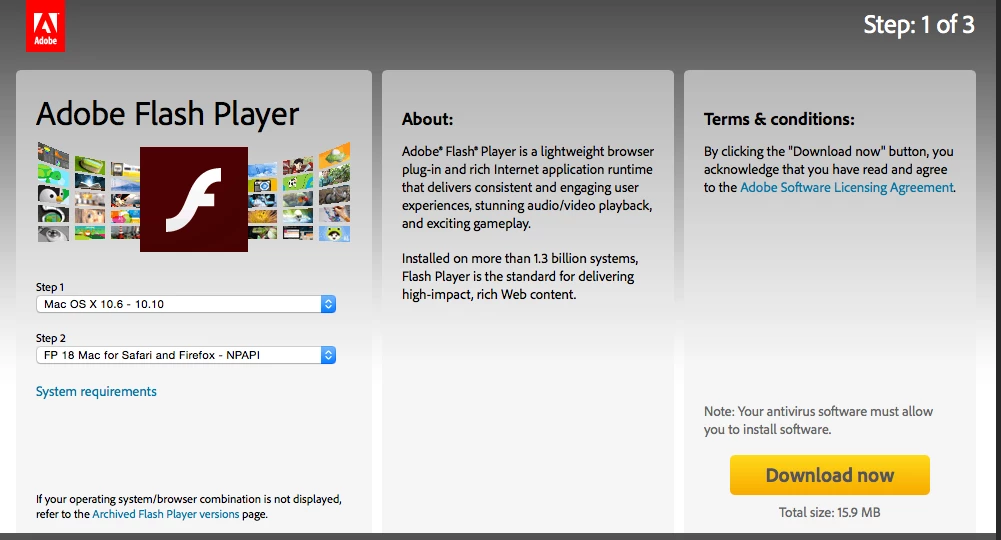
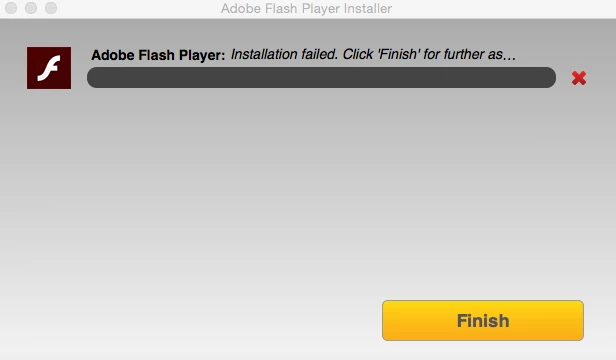
Can not install Adobe Flash Player on Mac OS X 10.10.5

  • September 10, 2015
  • 1 reply
  • 795 views

Will not finish with a successful installation... Same message every time.   No problems with downloading.
This topic has been closed for replies.

1 reply

eswar6771017
Adobe Employee
Adobe Employee
September 24, 2015

Hi williams45215119,

Can you please provide the following log files for further investigation:

  1. Go to the ~/Library/Logs directory (this is the User's Library directory, not the system, /Library directory). 
  2. Create an empty text file named ADM.trace
    • The file extension itself is .trace, not .txt or anything else.
  3. Run the online installer again until it stops
  4. Locate the Adobe_ADM.log and Adobe_GDE.log files in the ~/Library/Logs/Adobe_ADMLogs directory
  5. Upload both Adobe_ADM.log and Adobe_GDE.log files using the instructions How to share a document

Thanks,

Eswar.