


Participating Frequently
March 24, 2020
Question

Can not update Flash with Adobe Download Manager

  • March 24, 2020
  • 2 replies
  • 814 views

I am running Windows 10 Professional (64 Bit) on a Lenovo P50 Laptop.  I originally installed Flashplayer here with out any issues.  I am at Flashplayer 32.0.0.142 (NPAPI) used with Mozilla Firefox (current).

I receive an alert to update Flash.  I download the file without any issues (flashplayer32.xa.instrall.exe).  This gets saved into my downloads directory.  When I try to execute this file, I get the prompt from Windows asking if I want to allow Adobe.. etc. and I click yes.

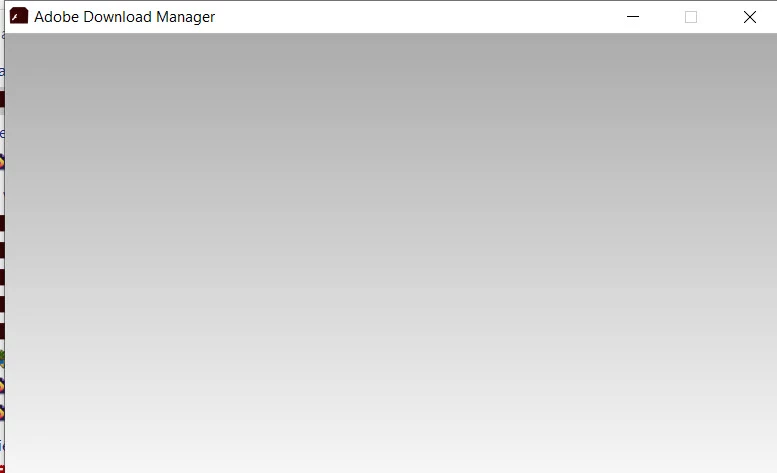
At that point, the rectangular "box" for Adobe Download Manager comes up .. but it remains BLANK.  Nothing further happens.  Eventually, I just "x" it out..  However, sometmes, I actually get a message from Windows that there is a problem with the program (i.e., with Adobe Download Manager) and to please cancel it.  Other times, I have received a message from Windows stating that there is a problem with the program and Windows will attempt to restart it.  In all instances, I end up with the "blank rectangle"...  I am including here a picture of what I end up with.

Does anyone have any ideas?  Note: I have tried to run the "install file" both when the Firefox browser was "up" as well as when it was "off" and the result was the same.  This is the only laptop that I have ever seen this happen with.  Suggestions?

Thank you.
This topic has been closed for replies.

2 replies

_maria_
Community Manager
Community Manager
March 30, 2020

Please try the offline installer posted at the bottom of the https://helpx.adobe.com/in/flash-player/kb/installation-problems-flash-player-windows.html page, in the 'Still having problems' section.

Participating Frequently
March 30, 2020

I originally went to that section but it was labeled for Windows 7 and earlier.  I am running Windows 10 Professional (64 bit).  It is not obvious that my issue would be addressed there.  Can you confirm that this is also for Windows 10?  Thank you.

Participating Frequently
March 30, 2020

OK -- I downloaded that installer, closed Firefox, and ran the Installer.  I then went to the Adobe site where I can verify that Firfox is isntalled.  However, how do I test to see if I have th latest version?  Also, if this "works" for windows 10, shouldn't that site be updated

to indicate that?  thank you.

Participating Frequently
March 24, 2020

This is a follow-up.  I saw someone who had a SIMILAR issue in Windows 7.  The response there was to right click on the downloaded file and access the "properties" and "unblock" a setting.  I tried this on my laptop and was able to access the "properties" but did not find the specific item to "unblock"... So, I am still "stuck"....

Legend
March 24, 2020

What URL did you download this from?

Participating Frequently
March 30, 2020

I downloaded from : https://get3.adobe.com/flashplayer/update/plugin/

I was directed there by the "pop-up notification" that I had to update.