
Can someone explain how to download an older version of Flash?*
I recently purchased a PC game by PlayFirst. Install went quickly, normally, and nothing unusual came up. I double clicked (later tried through start menu with same results) the desktop icon and this came up, which it should:
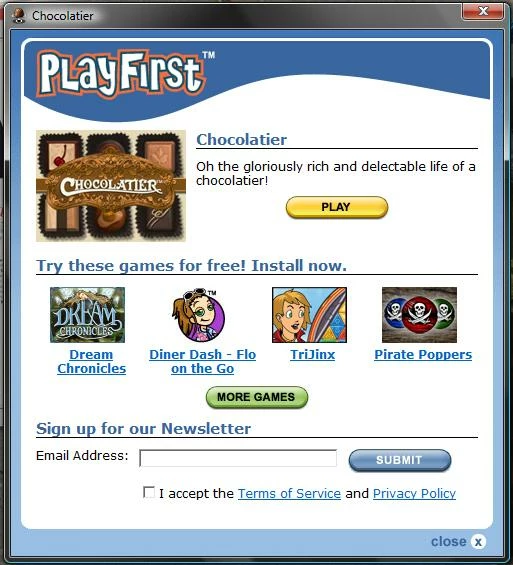
So, I push 'play' and recieve this screen:
I looked at the PlayFirst website, and the only advice I could find on it was that some users encountered an error and this was probably due to the newer version of Flash. So, I went to download the 9th version of Flash, which they said to do, but the problem it, I have no idea how to download it.
Adobe gives no advice {that I can find} and I'm not very experienced in this type of thing.
Here is the readme file that came with the download (hoping this works, because, like I said, new to this type of thing):
file:///C:/Users/Cosette/Documents/readme.html
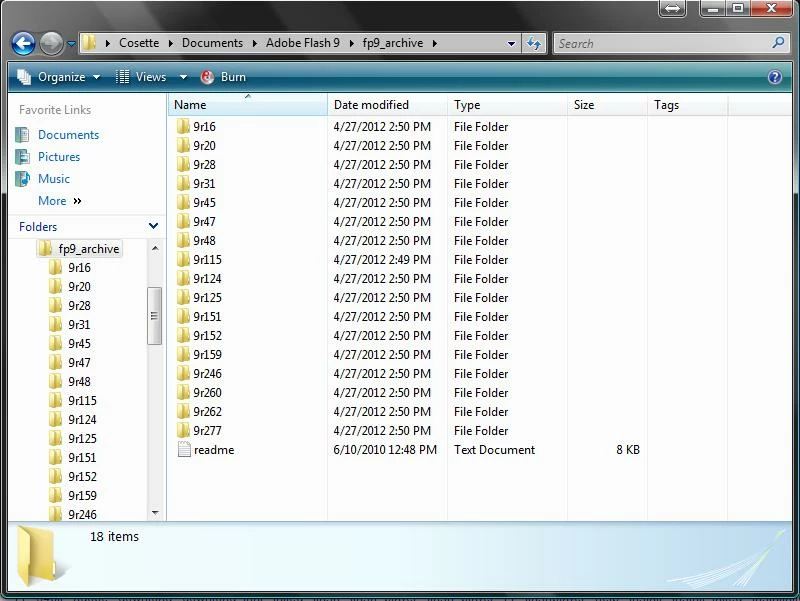
And here is a shot of the folders contained in the download:
If anyone knows how to install this, or could tell me what I am doing wrong, I would really appreciate it!
And I did uninstall the previous flash version. I used the downloaded uninstaller from Adobe's site.
 AdChoices