


Participant
February 26, 2016
Question

can't click on adobe settings box
  • February 26, 2016
  • 1 reply
  • 1288 views

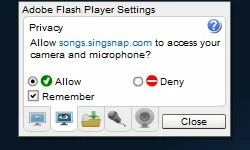
I am trying to use the website singsnap.com and when the settings box pops up I can't click on anything and I can't get it to close.

I tried telling to computer to always allow for singsanp.com and you can see it comes up with "allow" already checked, but I can't make the box go away.
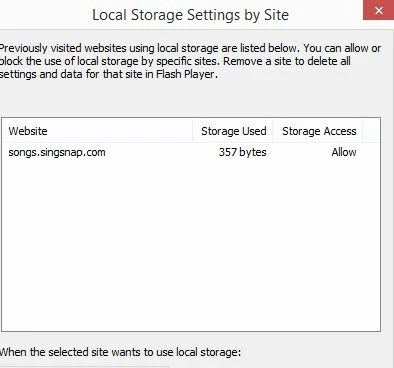
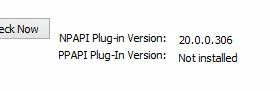
I have updated it to the latest version.  I am using firefox which is updated also, on windows 8.

This topic has been closed for replies.

1 reply

Participating Frequently
February 26, 2016

Please log a bug in our bugbase Home 

and share the bug nuimber.

Thanks

Participant
February 26, 2016

This is what it said:

Thank you, your bug has been created successfully.Adobe Flash Player 20.0  -  Bug 4122021

Participating Frequently
February 26, 2016

Hi,

Could you please let me know the Microsoft version you are using?

Are  you updated to latest Microsoft version?

Thanks