
Can't download the offline/standalone installer
Hi there -
For whatever reason, the regular Adobe Flash installer has always failed to update Flash on my Mac. Some time ago, I figured out the offline/standalone installer works correctly, so I've come to use that.
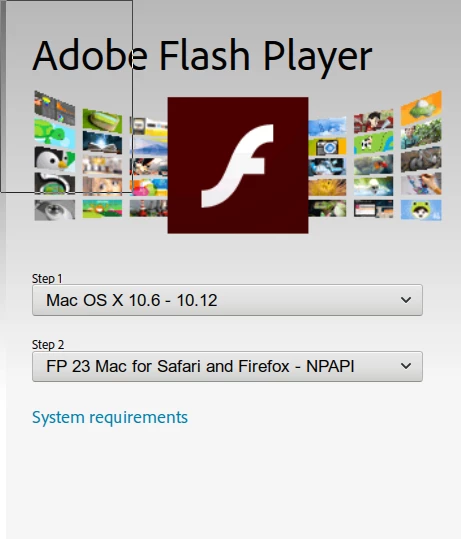
I can't grab the offline download as easily as I used to - the Flash download webpage detects what operating system I'm using, and if I pick a download for my operating system, I get the online installer. ie, if I'm on a Mac and choose Mac, I get the online installer. If I'm on Windows and choose Windows, I get the online installer.
So far I've found a few ways to get the offline installer:
If I fire up another computer or VM running a different OS, I get the offline installer. So from a Windows VM, I get the Mac offline installer.
Another way is to right-click the "Download now" button, copy the link, and append "&standalone=1" to the URL. That allows me to grab the offline installer without resorting to firing up another machine/VM.
I really wish Adobe would just add some type of "Offline installer" checkbox to the OS/Browser selection form (screenshot attached). Despite choosing "Allow Adobe to install updates" etc, the regular, online updater fails every single time I use it, so I rely on the offline installer to ensure I'm up to date.


 AdChoices