


Participant
June 13, 2017
Question

Can't install Adobe Flash Player

  • June 13, 2017
  • 1 reply
  • 1208 views

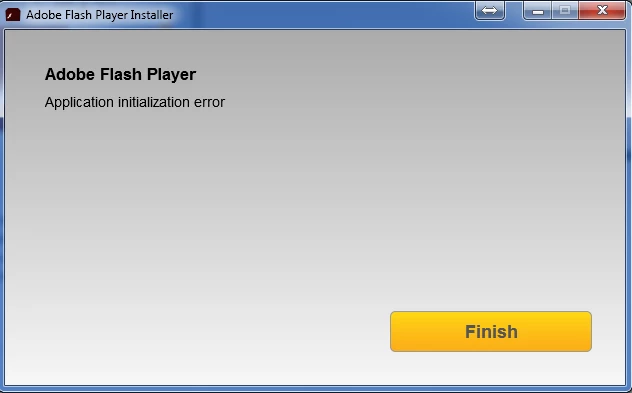
When attempting to install Adobe Flash Player, receiving the error - Application Initialization Error. I have uninstalled flash player, cleared cache, rebooted, reinstalled, and still the same results.

Any ideas on how to correct this issue?
This topic has been closed for replies.

1 reply

ridhij4208356012135538
Adobe Employee
Adobe Employee
June 13, 2017

Hi,

Please provide the following details:

OS you are using.

Browser you are using.

Version of Flash Player you are trying to install.

Also provide FlashInstall.log file and Adobe_ADM.log files from the affected machine. To get the log location please see Where do I find the Flash Player installation log on Windows? wiki. Once you get the logs, upload/share the same. To upload the logs please go through How to share a document

Thanks!

benblum73Author
Participant
June 13, 2017

OS = Win7 32 bit

Browser = IE11

Version of Flash Player = Any internet download version (latest attempt was Version 26.0.0.126

I have uploaded the files from my laptop as requested. I have also activated the ADM.trace before attempting to install

Shared Files - Acrobat.com

ridhij4208356012135538
Adobe Employee
Adobe Employee
June 13, 2017

Hi,

Thanks for sharing the logs. Please go to Installation problems | Flash Player | Windows 7 and earlier page and download the offline installer "Flash Player for Internet Explorer- ActiveX" posted under 'Still having problems' section.

Thanks!