



Can't install flash in windows 8.1 embedded Internet Explorer 11
I am trying to run xplit broadcaster for steaming and it requires flash player on Internet Explorer. I have Windows 8.1, therefore I gather it is embedded into the system and it is updated through windows update. The problem is that there still is no flash player working on internet explorer 11, flash works fine on Firefox and Chrome, but unfortunately I need it for internet explorer. So these are the steps I have taken.
- Attempted to install flash through internet explorer but no matter what I do, it always redirects me to the page below -- which informs me to test if I have flash installed and when I attempt to check it gives me the following error
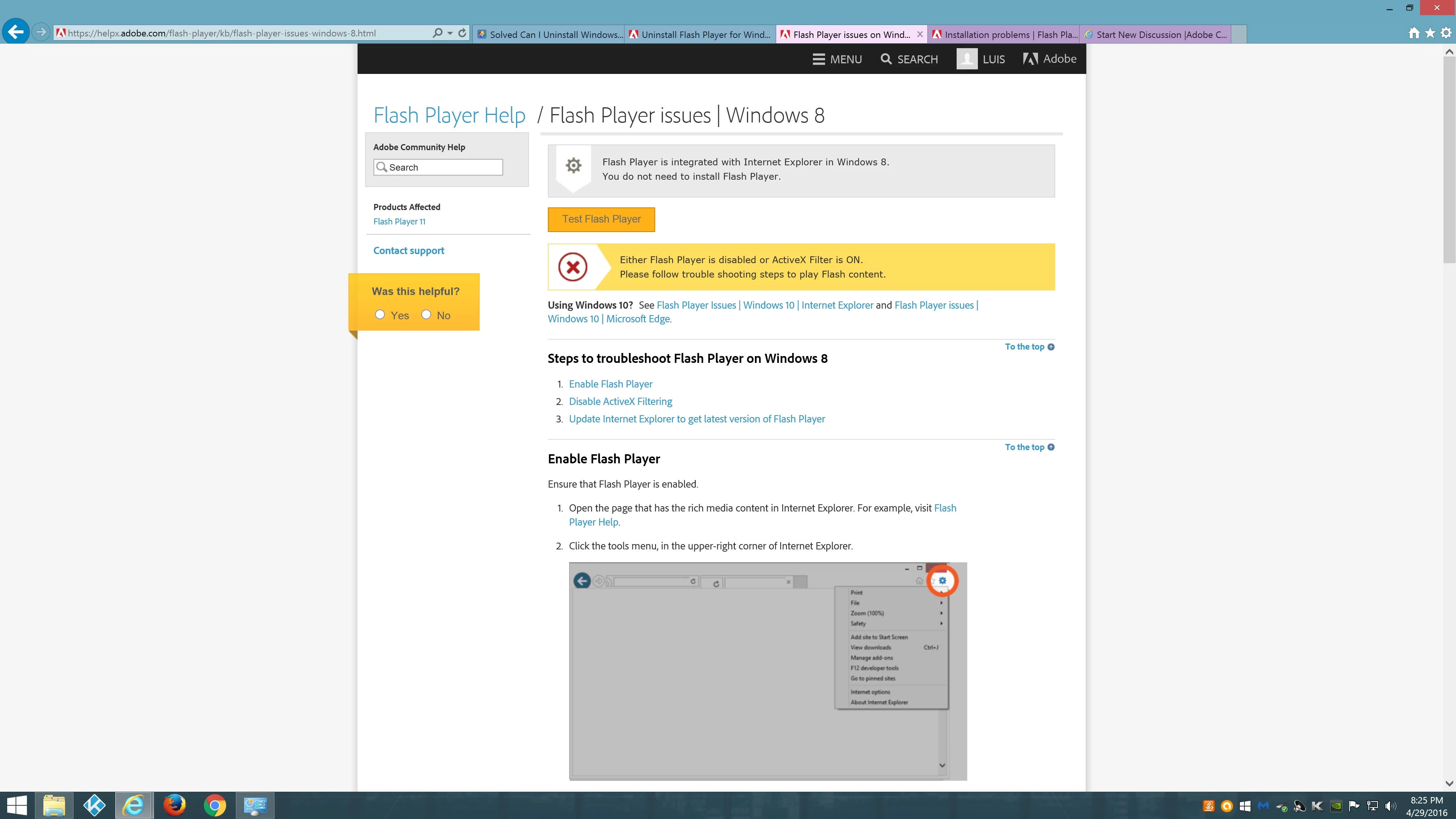
Then I attempted to download the file from another web browser and when I did I got this message
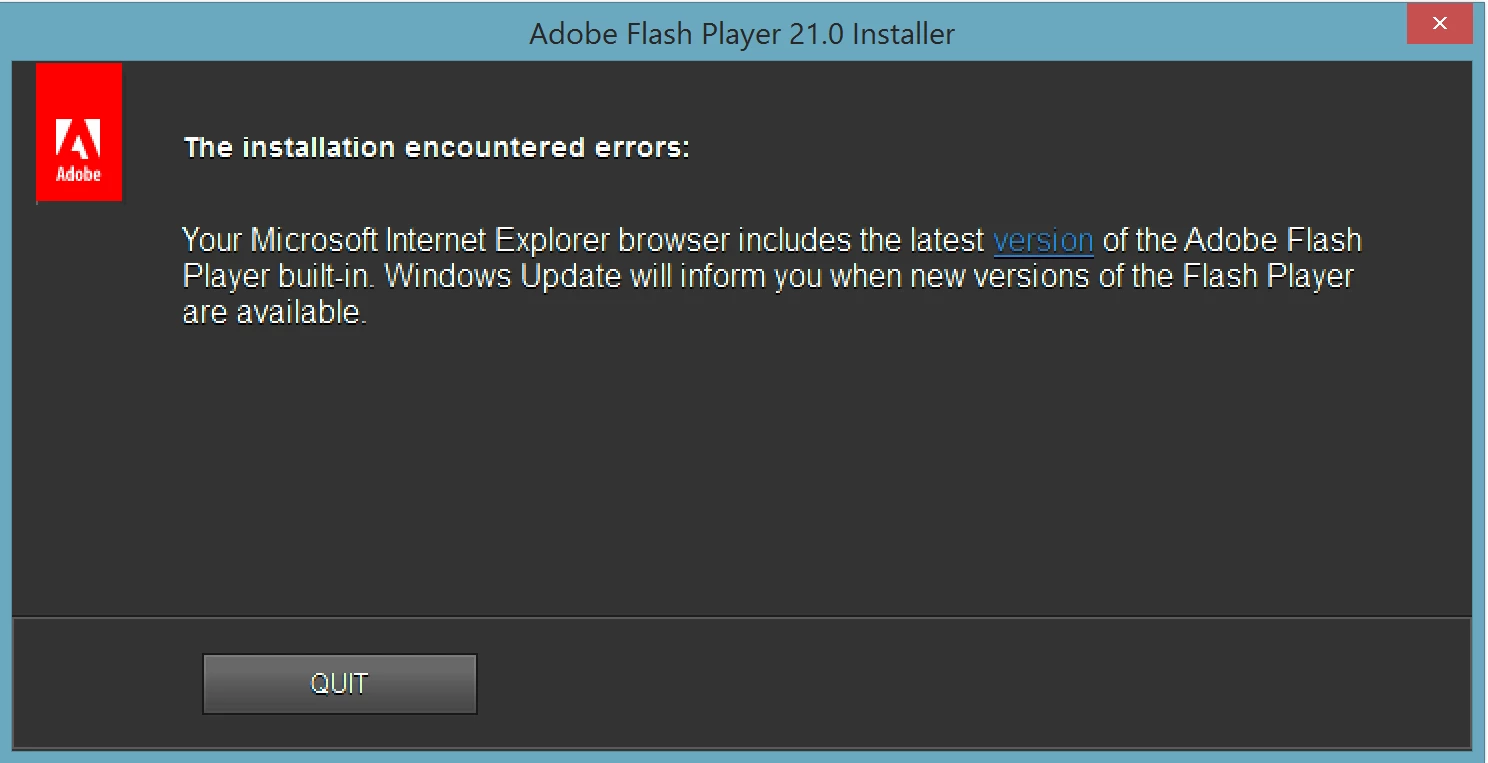
So no matter what I do I can not install flash player in internet explorer.
- I have also attempted the adobe flash uninstaller, but it uninstalls the other flash players on my other web browsers and not for internet explorer. Essentially, from what I can gather is that the system has the embedded flash player installed, BUT it doesn't seem to realize it is installed and programs like my xsplit require for it to be installed and when I attempt to install it i get notified that already is. You can see my dilemma here
- forgot to mention I also did the basic trouble shooting which is making sure active flash x is disabled and that flash object was enabled in manage addons
Any help would be appreciated thanks
 AdChoices