


Can't Install The Latest Version of Flash - Please Help
Any page that uses a flash player will create a notification to allow or continue blocking.
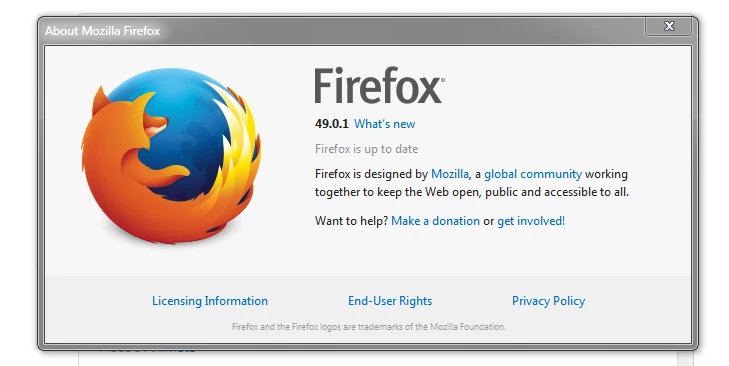
1.) Using Firefox 49.0.1
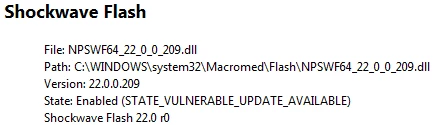
2.) Flash 22.0.0.209 - Why is there 2 listings of flash in my add-ons? I can't remove either of them?

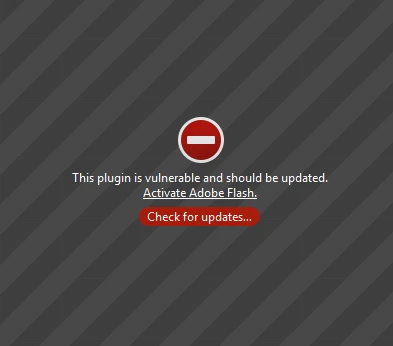
3.) The player element reads: "This plugin is vulnerable and should be updated"
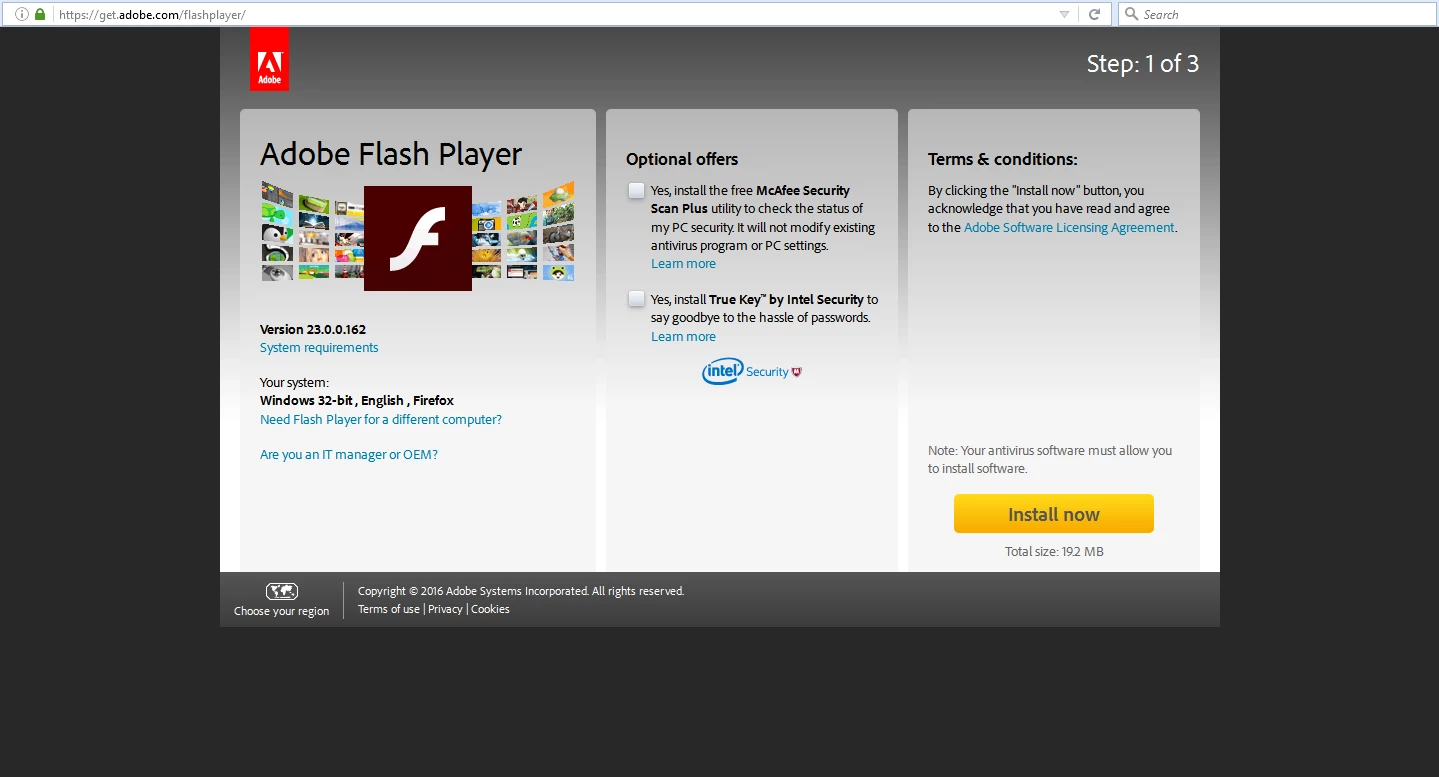
4.) I go to the download page. Note the version: 23.0.0.162
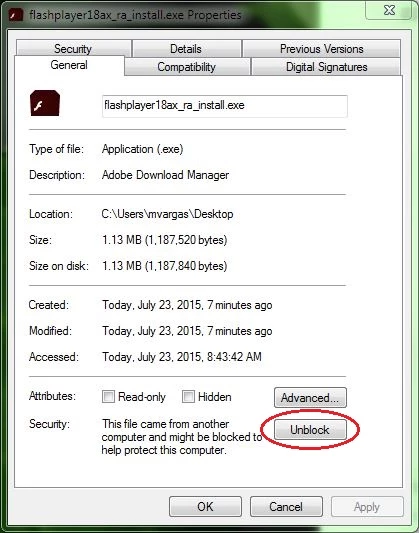
5.) Download the file
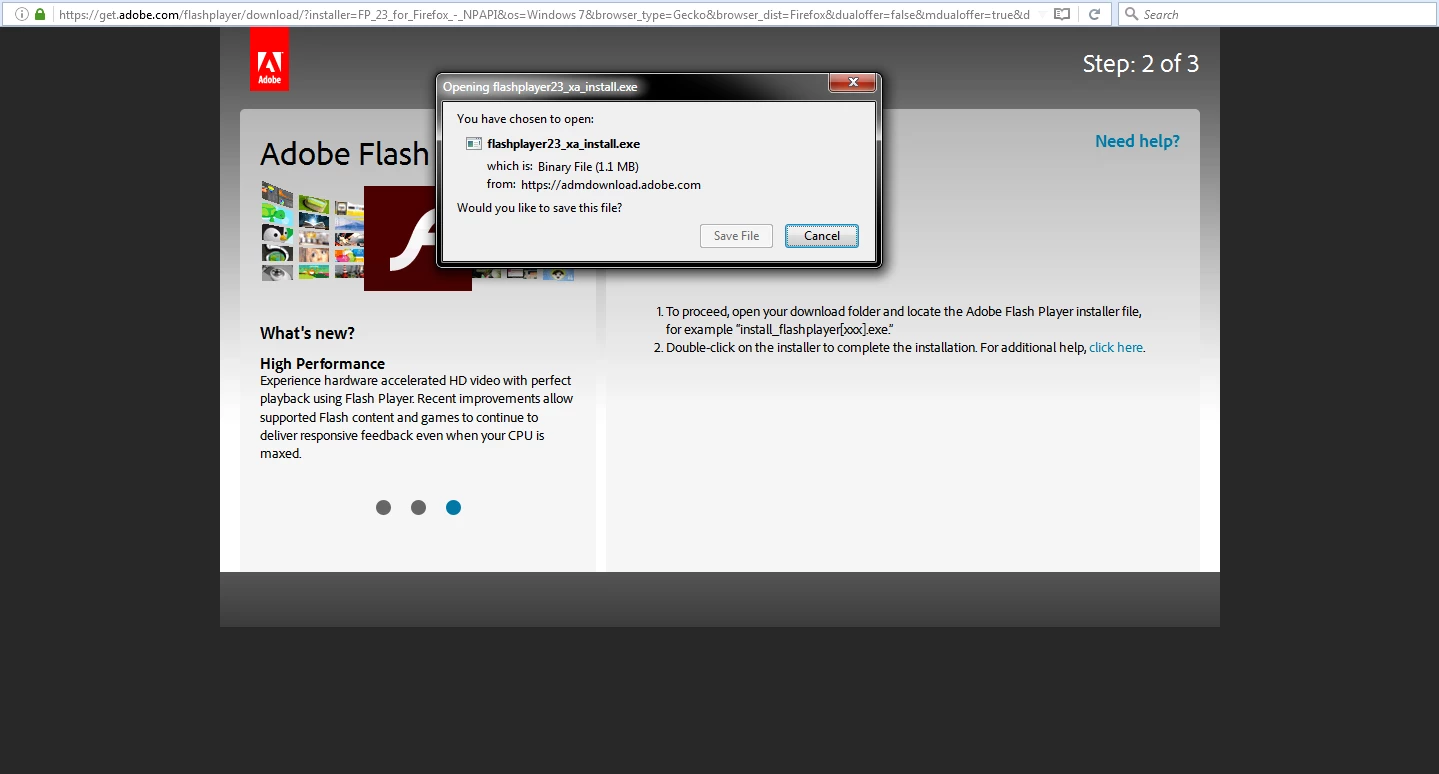
6.) Open the download installation file
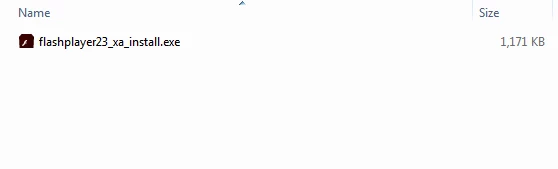
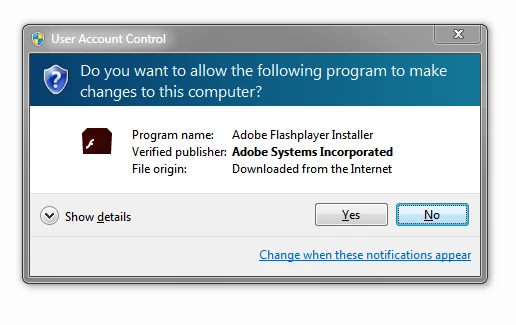
7.) Confirm install
8.) Blank window appears with title "Adobe Download Manager" - Nothing happens

9.) close window and blank page opens in Internet Explorer "get.adobe.com/flashplayer"
10.) The .exe install file is now gone - I didn't delete it. It has removed itself
--
Q.1) Any idea what's going on here?
Q.2) How can I successfully install the latest version?
Q.3) Why do I have 2 versions in my add-ons and how do I delete the older version?
Update: I ran the flash-uninstaller but version 18 still remains in the add-on list.
I also tried to download and install the latest version again, but the exact same result as listed above happens.



 AdChoices