


Question
Can't resolve "An update to Adobe Flash Flayer is Available" on Windows 10
I am have an HP ZBook G4 Mobile Workstation running Windows 10 Pro, version 1709, OS Build 16299.125, and each time I boot up now I get the following popup window below which after I click on download without including McAfee since I already use Norton, I'm directed to
https://get3.adobe.com/flashplayer/update/ppapi/ select save as, which is the file Adobe Flashplayer/flashplayer28ppau_ha_install.exe.
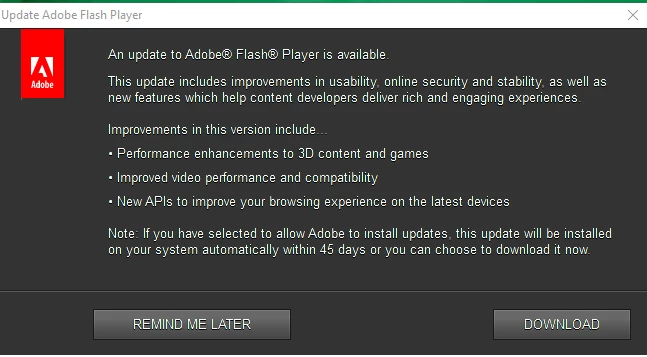
When I click on the downloaded file, I then get this error msg popup:

Q1) How do I get this Popup to stop occurring as I have no intention to also download McAfee?
 AdChoices