BruceMCE wrote: I found 6 instances of NPSWF. Should I delete all of them? |
I wouldn't recommend that; can you tell me where these are located, and the full file names?
I will, over the next days, install Opera on my Windows 7 machine, then see how Opera works.
Hi Pat,
I am having very similar problem as Bruce for my Opera that Flash Player ver.9 cannot be uninstalled for allowing the newest flash player ver. 11 install and replace the older version. I have followed all the steps in Adobe help by downloaded the uninstall program to uninstall the Flash Player and even using TuneUp Utilities 2012 program to remove all Opera related registries after uninstalled Opera. Hoping that it will have a clean start to install latest version Opera Ver. 12.01. After installed the clean copy of Opera, then installed the Flash Player 11, a message indicated that it is successfully installed. Went back to Adobe and check for flash player version installed in Opera, still showing ver. 9.0.45.0.
OS: Win 7 (32 bits)
Also found NPSWF in C:\Program Files\Opera\program\plugins
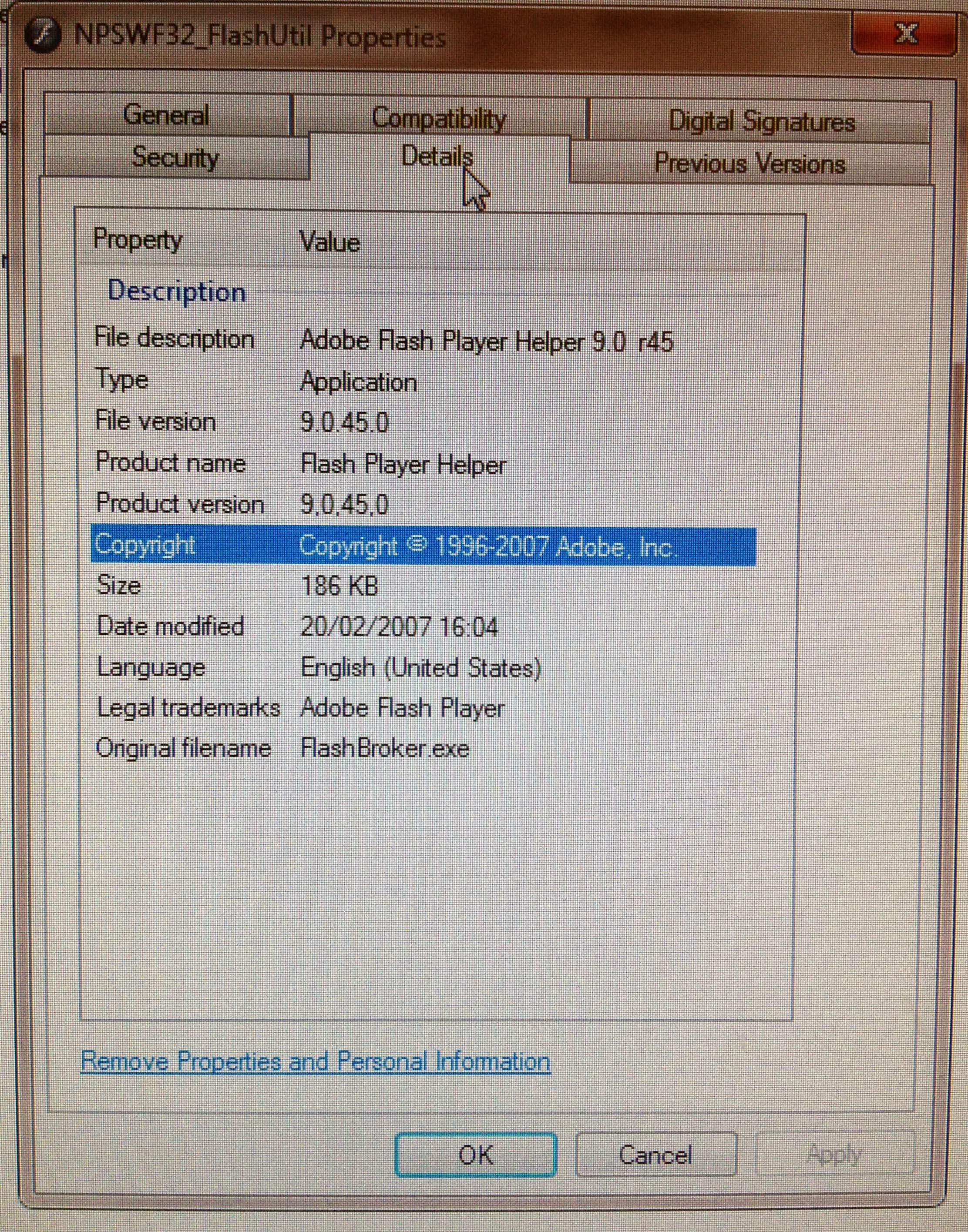
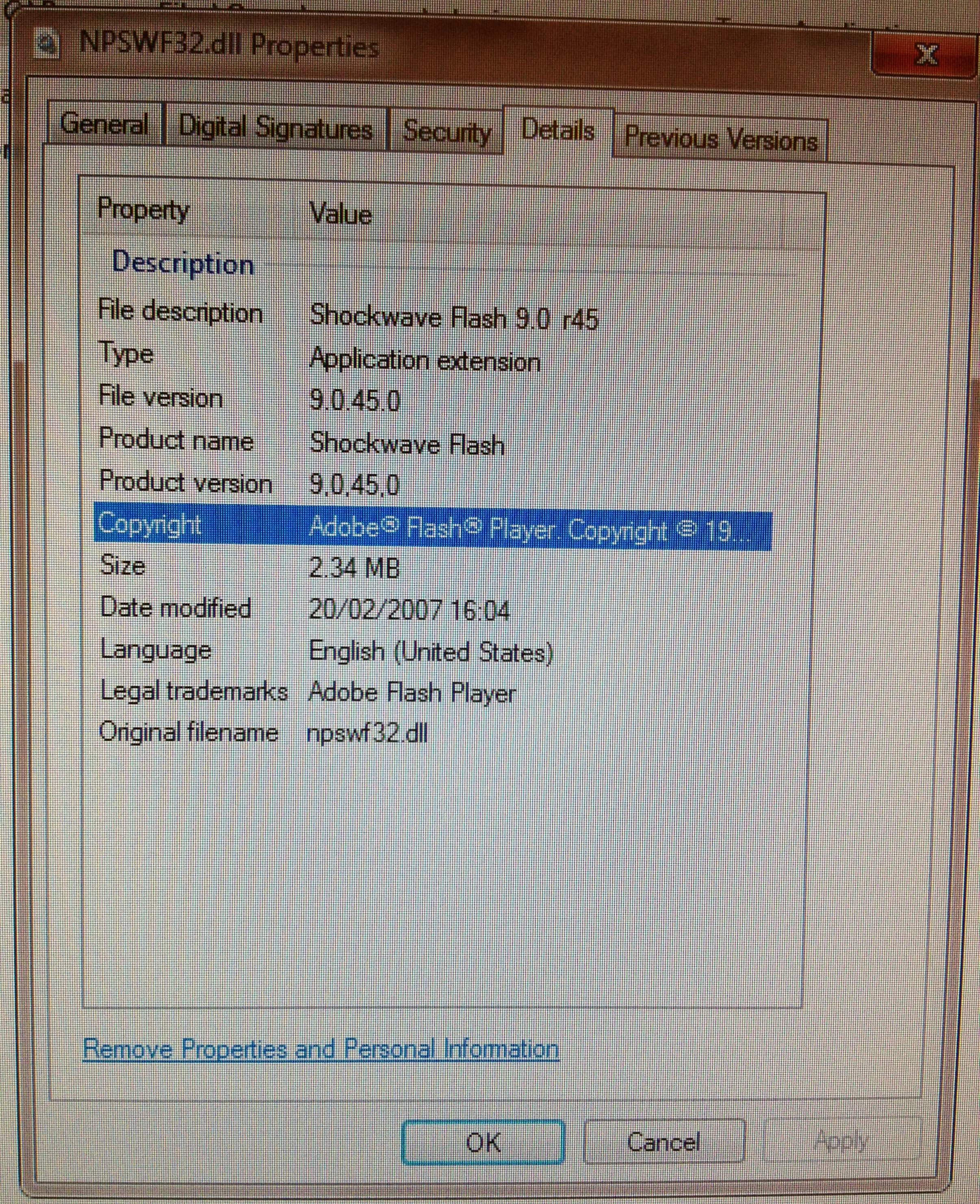
When using facebook in Opera, the following error messages kept popping up:
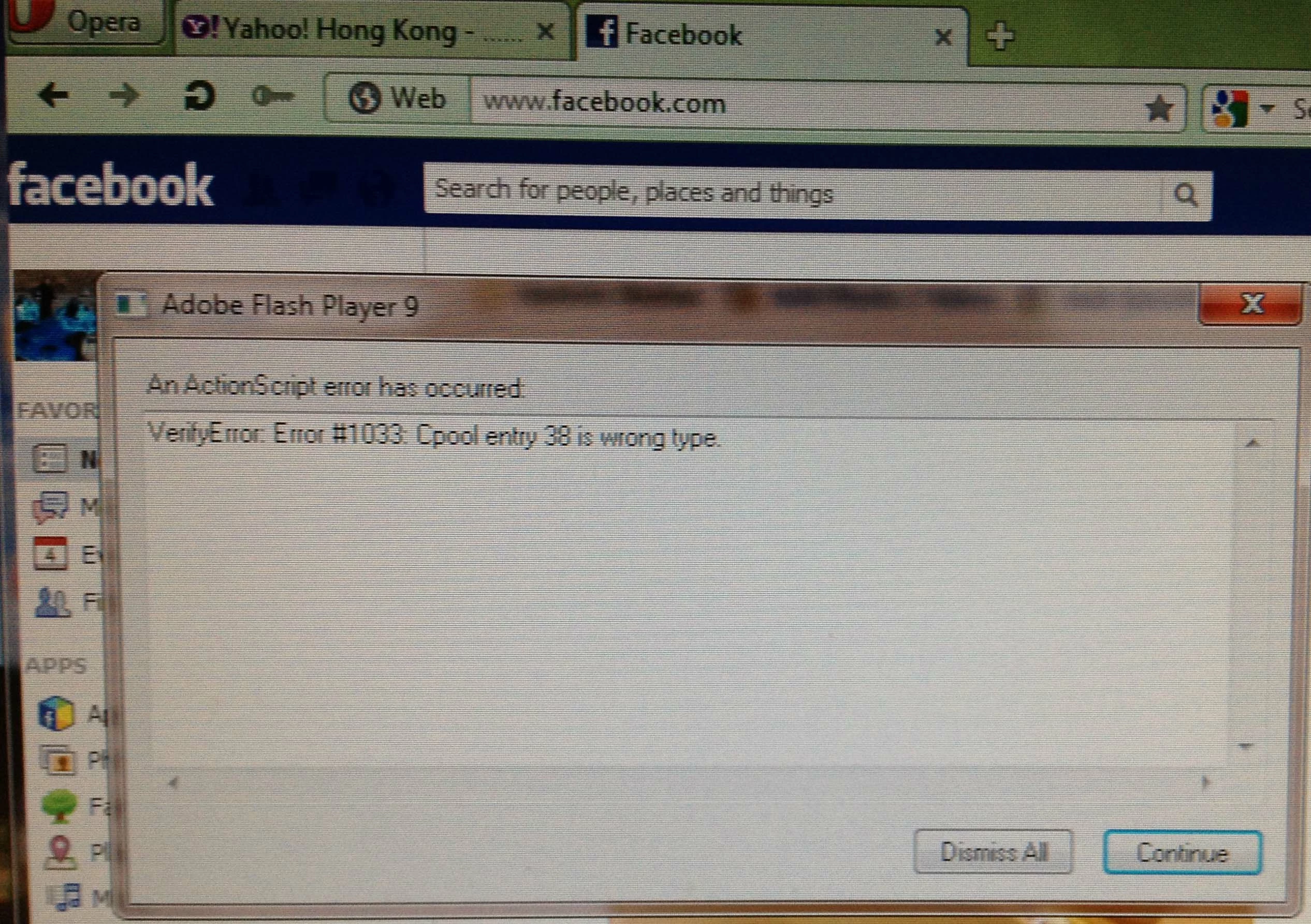
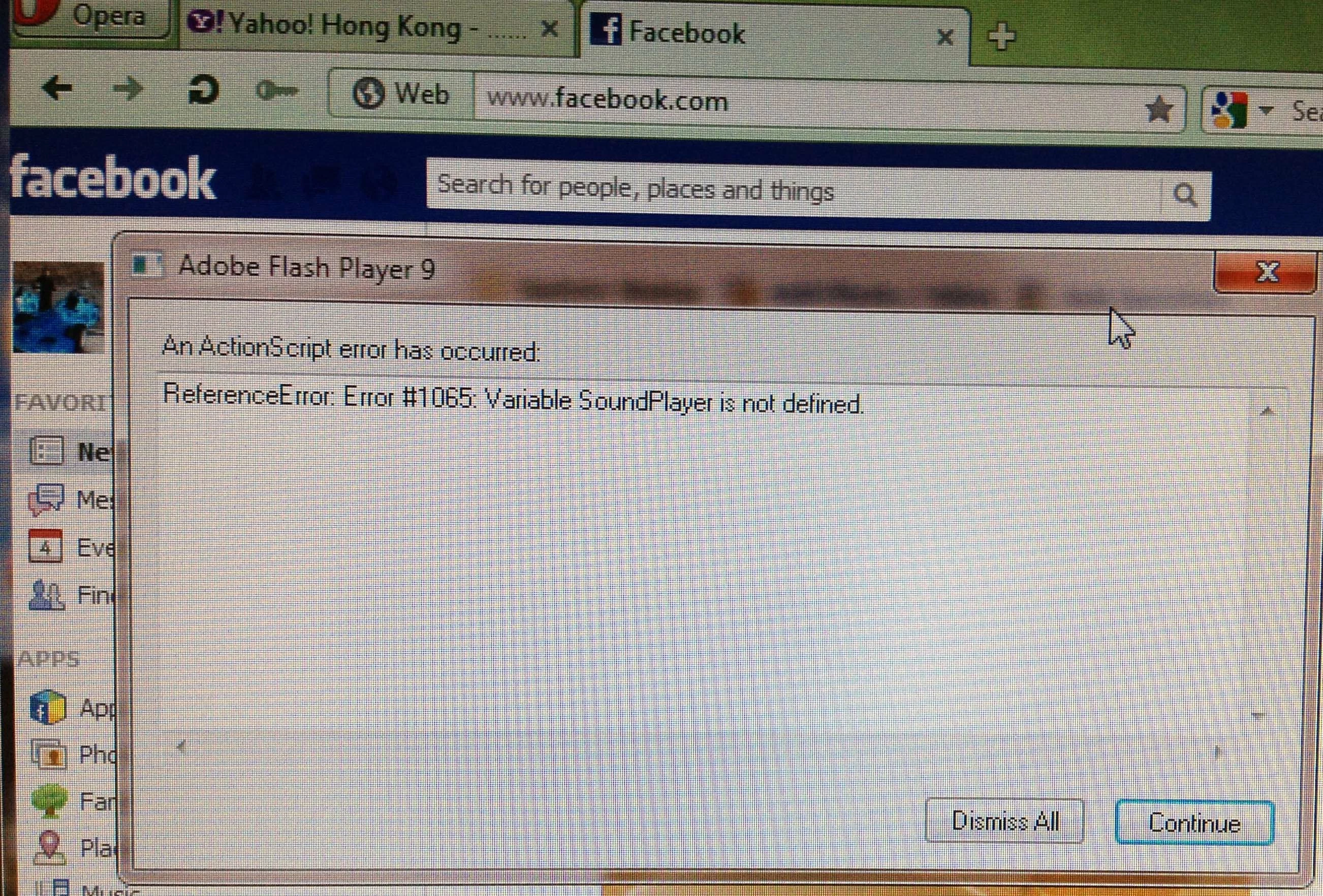
VerifyError: Error#1033: Cpool entry 38 is wrong type & ReferenceError #1065 Variable SoundPlayer is not defined.
When logging on to gmail, the following errors popped up and then hanged Opera. Forced closing is required:
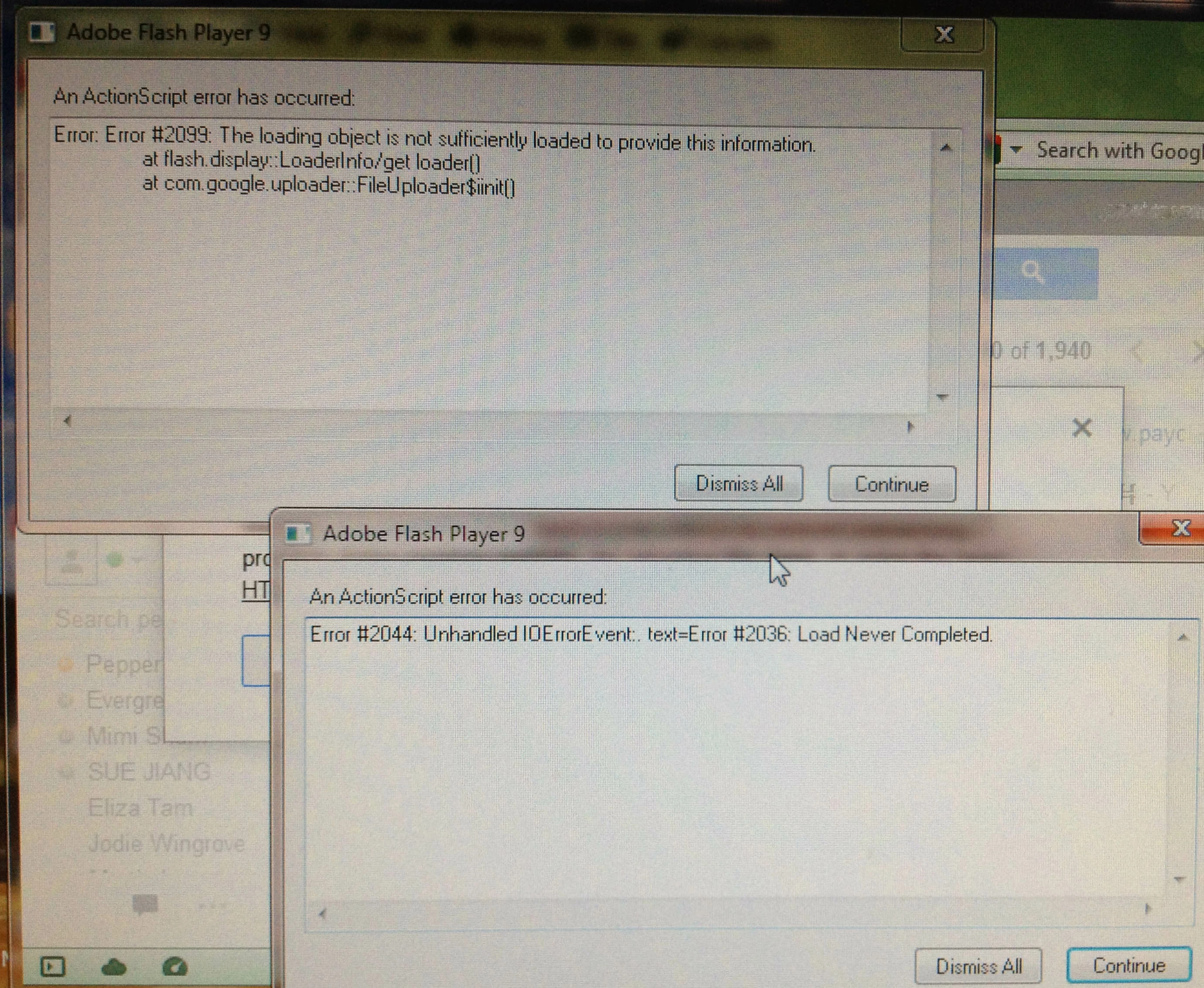
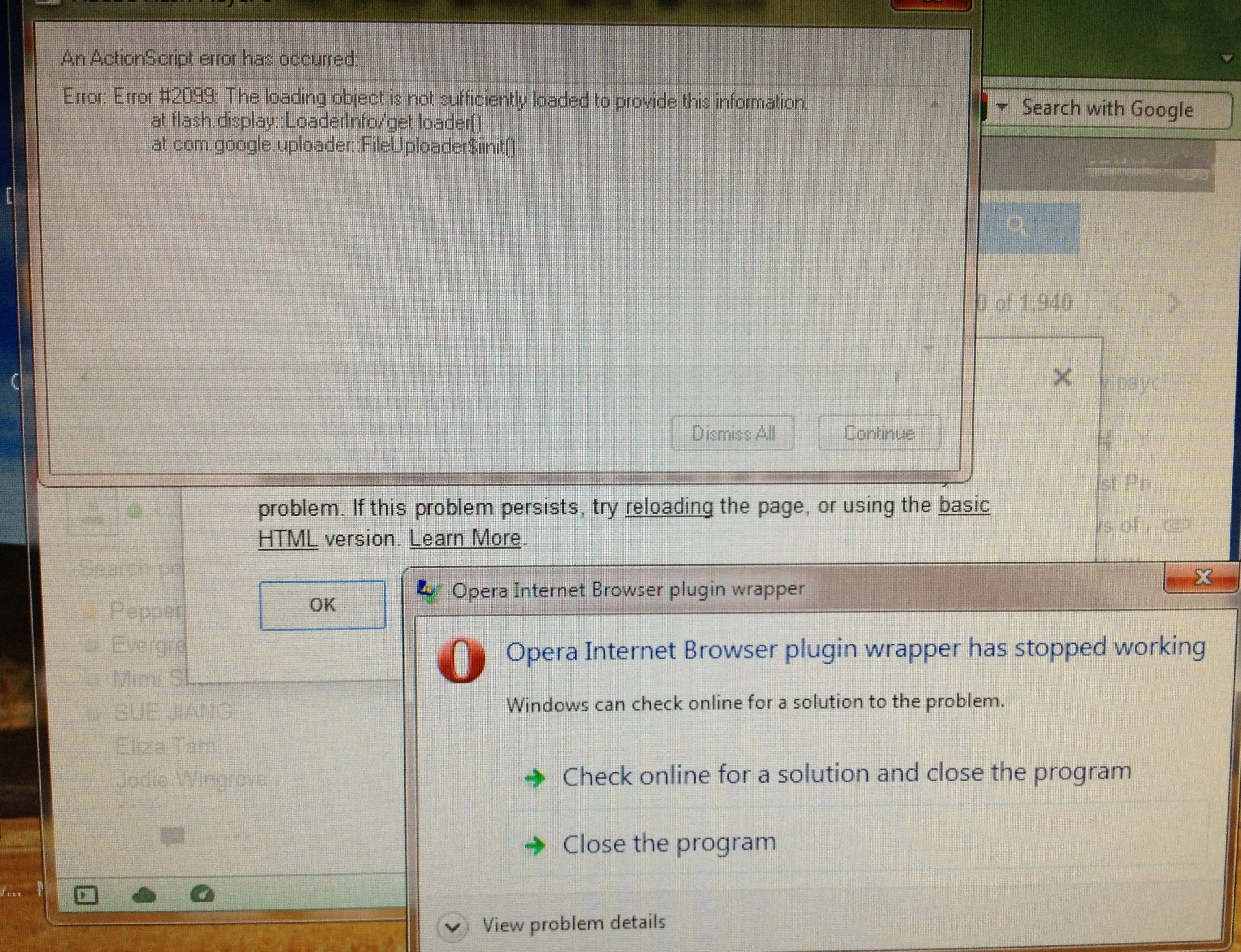
Error: Error#2099: The loading object is not sufficiently loaded to provide this information at flash. display::LoaderInfo/get loader[] at com.google.uploader..FailUploader$init[]
Error#2044: Unhandled IOErrorEvent: text=Error #2036: Load Never Completed.
Hoping the photos and above information can help you to tickle the problem in Opera.
Look forward to your good news!!

 AdChoices