


Participant
October 1, 2016
Question

Cannot Find Adobe Flash on Mac
  • October 1, 2016
  • 2 replies
  • 1803 views

Hi,

Am trying to run adobe Flash on my mac its a Macbook Air 11-inch early 2014, with a 1.7GHz Intel Core i7 processor and 8GB storage

i am also running Norton Security 7.2

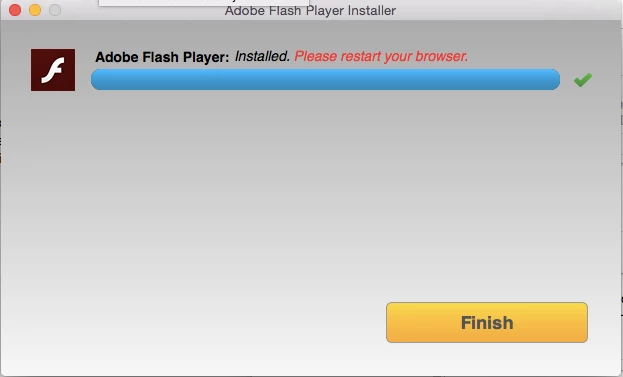
I have tried to install it, and everything appears to be successful i 'restart my browser' and see a thank you page, however cannot find adobe flash anywhere!

Please help!!

Thank you in advance

This topic has been closed for replies.

2 replies

_maria_
Legend
October 3, 2016

Flash Player is a browser plugin and only works in the browser, to view Flash content.  It's not a separate stand-alone program.  The page that launches after Flash Installs doesn't have Flash content on it.  Go to https://helpx.adobe.com/flash-player.html and click the Check Now button.  The results will tell you if Flash Player is enabled or not.

Participant
October 4, 2016

Thank you! so much! I'm sorry!!

Apparently it is installed but I still cannot view any videos???

Participant
October 4, 2016

Which I don't understand, sorry!

Participating Frequently
October 3, 2016

This is installed as a plugin to the browser.

Following link would be useful

     Enable Adobe Flash Player for Safari

Participant
October 4, 2016

Thanks for your help, if you could see the comment below, it still isn't right????

_maria_
Legend
October 5, 2016

What OS X version are you using?

What version of Safari do you have?

Is this the only site behaving this way?  Can you reproduce it on other sites?  If it's only this site, I suspect there is something wrong with this sites Flash Player detection scripts as you obviously have the latest version of Flash installed.

Please provide a direct URL to the site/content that is returning this error?