


Chrome browser downloads SWF file instead of playing content
[moderator: edited title for accuracy]
bonjour
Jusqu'à ce matin, quand je voulais lite une animation flash (.swf) présente sur mon ordinateur, je glissais le fichier dans la barre d'adresse de mon navigateur (Chrome ou FireFox, peu importe) et tout se passait sans problème
Je pouvais même insérer ces animations dans mes présentation powerpoint, c'était parfaitement fluide
Depuis ce matin (11 novembre 2017) rien ne va plus
à chaque fois que je veux lire une animation flash présente sur mon ordinateur (en local, donc) :
- FireFox ne lit rien: la page reste blanche.
- Chrome "télécharge" le fichier avec ce message inquiétant :

pourtant, j'ai bien autoriser chrome à lire les fichiers .swf sur ces pages :
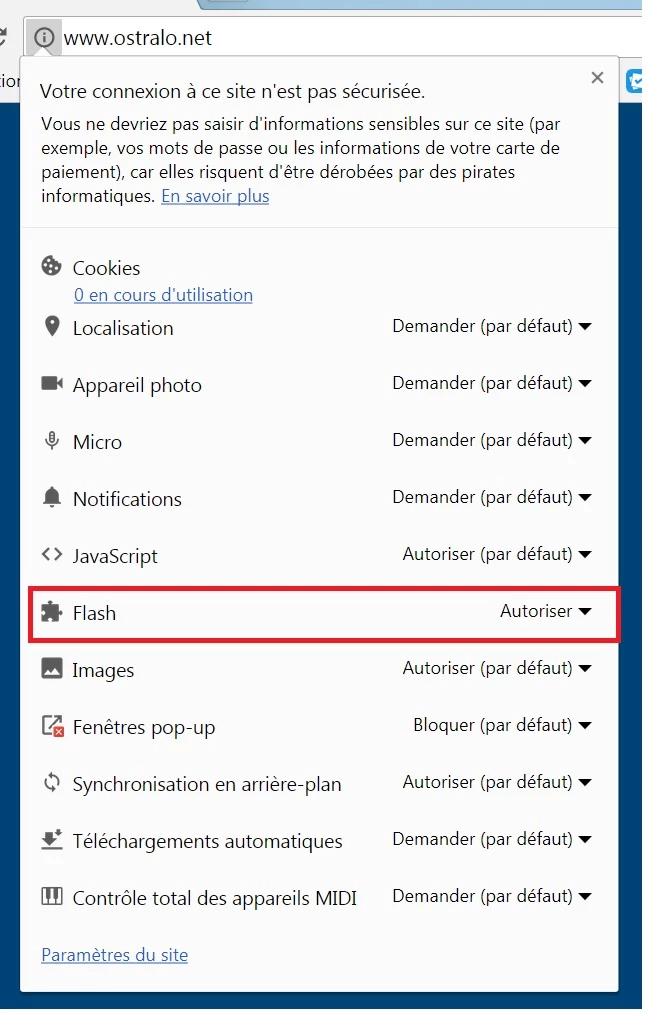
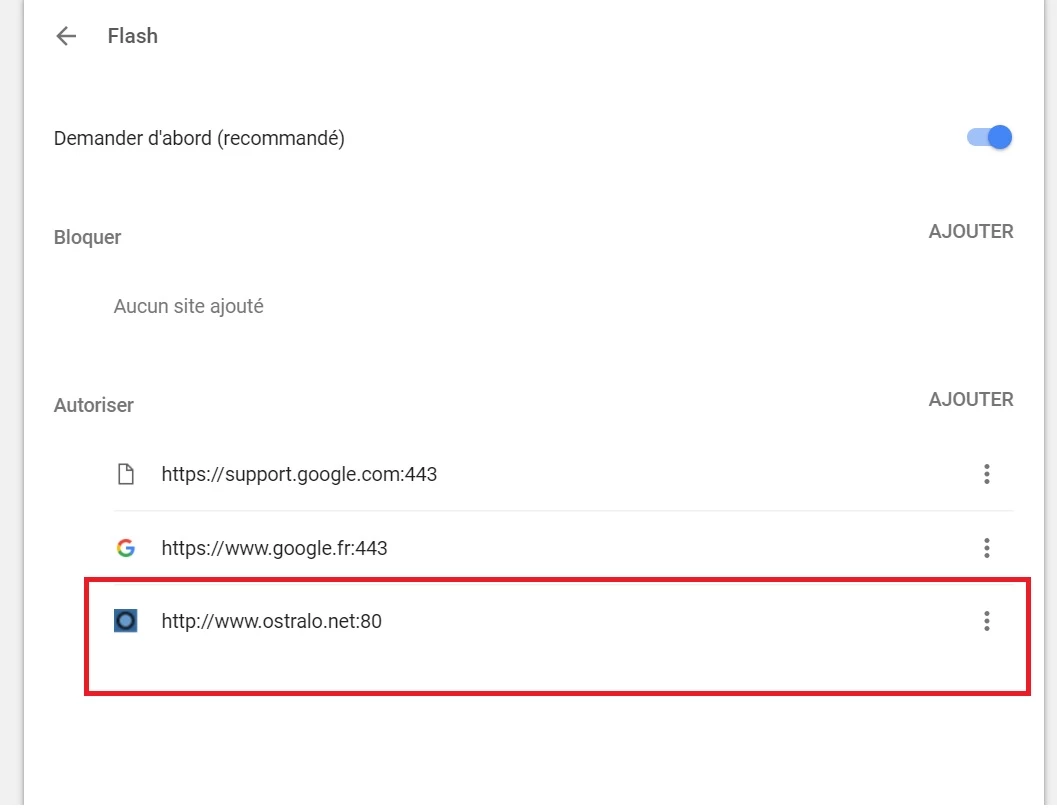
J'ai installé un "lecteur Flash" : Swiff Player, mais quand je veux ouvrir ces animation, windows m'indique :
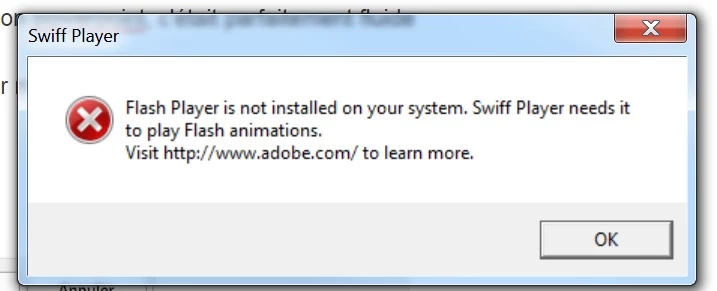
pourtant, flashplayer est bien installé ( pour chrome et pour firefox)

de plus je suis aller dans les paramètres de Flash Player et j'ai approuvé l'emplacement (le dossier) ou se trouvent mes animations...
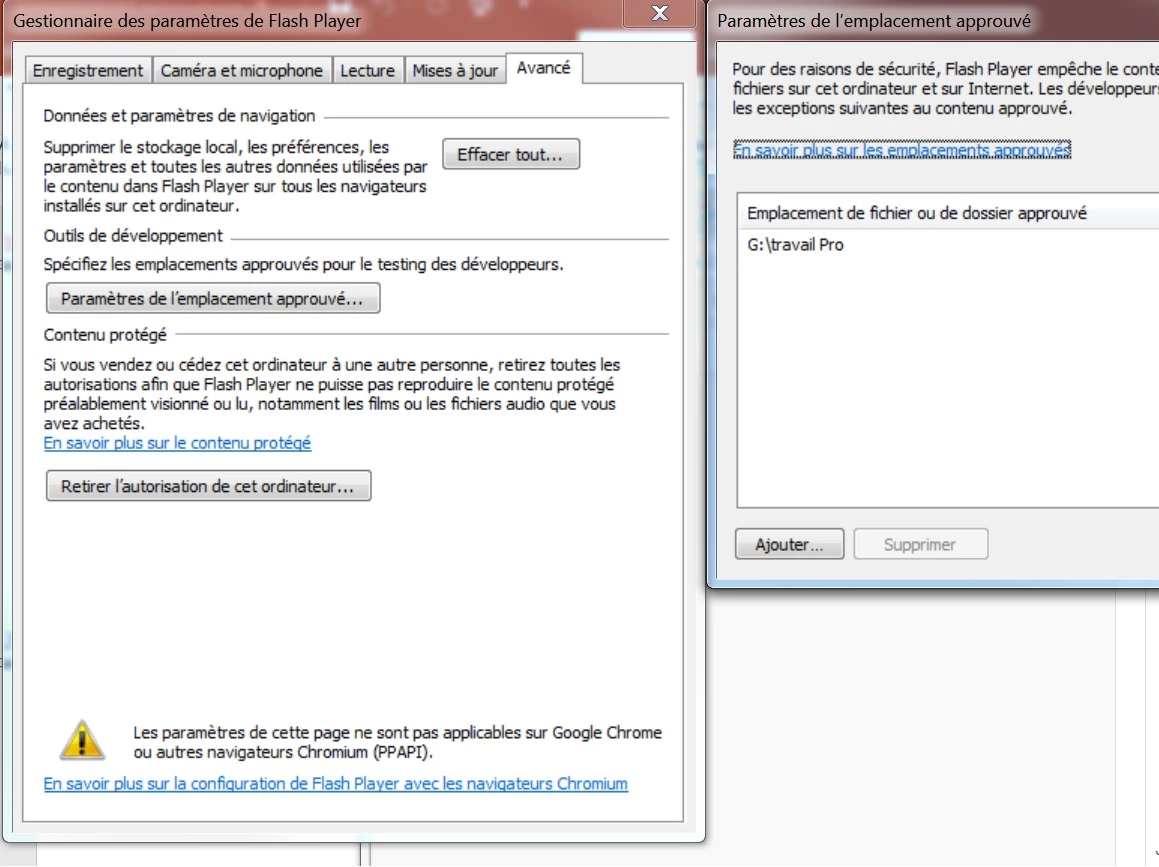
mais rien n''y fait j'ai toujours le même problème
Firefox arrive à lire les animations directement sur le site ou je les ai trouvé mais pas en local une fois que je les ai téléchargé
Powerpoint ne peut plus lire les animation que j'ai insérer dans me présentation :
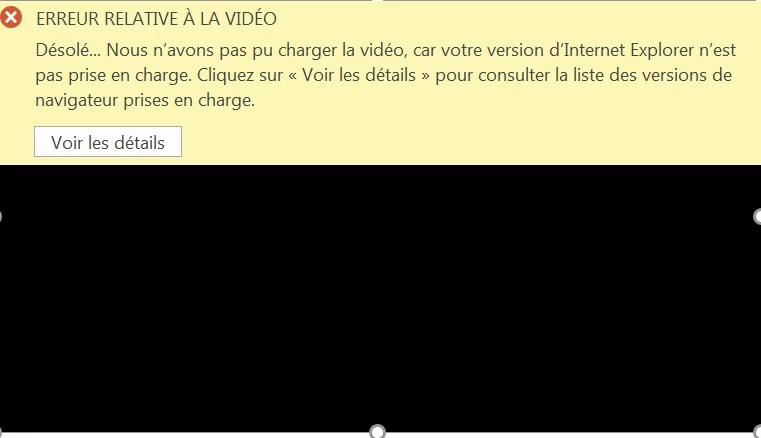
j'ai désinstallé/réinstallé Flash Player plusieurs fois en redémarrant à chaque fois mon ordinateur plusieurs fois sans succès
Je précise aussi que depuis le moment ou tout se passait bien et maintenant, aucune mise à jour n'a eu lieu, aucun nouveau programme n'a été installé
Que faire ?

 AdChoices