Carm01,
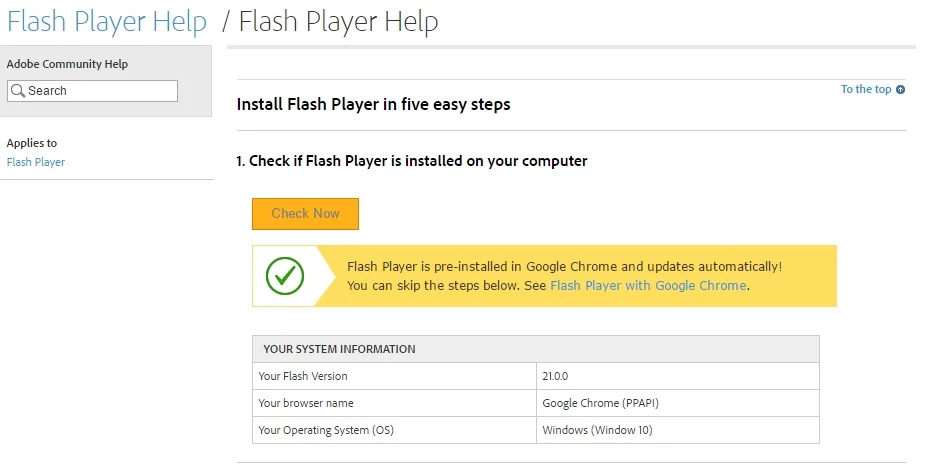
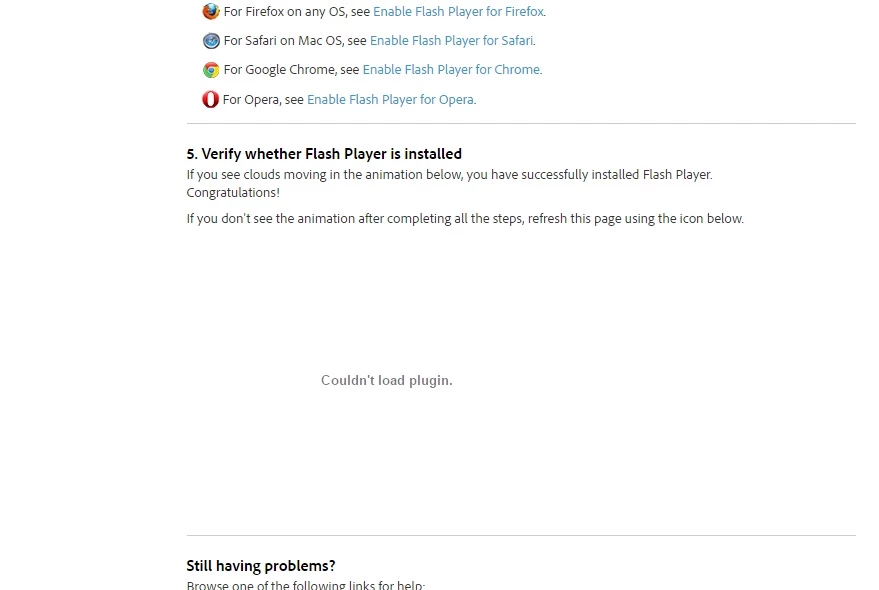
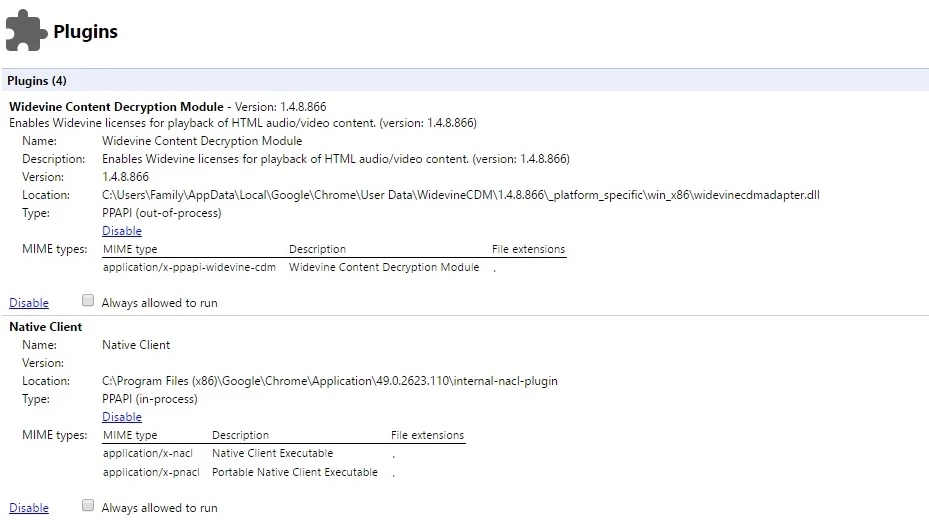
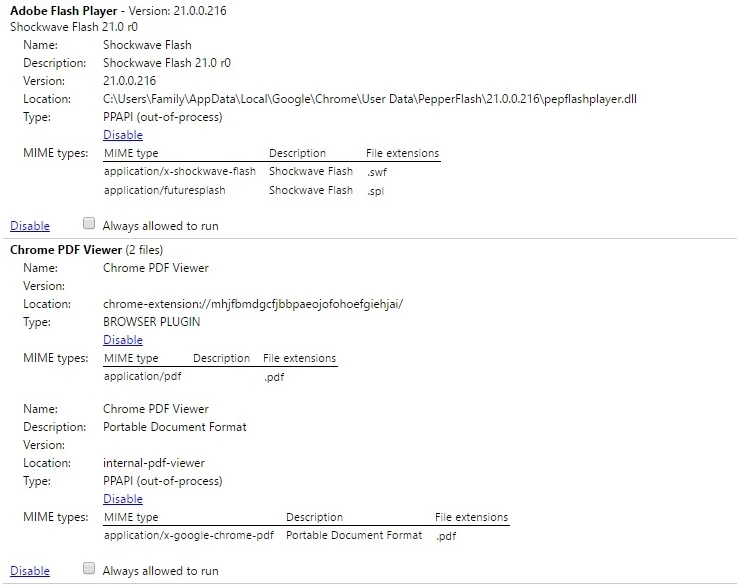
That fixed it - for a day only. I have to go back and delete that folder every day for flash to work. There's something else we haven't found yet.
I would suggest what jeromiec83223024 suggested, it is possible that they could be getting corrupt.
IF that does not work, try using a 64 bit version of Chrome ( if you have a 64 bit machine. Here is a Article about the 64 bit versions
Chrome Browser
I would delete that app data here: C:\Users\%username%\AppData\Local\Google
If you need your bookmarks and autofill stuff they are :
C:\Users\%username%\AppData\Local\Google\Chrome\User Data\Default\Bookmarks
C:\Users\Carm\%username%\Local\Google\Chrome\User Data\Default\Web Data
When you install the new version you will have to run it once to get the folder structures back, then just replace those files back
I personally don't mind setting it back up as I am assured that it will be nice and fresh, but that last part is your choice
Obviously that will be a decision you have to make.
Hope that helps some more
Best Regards




 AdChoices