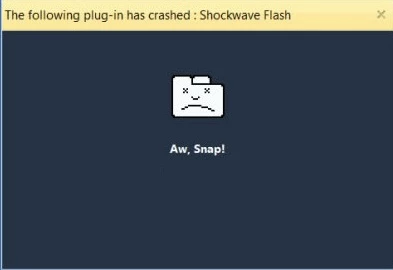
If you uninstalled and re-installed Chrome already then try deleting the following folder with Chrome closed:
c:\users\%username%\AppData\Local\Google\Chrome\User Data\PepperFlash
This has been know to help out with Flash player issues and Chrome, but not all.
Also can you go to other sites that use Flash player, and make sure you are running a 64 bit version of Chrome as it is inherently more stable. There is more information in what I talked about in the tow reference articles. Guide to Manually updating Flash Player for Windows
Flash doesn't load in Chrome browser. Says "Couldn't load plugin." - Super User
Best Regards
Please be sure to mark my post here helpful or answered if I assisted you
Thanks






 AdChoices