


kmac2326
Participant
April 8, 2016
Answered

Deploying 21.0.0.213 via Group Policy

  • April 8, 2016
  • 2 replies
  • 1286 views

I am trying to update to from 21.0.0.182 to 21.0.0.213 through active directory group policy.

Now when I apply the GPO, and check the computer in IE11 that has the GPO applied to it. It says
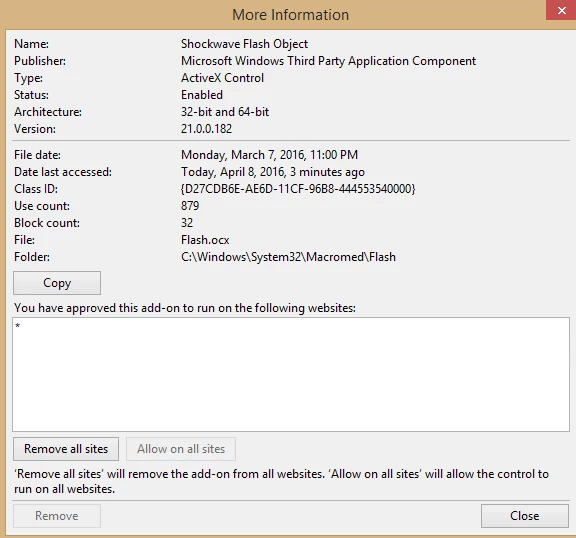
It still says 21.0.0.182

The file I am downloading this from is Adobe's Flash Player Distribution that they e-mailed me after applying for the license.
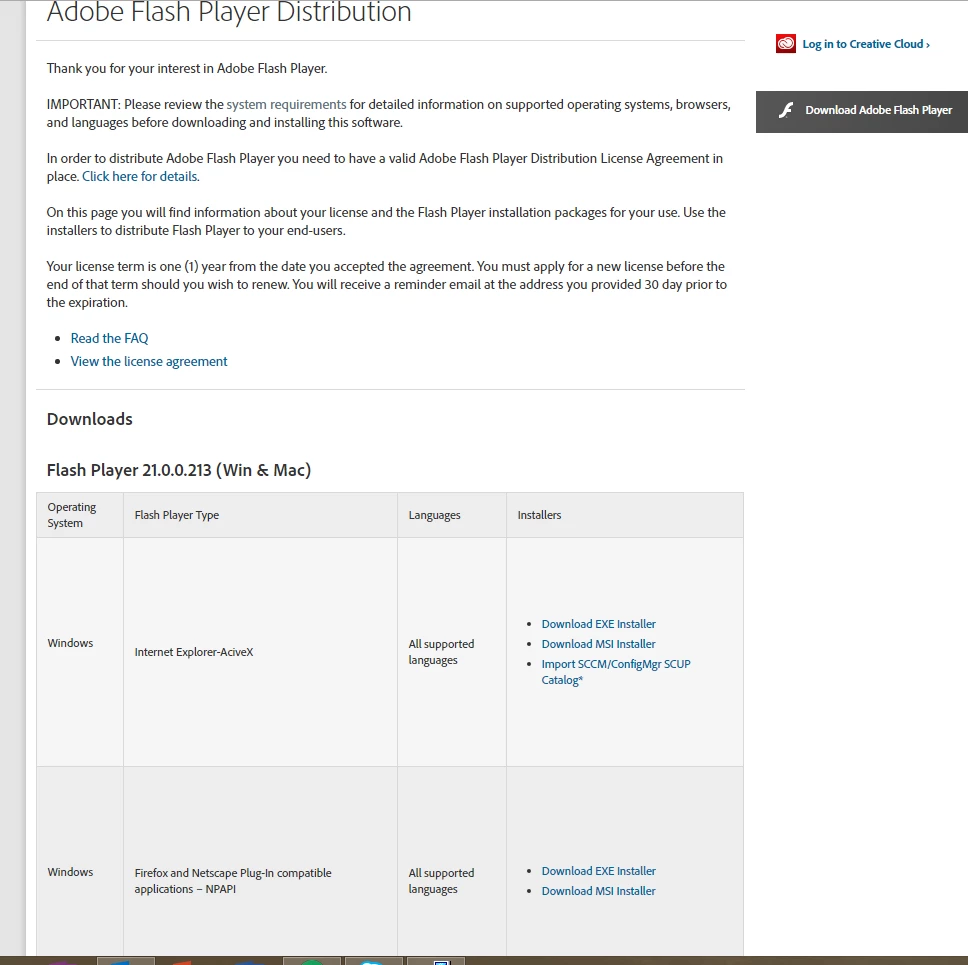
I've selected the first option as an MSI installer.

Now, to confirm this wasn't a problem with my Active Directory GPO, I tried running the MSI installer by itself without GPO by just launching the MSI file and I receive this error:
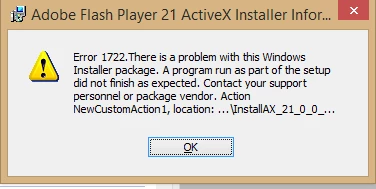
This confirms that the problem is with the MSI installer itself.

So I'm not sure if Adobe sent me the wrong file or I am installing the wrong MSI file. This is for IE11 Windows 8.1.

Please help!

    This topic has been closed for replies.
    Correct answer Carm01

    Windows 8.1 i believe had Adobe Flash player integrated into the Operating system, and attempting to install Adobe's version will not work. You have to wait for Microsoft to push the update to the device.

    Let me google that for you

    2 replies

    _maria_
    Legend
    April 11, 2016

    Hi,


    Carm01 is correct.  As of Windows 8, Microsoft embeds Flash Player in IE, and Edge in Windows 10 and all Flash Player updates are released by Microsoft via Windows Update.  The standalone installer will not install Flash Player ActiveX on these systems, and the Flash Player uninstaller will not uninstall Flash Player ActiveX on these systems.


    I will submit a request to have the distribution page updated to indicate that Flash Player ActiveX installers are only for Windows 7 and below.

    --

    Maria

    kmac2326
    kmac2326Author
    Participant
    April 11, 2016

    Thank you. That's what I originally thought so I was left pretty confused when I saw the Distribution page offer it for IE11 w/ active x.


    When can we expect an update to roll out considering that the update to .213 is pretty critical?

    _maria_
    Legend
    April 11, 2016

    Hi,


    Browser versions are listed on the distribution page and Flash Player is supported on Windows XP and above, as such the ActiveX Control is listed on the Distribution page.

    We have no control as to when Microsoft releases Flash Player update for IE/Edge, however, tomorrow is Microsoft's Patch Tuesday.  I would suspect they'll probably releases it at that point.

    --

    Maria

    Carm01
    Carm01Correct answer
    Legend
    April 11, 2016

    Windows 8.1 i believe had Adobe Flash player integrated into the Operating system, and attempting to install Adobe's version will not work. You have to wait for Microsoft to push the update to the device.

    Let me google that for you