bmiller199
Participating Frequently
March 18, 2017
Answered

Does Flash install still install TrueKey?

  • March 18, 2017
  • 1 reply
  • 757 views

There is an update available for Flash. I stopped using Flash after a previous update installed TrueKey and I had a difficult time getting rid of all its pieces.

I checked the current Licensing Agreement to see if it mentions installing Flash and find only this

"Use of some third-party materials included in the Software may be subject to other terms and conditions typically found in a separate license

agreement, a “Read Me” file located near such materials, or in the “Third Party Software Notices and/or Additional Terms and Conditions” found at

http://www.adobe.com/go/thirdparty".

- info at the thirdparty link doesn't mention Intel or TrueKey or True Key.

I do not want to install TrueKey - is there a way to install Flash without it?

[Moved from non-technical Lounge Forum to specific Program forum... Mod]

[Here is the list of all Adobe forums... https://forums.adobe.com/welcome]

This topic has been closed for replies.
Correct answer _maria_


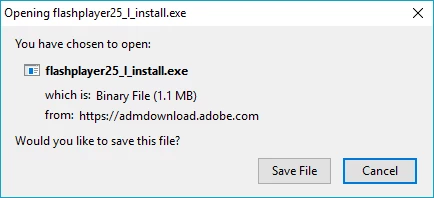
Thank you very much for the information.  It's been very helpful.  I've downloaded that file and ran it. It only installed Flash Player, no third party offerings.


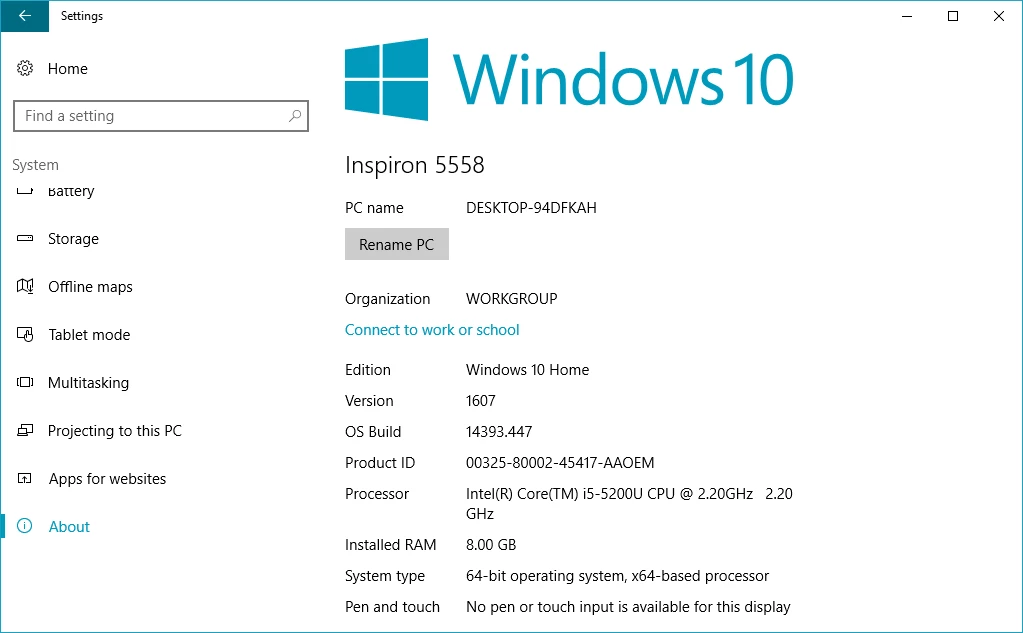
One more question:  Is this 32-bit or 64-bit Firefox?  Please post a screenshot of the About Mozilla Firefox window.

I will forward this information to the online installer team to find out why it's not showing the third party offering.

<edit>

If you're still concerned, you can download the offline installer posted at the bottom of the Installation problems | Flash Player | Windows 7 and earlier  page in the 'Still having problems' section.

--

Maria

1 reply

_maria_
Legend
March 20, 2017

Hi bmiller199

TurnKey is an optional third party offering and is not required.  You can install Flash Player without installing TurnKey, or any other thrid party offering.

  • Go to https://get.adobe.com/flashplayer
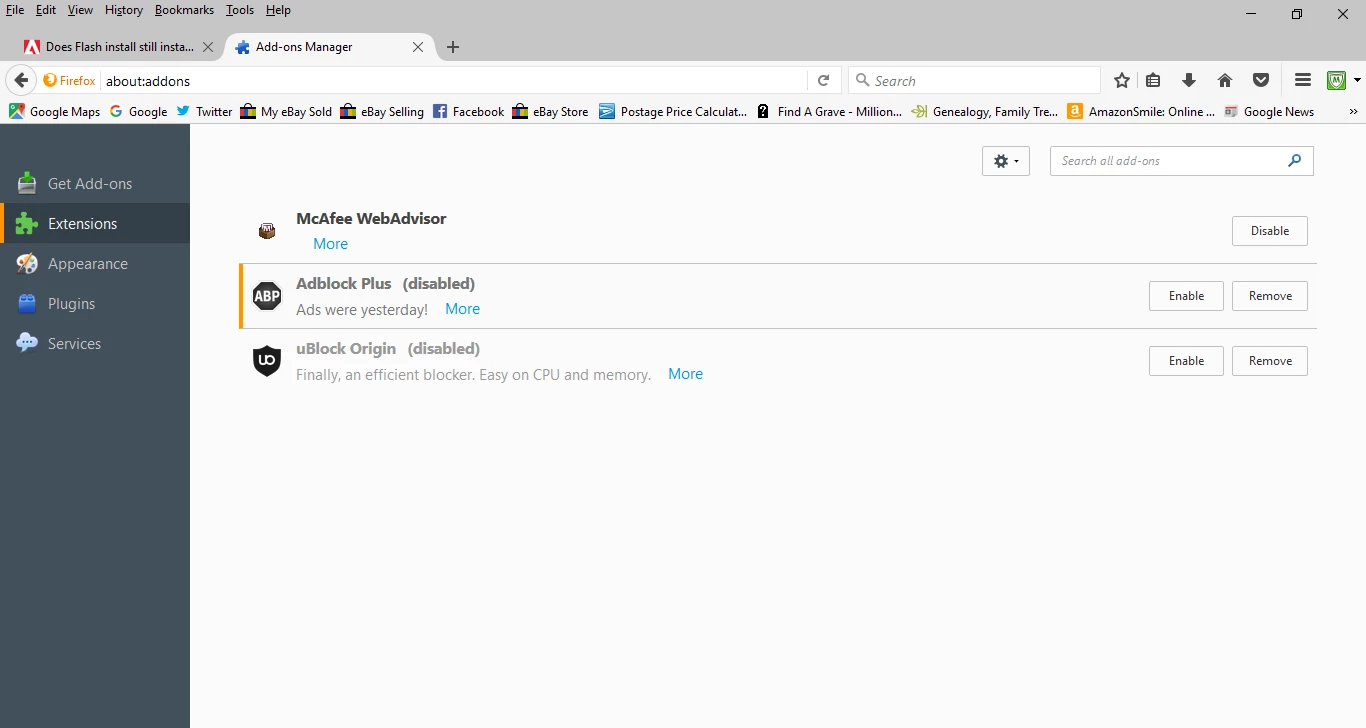
  • The optional third party offerings display in the middle frame of the page (ensure you have JavaScript enabled and are not using plugins that block JavaScript).
  • Uncheck the optional third party offerings
  • Click Download Now
bmiller199
Participating Frequently
March 20, 2017

Great, thanks, Maria! How do I find out if I have JavaScript enabled? If I don't would I download it from javascript.com?

bmiller199
Participating Frequently
March 20, 2017

OK, apparently Firefox automatically enables Javascript. However, I do not see optional third party options in the middle frame at that link