


oldman1945
Participant
December 20, 2018
Answered

Edge Flashplayer only allows single usage

  • December 20, 2018
  • 2 replies
  • 1688 views

After updating to Windows 10 build 1809 I can only opt to use Flashplayer once, whereas before I could also opt for 'allow all time'.  Please see the screen print below:
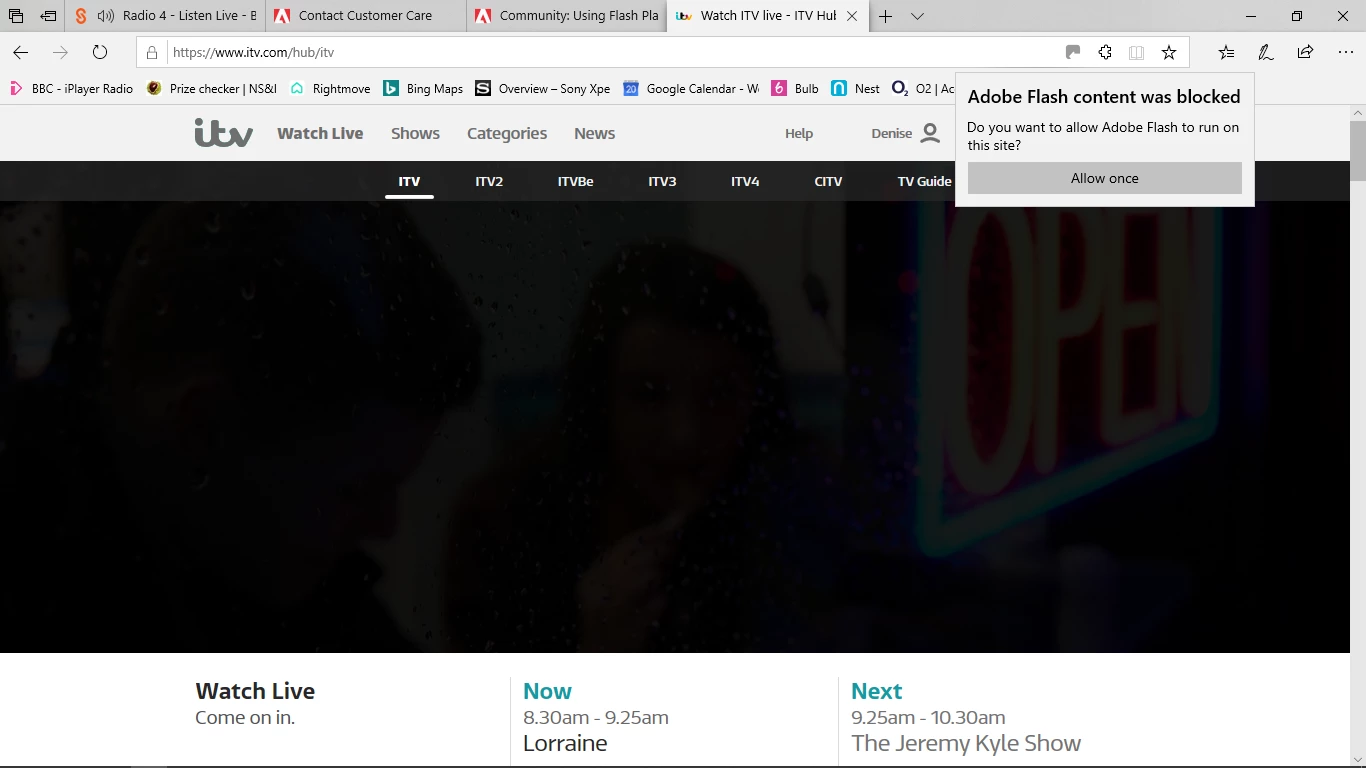
When I click on the jigsaw piece it still only gives the 'allow once' option.

When I click on website identification I get the following information:
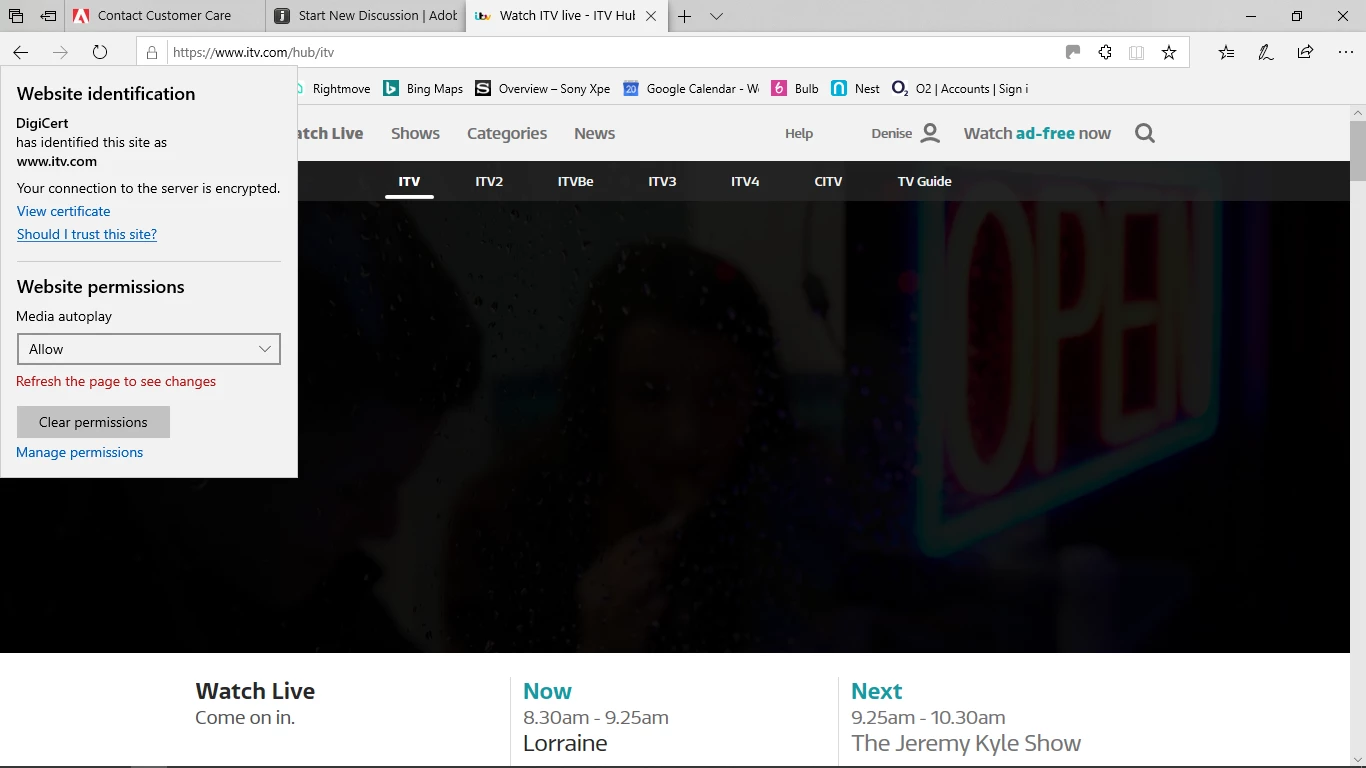
I cannot access the Flash Player version as it is embedded in Windows 10

My Windows 10 version is 1809 and my browser is Edge version 44.17763.1.0.

I have the same problem on  my wife's machine which is also Windows 10 build 1809.

Could anyone please advise if there is a way to allow Flashplayer at all times rather than having to allow once  every time?

    This topic has been closed for replies.
    Correct answer Test Screen Name

    I believe this is part of Microsoft's plan to make it more and more of a nuisance to use Flash. Chrome has done this for a while now. The idea is that you complain to the people making the web site and encourage them to find an alternative to Flash.

    2 replies

    _maria_
    Community Manager
    Community Manager
    December 20, 2018

    This is a change in Edge and nothing to do with Flash Player / Adobe.

    See https://blogs.windows.com/msedgedev/2017/07/25/flash-on-windows-timeline/​ for more information on Microsoft's Flash roadmap for both Edge and IE

    Test Screen NameCorrect answer
    Legend
    December 20, 2018

    I believe this is part of Microsoft's plan to make it more and more of a nuisance to use Flash. Chrome has done this for a while now. The idea is that you complain to the people making the web site and encourage them to find an alternative to Flash.

    Robert Mc Dowell
    Legend
    December 20, 2018

    If I recall well Edge has also a whitelist in the preferences.

    If it's not the case so you are always free to complain to microsoft, as they are developers of edge, or just use another alternative browser that does not throttle Flash