Question
enabling microphone in flash
I am using Firefox 37.0.1 in OSX 10.7.5. Flash is installed, and in the Add-ons Manager, it says Shockwave Flash 17.0.0.134 . . . Always Activate.
When I try to use a website called Speedlingua, which requires the use of a headset and microphone, I keep getting the following message:
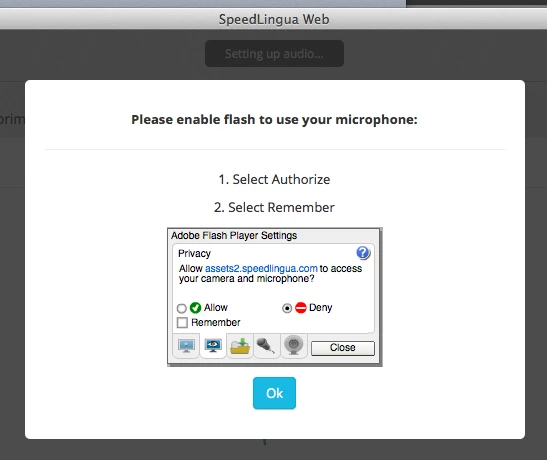
I have no idea how to get to this dialog box (Adobe Flash Player Settings). Does anyone know how to get there?
I don't know if I'm sending this to the appropriate community, but the Flash Player community is not available to me for some reason.
 AdChoices