


Question
Fake Flash Update
This morning I received a pop up to update my my "Flash," so I clicked on the link and followed the prompts. But this part and name looked suspicious, so I stopped. Is this a legitimate site or not? I took a screenshot.
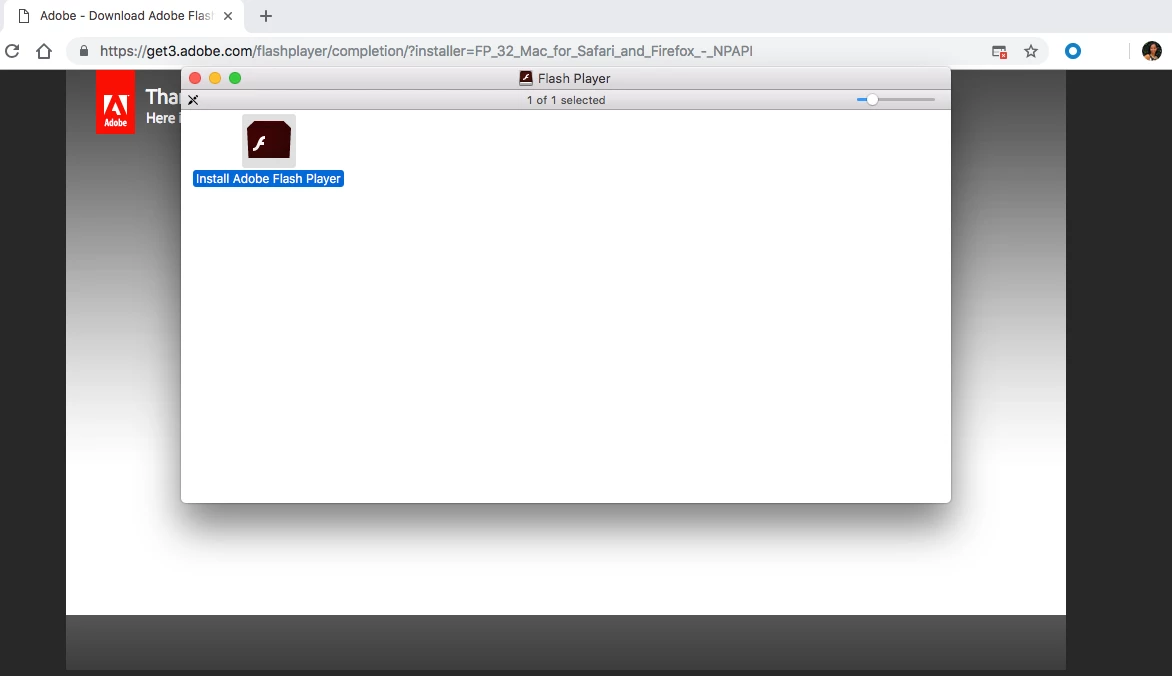

This morning I received a pop up to update my my "Flash," so I clicked on the link and followed the prompts. But this part and name looked suspicious, so I stopped. Is this a legitimate site or not? I took a screenshot.
Already have an account? Login
Enter your E-mail address. We'll send you an e-mail with instructions to reset your password.
 AdChoices