


Fake "Update Adobe Flash" popups
Sorry if this seems a bit "provocative" but i highly feel that i should be reporting this straight to Adobe.
It seems whenever i visit xhamster.com on my Chrome browser for mac, i can get a random popup informing me that my Adobe Flash player is out of date.
I do used AdBlock as an extension if that helps anything out.
Of course i know that its completely fake but after searching up the urls i was able to find a Norton Security page that only confirmed that these popups lead to adware and other security threats. I was able to take screenshots and will provide them bellow:
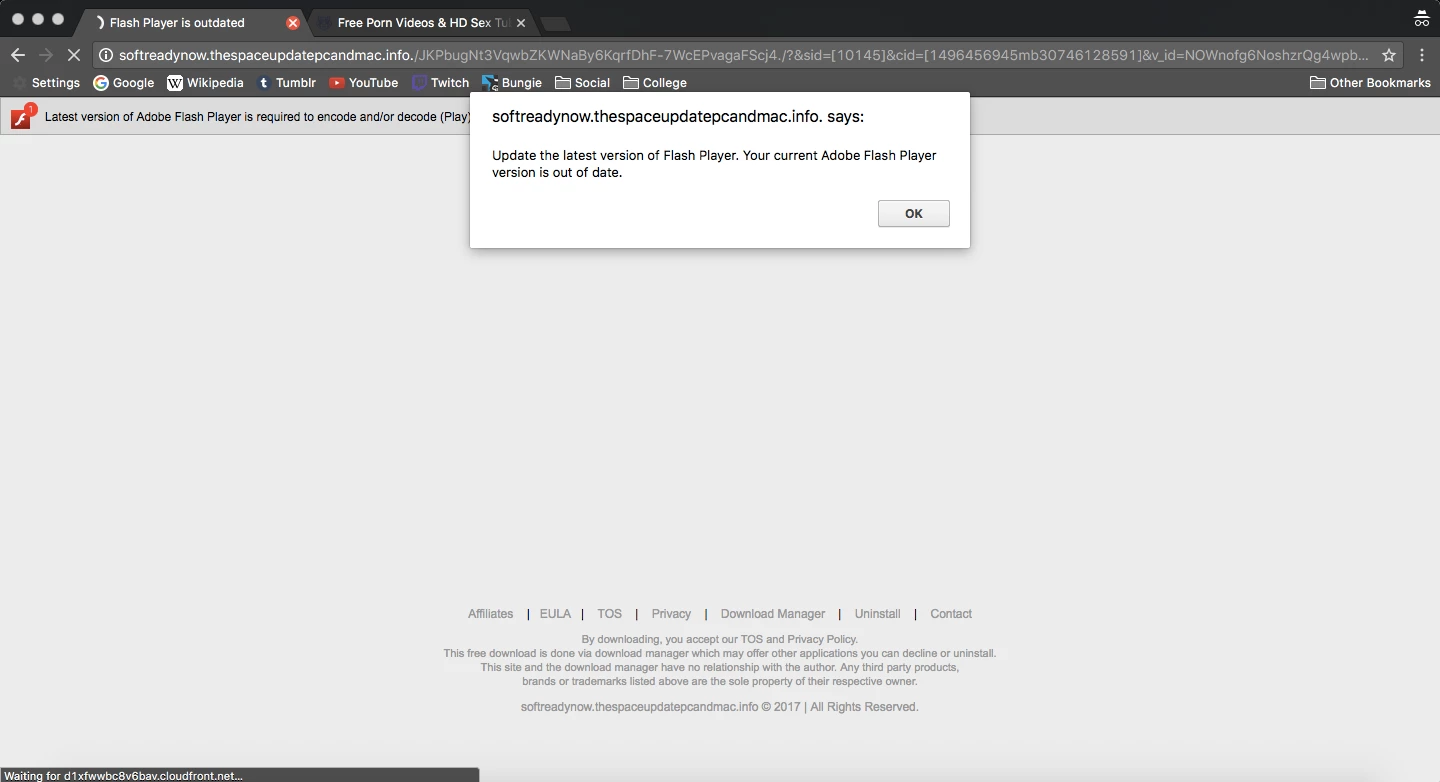
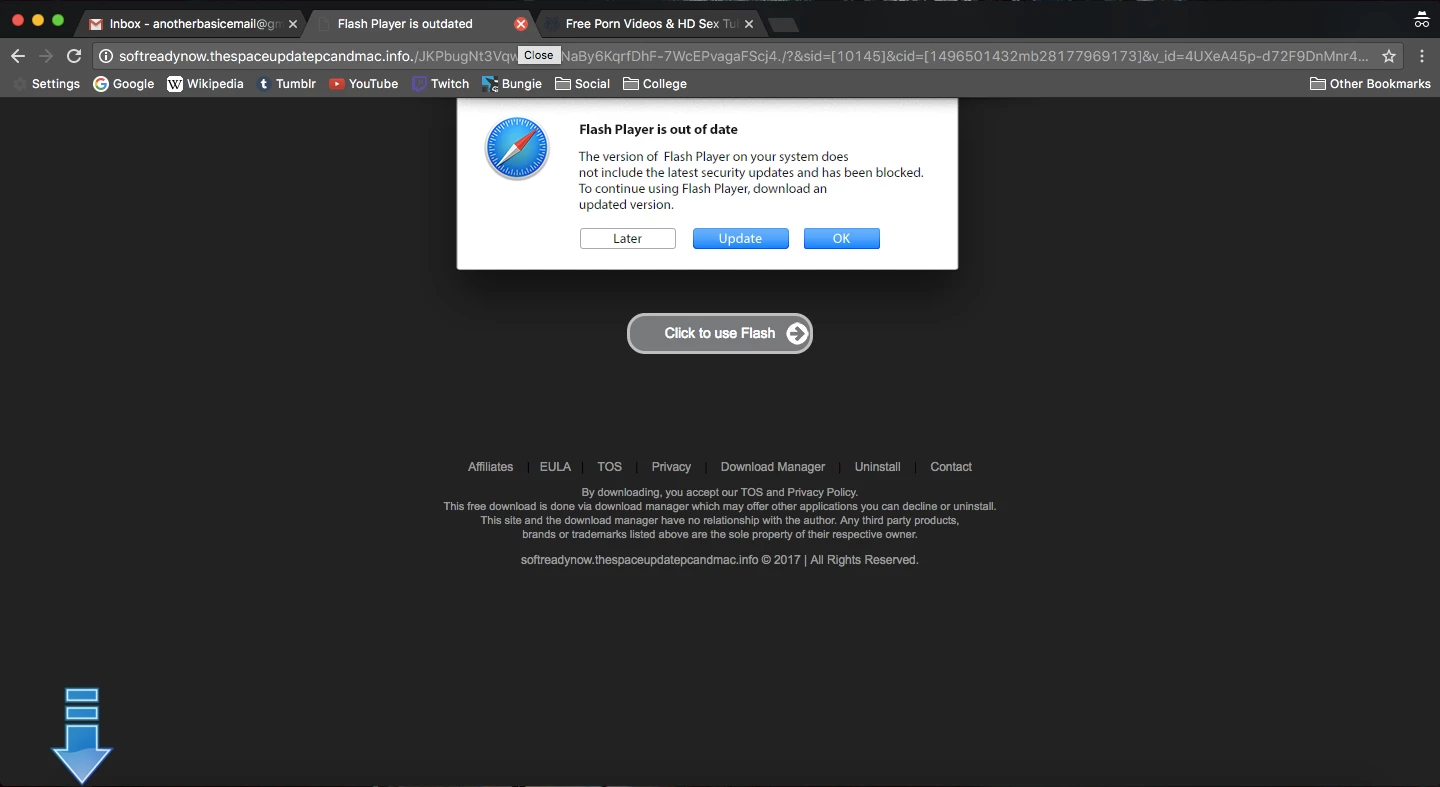
I already reported this to the support team at xhamster, and i did send an email to the phishing team for Adobe.
But i feel that i needed to post this to both raise awareness or see if anyone else has been experiencing this as well.
 AdChoices