
Participant
February 26, 2017
Answered

File or map signed with damaged certificate by Adobe.Is this harmful?What to do?

  • February 26, 2017
  • 1 reply
  • 359 views

Concerns 12'notebook with Windows10.Over 5 years old,rather limited processing.

Recently I upgraded Adobe Flashplayer.Shortly after I scanned with AVG.

I got a message.There was a file or map signed with a damaged certificate by Adobe.
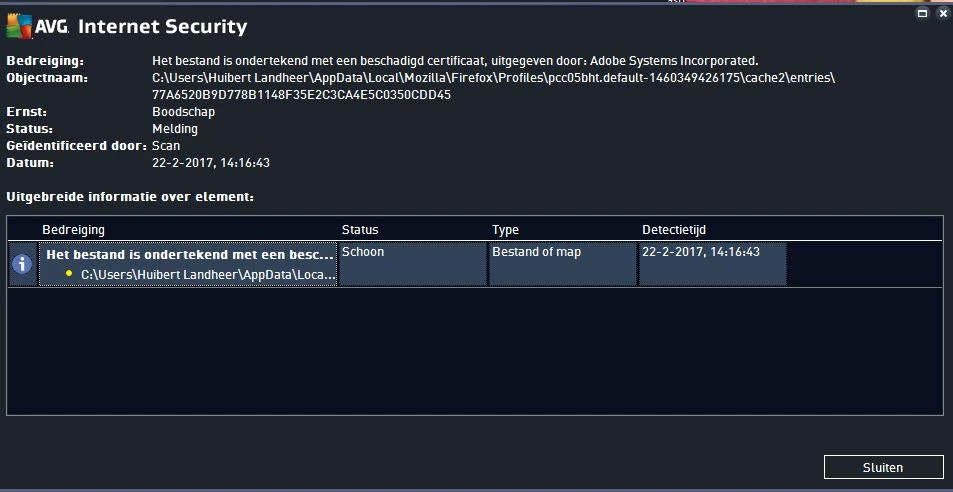
It was clean though AVG advised to remove Adobe and do another download.

After I had done I scanned again and I got the same message,though another file.
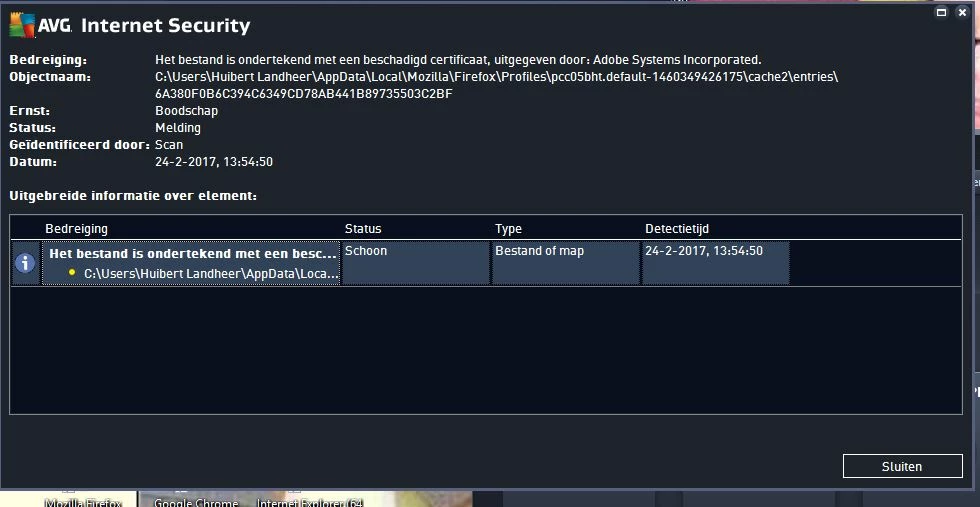
Does anyone know about?Could anyone or any organisation abuse this for installing any kind of malware?

Is it necessary to do something.

I am not 100% sure it's due to the Flashplayer.The first message was just short after an upgrade of the flashplayer,

then I removed and did another official download from Adobe.

This topic has been closed for replies.
Correct answer kglad

clear your cache and rescan.

or install cacheviewer or some other cache viewing plugiun and check your cache first if you want to see what's there.

1 reply

kglad
Community Expert
kgladCommunity ExpertCorrect answer
Community Expert
February 26, 2017

clear your cache and rescan.

or install cacheviewer or some other cache viewing plugiun and check your cache first if you want to see what's there.

HuibnostAuthor
Participant
February 27, 2017

I'll try,but first I have to find out how to do.Doesn't it damage other functioning?Is it only some kind of temporarily file?Probably a standard operation with CCleaner is sufficient?

There is indeed a cache reference in the file.I removed flashplayer,but that didn't help.

HuibnostAuthor
Participant
February 27, 2017

Found out how to clear the memory in browser Firefox and updated Ccleaner.So I'll try.