Participant
February 8, 2012
Question

Firefox Flash Player Black Screen (or just nothing there)

  • February 8, 2012
  • 4 replies
  • 57902 views

I have never had a problem before yesterday with viewing flash [spam link removed]. Then yesterday, I tried to watch CBS online Criminal Minds and I got audio, but the screen was black and you couldn't access "settings." Then today, I tried to access the viewing feature of documents on Ancestry.com and same problem - black screen instead of a picture.  When I go to the Global Settings page for Flash Player, I CAN'T EVEN SEE THE BOX.  Even on the "test" flash player website when it say's if you see an error in the box it's not working properly, I CANT EVEN SEE THAT BOX!  Anyone?

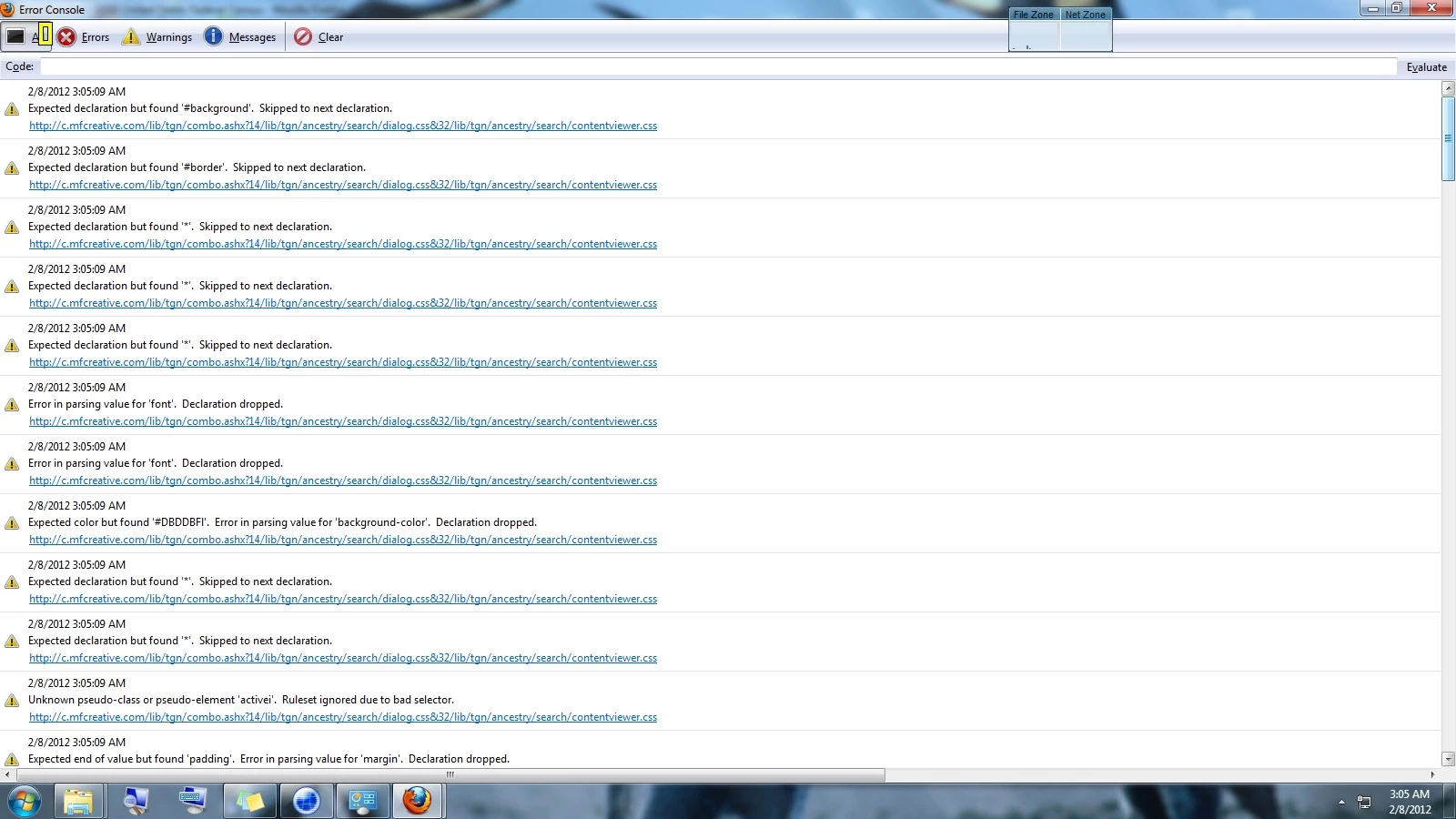
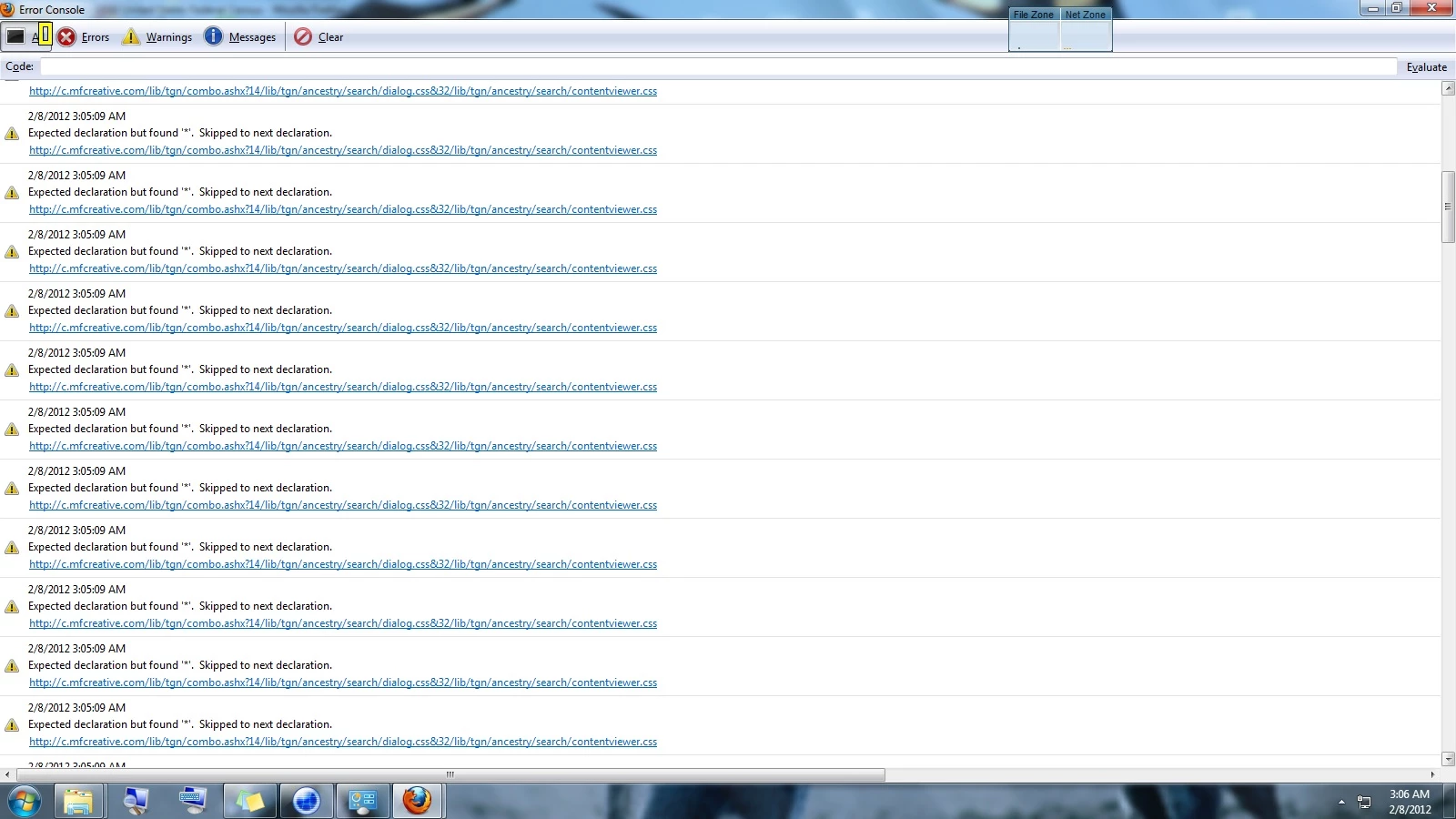
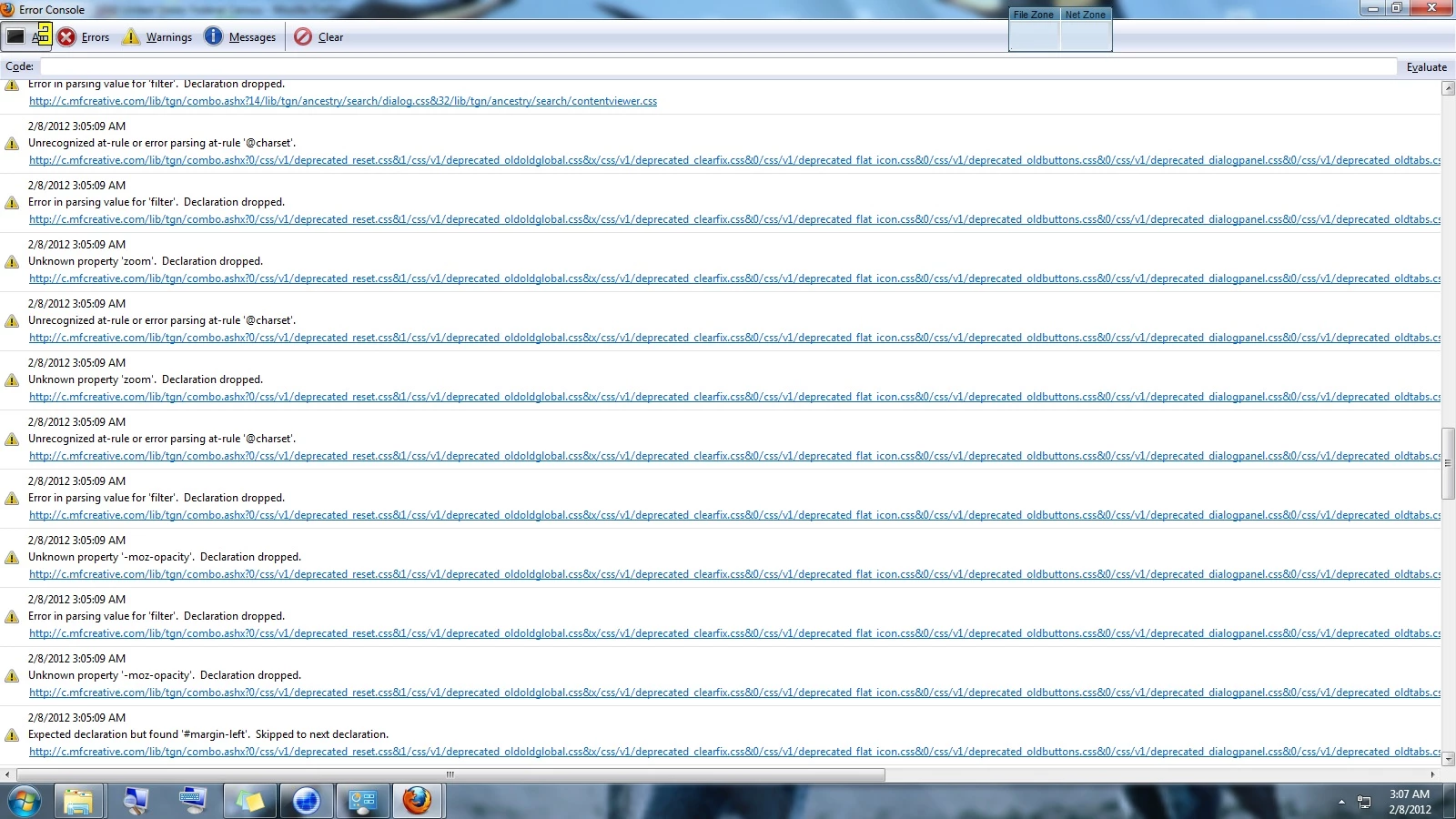
Attached are pictures of the error logs from the ancestry page.
I have tried EVERYTHING from installing all kinds of different versions of flash player and Firefox and starting Firefox in Safe Mode.  I even manually disabled all extensions and add-on's at one point.  Nothing works. 

I also tried disabling hardware acceleration on Firefox and from Flash player on pages that did work properly.  It seems to only be isolated to Firefox, because the Criminal Minds stream and Ancestry docs view fine on Chrome and IE.  Today I completely uninstalled Firefox (including add ons, my profile, my bookmarks - everything) and Flash (even used the flash uninstall program) and then reinstalled with completely new updated versions of both and still nothing.  I am using Windows 7 64 bit.

Anyone know what those error messages mean and what I can do about them?

Thanks

    This topic has been closed for replies.

    4 replies

    Participant
    June 20, 2019

    I reinstalled Flash Player, deleted local files in AppData, Fumbled with some settings,

    nothing worked, but then i refreshed Firefox and also deactivated some other Plugins

    namely: "OpenH264 Videocodec" and "Widevine Content Decryption", that helped!

    I don't know if it were the Plugins or the refreshing, i'm just happy that it worked.

    Reset can be done by using "Help" in the Menu and entering "Troubleshooting Information",
    then a window opens with the title "about:support" where you can use "Refresh Firefox".

    If you have a synchronised Firefox Profile, your previous settings will be restored afterwards.

    If you need to deactivate Plugins, open "Extras" and "Add-Ons" or go to "about:addons".

    Participant
    March 13, 2012

    jrozek's solution worked for me.

    In the case of my machine (win 7), I could not watch video in any browser (chrome, ff or ie)  Strangely, youtube videos would play correctly but all other browser-embedded video loaded but just showed a blank, black screen.

    I would encourage all to test in more than one browser so you can pinpoint/eliminate a specific browser as the cause of the issue.

    Participant
    February 16, 2012

    I had the same problem listed in this thread and tried everything--drivers, BIOS, other updates, you name it--and it FINALLY was fixed when I did what's described above. Hope it helps you guys too.

    Participating Frequently
    March 2, 2012

    I know very little about software, however, I did notice three things: 1) sometimes videos play (and do not play) on the very same website; 2) a second computer I have with the same OS and Firefox installed works perfectly (the only difference is Windows 7 is 32bit on one and 64 on the other); 3) when I right click on the black box and click on Inspect Element, it says: div#watch-player.flash-player; 4) On TED.com, on those videos that play back properly, right clicking does not yield the same menu.  What comes up is an Adobe Flash Plauyer menu.  I had recently installed and uninstalled DIVX player on one computer, but not the other. Could this be related?

    chris.campbell
    Community Manager
    Community Manager
    March 5, 2012

    Twich,

    You might want to start your own thread for you problem so it doesn't get lost.  What websites are you seeing these black boxes on?  Can you give me a specific URL?

    Given your statement that right clicking on them gives the normal browser context menu, that leads me to believe that Flash isn't active in this area as you expect it to be (otherwise we'd see the flash player context menu.)

    Chris

    chris.campbell
    Community Manager
    Community Manager
    February 9, 2012

    Hi,

    Could you try creating a new Firefox profile to see if that helps resolve the problem?

    http://support.mozilla.org/en-US/kb/Basic%20Troubleshooting#w_8-make-a-new-profile

    Thanks,

    Chris

    BellanephAuthor
    Participant
    February 11, 2012

    I tried deleting all my mozilla files a few days ago before I posted here and it didn't work.  When I saw your suggestion, I created a new profile using the firefox instructions on creating new profiles and it still didn't work.  I can't play any flash videos at all on firefox; been using chrome for the past few days, but I'd much rather use Firefox.  From my troubleshooting, I can tell you it's NOT caused by 1) add on or extensions 2) installing or reinstalling firefox or flash player 3) user profiles.  Any other suggestions?  There has to be a fix for this.

    All I ses is a black box (or sometimes it's white), but you can tell the content is there because the Audio still plays and if you click on the right spots in the alleged box, you can click your way to other links.  You can also right click settings and I'm almost positive it brings up the settings box; I just can't see where it is or what it says.  I know it's there though.  When I click on global settings, I get a webpage for Flash player and not the same global settings box I get on other browsers. So, there's content there, I just can't see it.

    Participating Frequently
    February 11, 2012

    Have you tried turning off hardware acceleration in Firefox?