



Flash Content Flickering
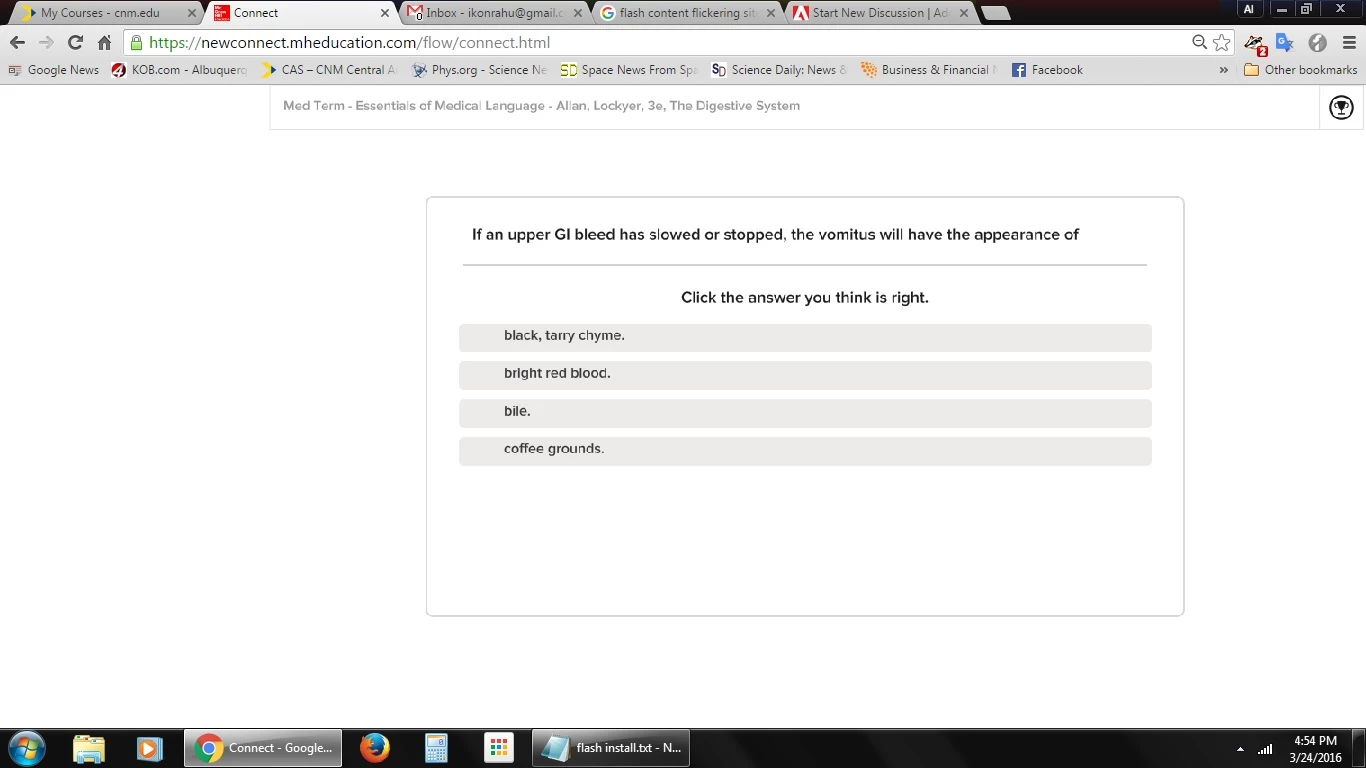
After recent update, Flash content flickers in both Chrome and Firefox. There are no videos and this does not apply to any videos.I can't figure out how to fix both the flickering and installtion problems.
Operating system version: Windows 7 Home Premium SP1
Web browser and version: Google Chrome Version 49.0.2623.87 m and FireFox 44.0.2
Flash Player version: none - I removed it (version 21.0.0.182 both ActiveX and NPAPI versions separately), but Flash still plays in Chrome and FireFox
Explain your problem in step-by-step detail if possible:
Updated Flash to latest version 21.0.0.182
Flickering screens appeared in both browsers (not videos)
Uninstalled Flash in order to install previous version
Went to download previous version of Flash, non-developer version
Cannot determine which version is immediately prior to 21.0.0.182
Downloaded fp_20.0.0.286.zip
Extracted files
Error:Confirm Encryption Loss
"A problem is preenting this folder from being encrypted."
fp_20_0_r0_286
Yes Skip Cancel
Selected "Yes"
Error:Confirm Encryption Loss
"A problem is preenting this folder from being encrypted."
fp_20_0_r0_286debug
Yes Skip Cancel
Selected "Yes"
Did not know which file to run in order to install
Ran installer file: flashplayer20_0r0_286_win.msi
"Installing Adobe Flash Player 20 NPAPI"
No error
Ran installer file: flashplayer20_0r0_286_winax.msi
"Installing Adobe Flash Player 20 ActiveX
Error 1722 There is a problem with this Windows Installer package..."
"The wizard was interrupted before Adobe Flash Player 20 ActiveX could be completed."
I can neither install an earlier version, nor stop the flickering.
A direct link to a web page that demonstrates the problem:
password protected page: https://newconnect.mheducation.com/flow/connect.html
 AdChoices