
October 19, 2016
Question

Flash entirely refusing to work

  • October 19, 2016
  • 1 reply
  • 406 views

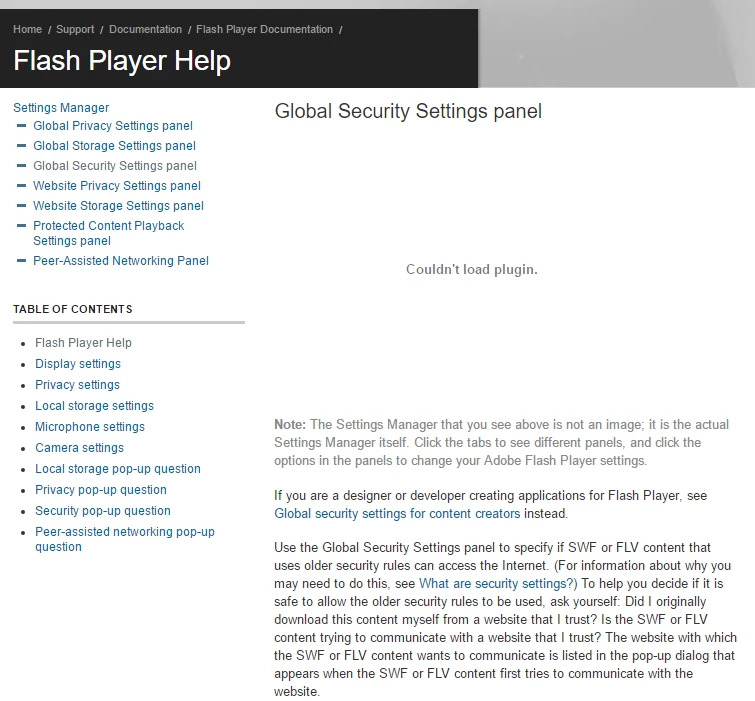
Im on windows 10 and chrome 64 bit and well as of anything relating to flash, i literally can't do anything with. So essentially any element on any website that would use flash either does not show up at all or it will say "Couldn't load plugin". I have as of now uninstalled and reinstalled it many times, restarted my computer as well, and tried just about every fix I could find. It says it is currently enabled and always on but when i go to for example play a game on luminosity, i see an empty loading bar like that or for example on Adobe - Flash Player : Settings Manager - Global Security Settings panel  i see that.
This topic has been closed for replies.

1 reply

_maria_
Legend
October 19, 2016

What did you install and uninstall many times?  Google embeds Flash Player in Chrome and all updates are released by Google.  Did you uninstall and install Chrome?

Google actually changed how they're released Flash Player updates in Chrome 54 and we've had several users report the "Couldn't load plugin" behaviour.  We have notified Google of this.   User's have reported the following solution has worked for them:

  1. Launch Chrome
  2. In the address bar at the top, type chrome://plugins and press Enter
  3. Look for Adobe Flash Player entry and make note of the Location path (where Chrome is loading Flash Player plugin from)
    • If the Location path doesn’t display, click +Details in the top right to show plugin details
  4. Exit out of Chrome
  5. Using File Explorer go to <PATH>/PepperFlash directory obtained in step 3. E.G. C:\Users\UserID\AppData\Local\Goole\Chrome\User Data\PepperFlash
  6. Delete the version number directory (e.g. <Path>/PepperFlash/23.0.0.166)
  7. Launch Chrome
  8. In the address bar at the top, type chrome://components and press Enter
  9. Locate the Adobe Flash Player entry
  10. Click the corresponding Check for updates button
  11. Flash Player plugin should automatically download and install
  12. View Flash content