Participant
February 24, 2014
Answered

Flash Installer: Can't click next button

  • February 24, 2014
  • 1 reply
  • 997 views

The "Next" button doesn't work - nor do any other buttons on the installer. I have to force quit the installer just to get out of the window...

I'm I missing something obvious? Example: http://cl.ly/image/0t3i213T2O2u

The Flash Uninstaller buttons work just fine.

I can't install Flash because of this.

OSX 10.8.5

Intel Macbook Pro
This topic has been closed for replies.
Correct answer C_F_McBlob

How to perform a "clean install" of Flash Player in Mac OS X

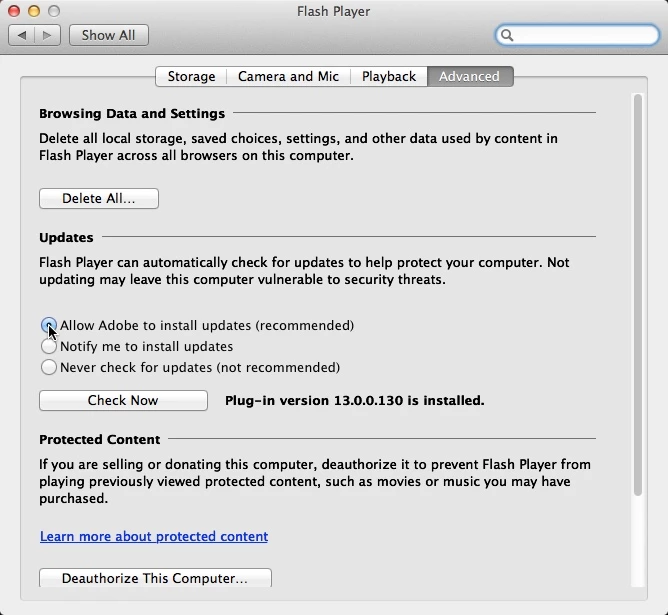
After that: System Preferences>Flash Player>Advanced

1 reply

C_F_McBlob
C_F_McBlobCorrect answer
Inspiring
February 24, 2014

How to perform a "clean install" of Flash Player in Mac OS X

After that: System Preferences>Flash Player>Advanced

rossfooAuthor
Participant
February 25, 2014

Thank Mike - that worked for me.

Flash..... uhg.