brians52185656
Participant
March 14, 2017
Question

Flash msi 25.0.0.127 problem

  • March 14, 2017
  • 2 replies
  • 1588 views

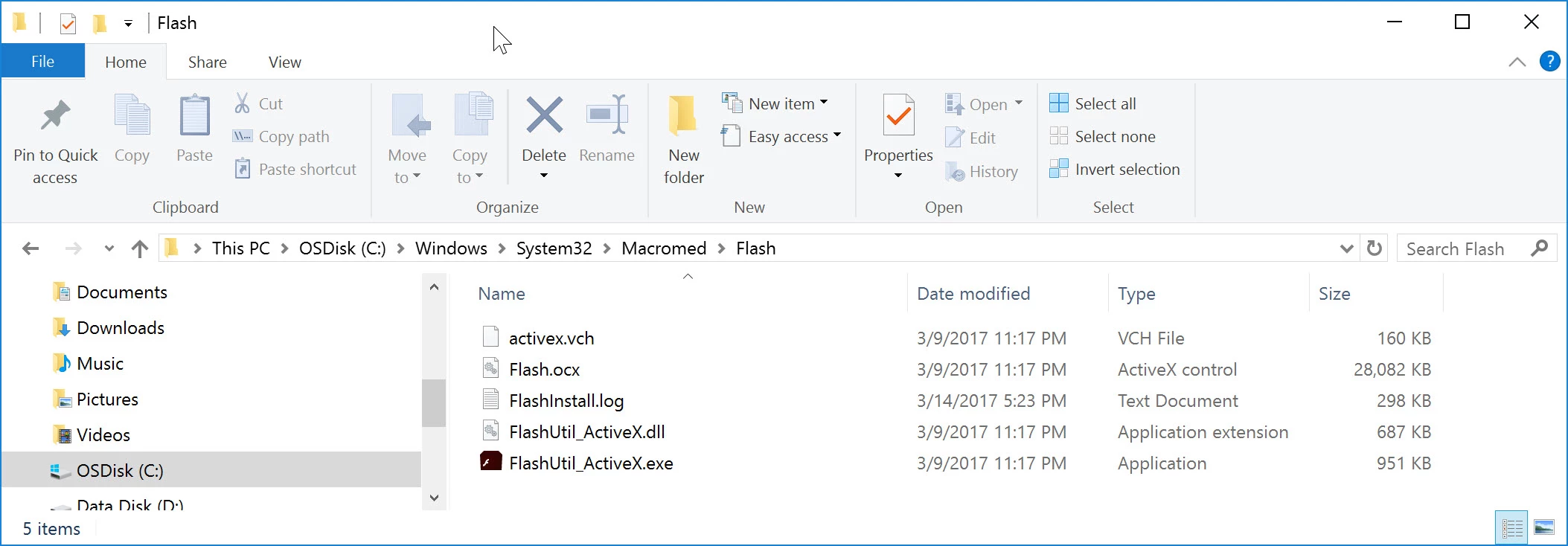
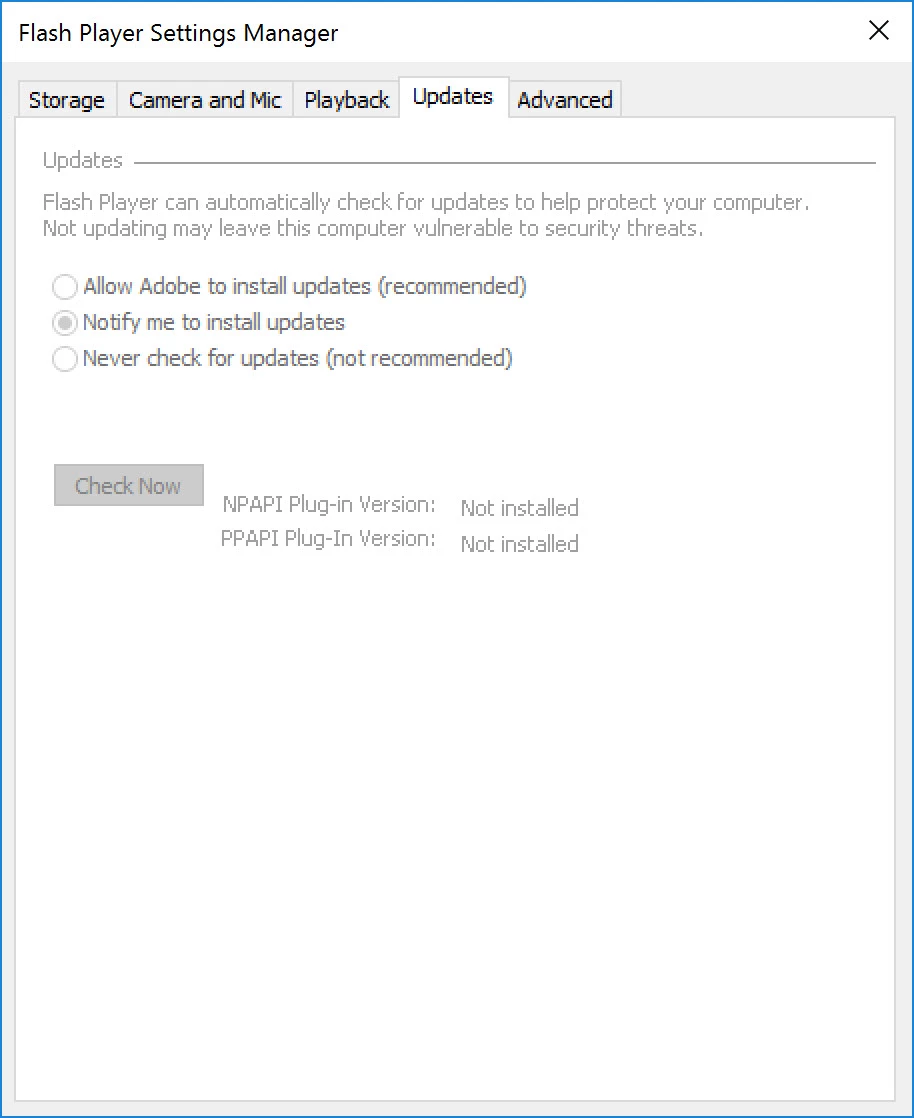
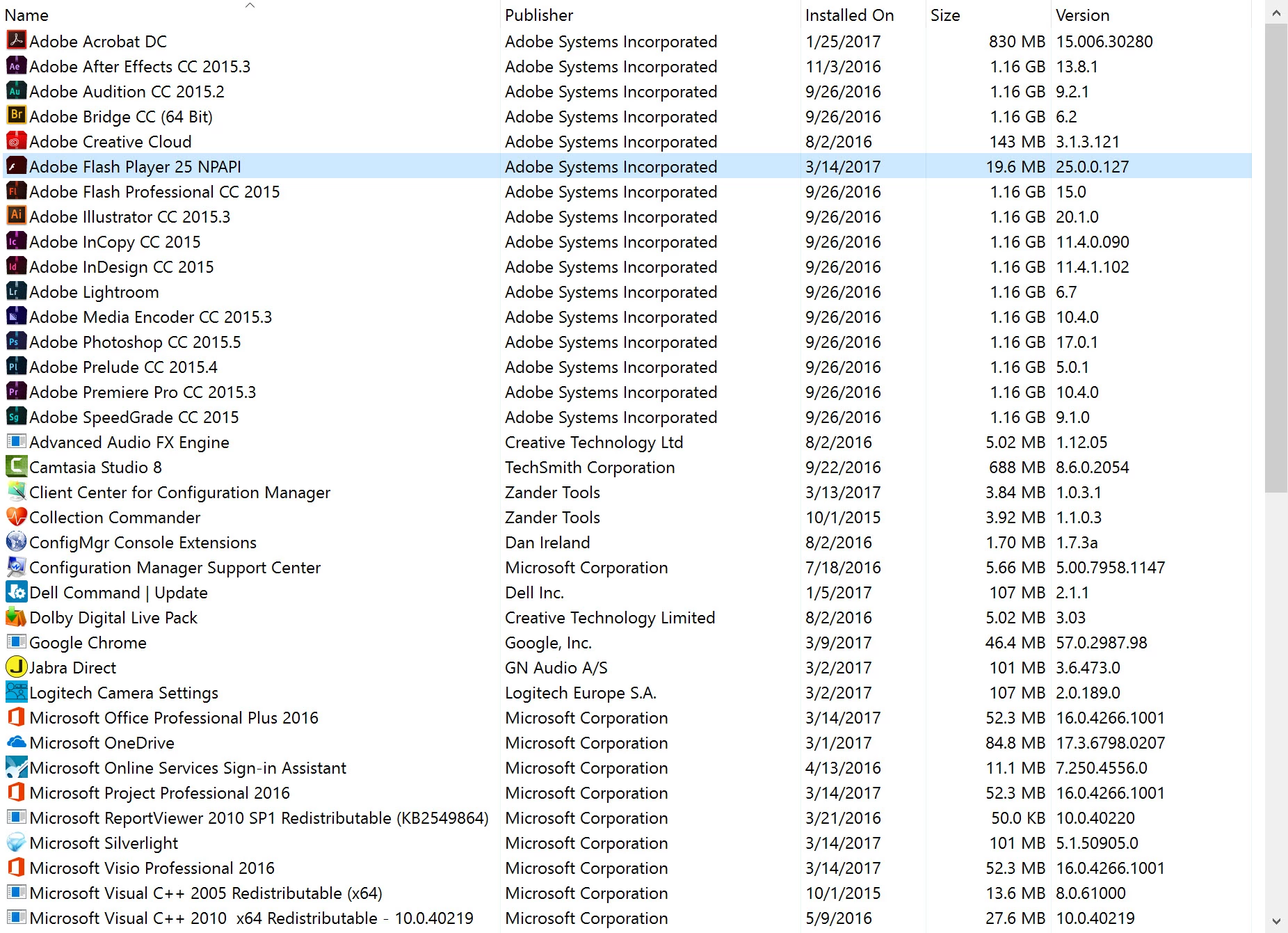
When I run the msi from a command line (msiexec /i "install_flash_player_25_plugin.msi" /qn /norestart) Flash appears to install, and it's listed in Programs & Features, but, it doesn't actually install. This is the same method I have used to install Flash for a few years without issue.

I've replicated this issue on multiple Windows 10 Enterprise x64 boxes.
This topic has been closed for replies.

2 replies

_maria_
Legend
March 15, 2017

Hi brians52185656

Please run the MSI installer again and create a log file with the v+x options (verbose + additional debugging) enabled.

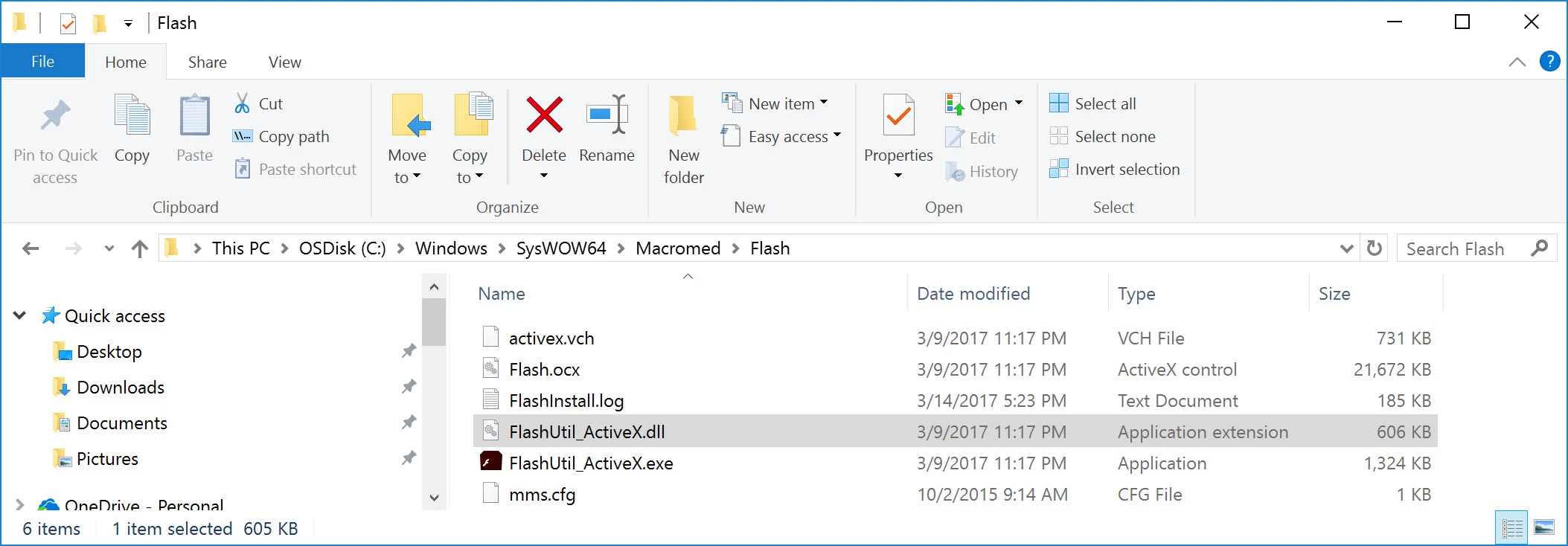
After installation completes upload the verbose MSI log file and the FlashInstall.log files from C:\Windows\System32\Macromed\Flash AND C:\Windows\SysWOW64\Macromed\Flash directories to cloud.acrobat.com/send using the instructions at How to share a document and post the link to the uploaded files in your reply.

--

Maria

brians52185656
Participant
March 16, 2017
_maria_
Legend
March 16, 2017

Thank you for the log files.  We'd like to get more information on your deployment process:

  1. Is this failure happening as a result of deploying the MSI via a deployment tool (e.g. sccm)?
  2. Are you running the MSI installer directly, via cmd-line, on the desktop?
  3. Can you attempt to reproduce the behaviour by running the MSI in UI mode on the desktop?  Also, provide updated FlashInstall.log files for this installation attempt.

Thank you.

--

Maria

ridhij4208356012135538
Adobe Employee
Adobe Employee
March 15, 2017

Hi,

I tried the same at our end but could not reproduce the above mentioned behavior. Are you running the command prompt as administrator? If not please try the command again with cmd run as administrator.

In case you still see some issue please let us know.

Thanks!

brians52185656
Participant
March 15, 2017

Yes, it is being run from an admin command prompt.