


anasa86610108
Participant
January 5, 2018
Question

Flash not playing on Opera with Windows 10

  • January 5, 2018
  • 2 replies
  • 512 views

[moderator: edited title for accuracy and clarity]

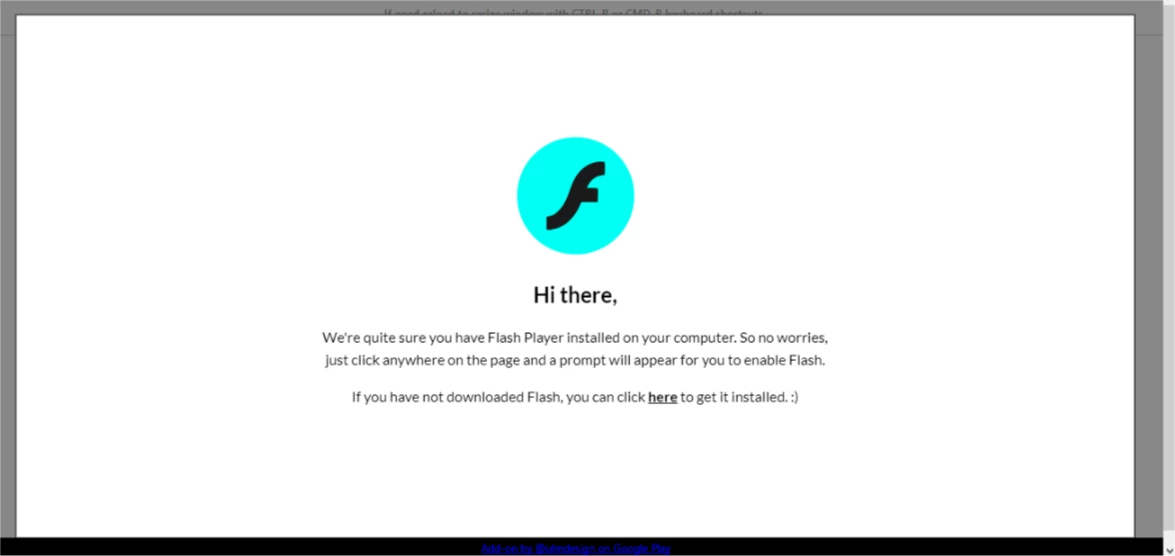
When I want to edit a photo by Pixlr it  shows me this screen, but i have already enabled adobe and when i click on the screen it take me to download page !

am using opera on windows 10

help me please
This topic has been closed for replies.

2 replies

_maria_
Legend
January 5, 2018

Please provide the following:

  • Exact URL to page you are attempting to view (not included in the screenshot you posted).
  • Please post a screenshot of the Flash Exceptions list
    • Launch Opera and navigate to opera://settings/contentExceptions#plugins.  Your screenshot should look similar to:

To take/post screenshots, see https://forums.adobe.com/docs/DOC-7043#jive_content_id_How_do_I_attach_a_screenshot

anasa86610108
Participant
January 5, 2018

ow i get it now, its working    THANKS A LOT

_maria_
Legend
January 5, 2018

Thank you for the update.  glad it's working now.

thatsmauri
Community Expert
Community Expert
January 5, 2018

Hello anasgoat,

sorry to hear that you have trouble Could you please try the steps listed under the following link?
» Enable Flash Player for Opera

Kind Regards,
Maurice

anasa86610108
Participant
January 5, 2018

thank you i did that and it worked