


Participant
December 28, 2018
Answered

Flash not working on Adobe website, on chrome

  • December 28, 2018
  • 2 replies
  • 2002 views

Everything working ok using Firefox

OS = Windows 10 latest update as of 1 week ago

Chrome latest version. 

Google Chrome is up to date

Version 71.0.3578.98 (Official Build) (64-bit)

from Chrome://components

Adobe Flash Player - Version: 32.0.0.101

Status - Up-to-date

EVERY step listed in the flash troubleshooting guide does NOTHING

Flash is embedded,you cannot reinstall it... It is set to allow. I click on run it when prompted...nothing happens. Keep getting error that plugin is blocked, BUT IT IS NOT BLOCKED

SOME other sites using flash on Chrome are working. Example: Seaport - Pixel Federation Games

Your little "Update now" window does not show flash version and window says flash was blocked, clicking "Run this time" does nothing. but the picture of the girl shows up...

I wish everyone including Microsoft, Adobe, Google would work in cooperation rather than breaking each others stuff....
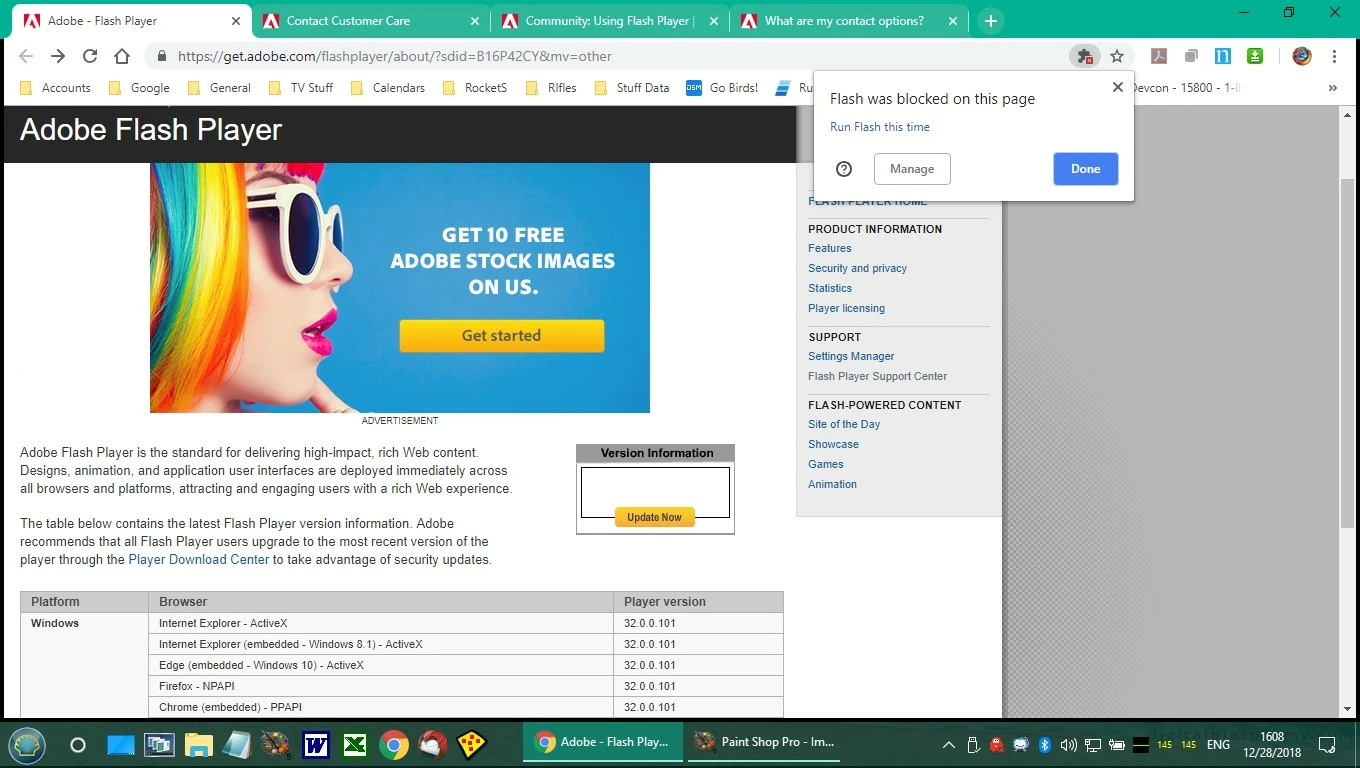
This image: shows that the animation behind the drop down will not play (Works on firefox)
This topic has been closed for replies.
Correct answer _maria_

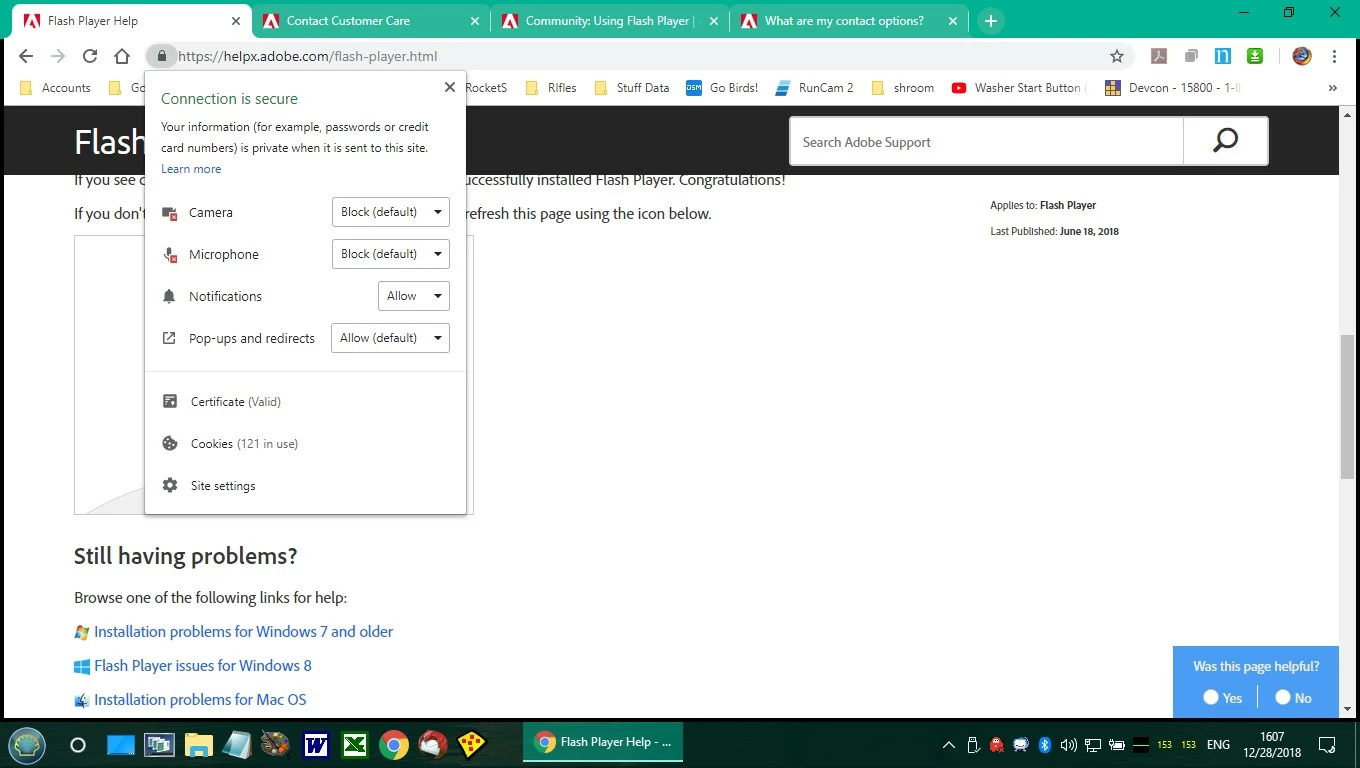
For the https://helpx.adobe.com/flash-player.html page, please go to chrome://settings/content/siteDetails?site=https%3A%2F%2Fhelpx.adobe.com

What is the Flash setting set to?

Make sure that it is set to 'Allow', not 'Ask (Default)'

Note that after allowing Flash on a given site, the browser tab must be reset to update the new site settings.

Do the same thing for other sites you are experiencing issues with Flash Player - make sure the site's Flash settings are set to 'Allow', not 'Ask (Default)' and reload the browser tab for the given site.

As Flash Player nears end-of-life at the end of 2020, all major browser vendors are creating more friction when it comes to allowing/enabling Flash, forcing the user to allow Flash on all sites.  In the case of Chrome, when a user exits out of Chrome, all Flash settings configured for a given site during that session are deleted.  For more information on Chrome's Flash Player roadmap, see Flash Roadmap - The Chromium Projects​.

2 replies

Participant
January 2, 2019

I tried that page, it did not work, it says flash is not enabled. It IS enabled, and does work on other sites as I previously explained. I believe that there is a serious incompatibility issue with chrome that your developers should work our with chrome, rather than passing blame.

_maria_
Community Manager
_maria_Community ManagerCorrect answer
Community Manager
January 2, 2019

For the https://helpx.adobe.com/flash-player.html page, please go to chrome://settings/content/siteDetails?site=https%3A%2F%2Fhelpx.adobe.com

What is the Flash setting set to?

Make sure that it is set to 'Allow', not 'Ask (Default)'

Note that after allowing Flash on a given site, the browser tab must be reset to update the new site settings.

Do the same thing for other sites you are experiencing issues with Flash Player - make sure the site's Flash settings are set to 'Allow', not 'Ask (Default)' and reload the browser tab for the given site.

As Flash Player nears end-of-life at the end of 2020, all major browser vendors are creating more friction when it comes to allowing/enabling Flash, forcing the user to allow Flash on all sites.  In the case of Chrome, when a user exits out of Chrome, all Flash settings configured for a given site during that session are deleted.  For more information on Chrome's Flash Player roadmap, see Flash Roadmap - The Chromium Projects​.

Participant
January 2, 2019

that did work for the flashx site...cant find the link to mark as 'correct'

too many hoops to jump through...

_maria_
Community Manager
Community Manager
January 2, 2019

We are aware that the System Information widget is not working on this page.  The issue has been escalated.  Unfortunately, I don't have an estimate as to when it'll be fixed.  Alternatively, you can use the widget on Flash Player Help (after enabling Flash for that site) to confirm the version installed.