


cdonker
Participant
May 2, 2018
Answered

Flash Player Application Initialisation Error

  • May 2, 2018
  • 1 reply
  • 1892 views

Operating system - Mac OS X El Capitan 10.11.6

Web browser and version – On Chrome as flash installed by default, but Safari 11.1 says no flash installed

Flash Player version – NONE

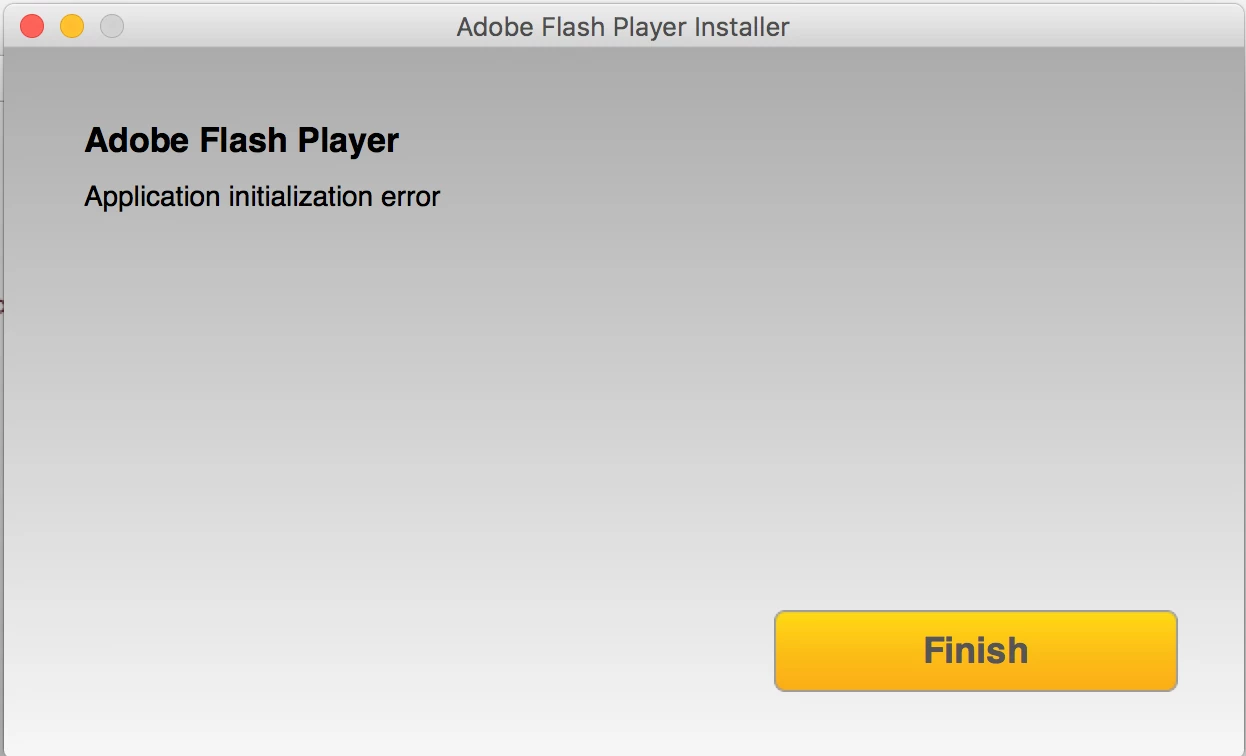
Was trying to update my flash player, but it wasn't working. Uninstalled it completely, even CS4 Flash in case that was causing issues. Tried to reinstall it, even using the suggested 'offline' version to no avail. Previously, the Install Manager would quit unexpectedly without even properly opening the installer. However, now, even after closing all browsers, I open the package "AdobeFlashPlayer_29_ast_install.dmg", and run the installer, but it comes up with "Application Initialisation Error".

The "Finish" button takes me to the troubleshooting for installation guide but nothing has worked.
This topic has been closed for replies.
Correct answer _maria_

I have tried both moving it to the desktop and opening it within the mount. Both have the same consequence.

Here is the crash log for the offline installer: Shared Files - Acrobat.com


Thank you for clarifying and providing the crash log file.  The crash log shows Symantec may be interfering with the installation process.  Can you please either whitelist the installer in Symantec, or temporarily disable Symantec and try running the offline installer again?

1 reply

_maria_
Legend
May 2, 2018
even using the suggested 'offline' version to no avail.

What happens when you attempt to use the offline installer?

For the online installer, that is returning the application initialization error, are you:

  • extracting the app from the mounted DMG, for example, extracting it to the desktop?  If so, launch the application directly from the mounted DMG without extracting it.
  • using a proxy server?  While the online installer should work with a proxy server, sometimes it returns an error.  To investigate further please provide the Adobe_ADM.log and Adobe_GDE.log files saved at ~/Library/Logs (user's Library directory, not system Library).  Upload the files to Document Clout using the instructions at How to share a file using Adobe Document Cloud  or some other file sharing service of your choice that doesn't require account login to access.  Post the link to the uploaded files in your reply.
cdonker
cdonkerAuthor
Participant
May 2, 2018

When I attempt to use the offline installer, it crashes with this message almost as soon as I launch the installer.

_maria_
Legend
May 2, 2018

I am not sure how to launch the DMG without mounting it.

What I mean is, if after mounting the DMG, are you moving (dragging) the APP installer to some other location, for example, the desktop?

I'm not familiar with the error in the log file and will need to forward it to the team that handles the online installer.


For the offline installer crashing, please provide the crash log file saved at ~/Library/Logs/DiagnosticReports.

Thank you.