



Flash Player blinking glitch on video sites like Youtube, Vimeo etc.
I am running on a NEW reset to factory settings late 2009 imac with 16gb of ram, 3.06 GHz Intel Core 2 Duo, ATI Radeon HD 4670 256 MB. Currently I'm using google chrome since it's my preferred browser HOWEVER THIS ISSUE DOESNT OCCUR ON SAFARI
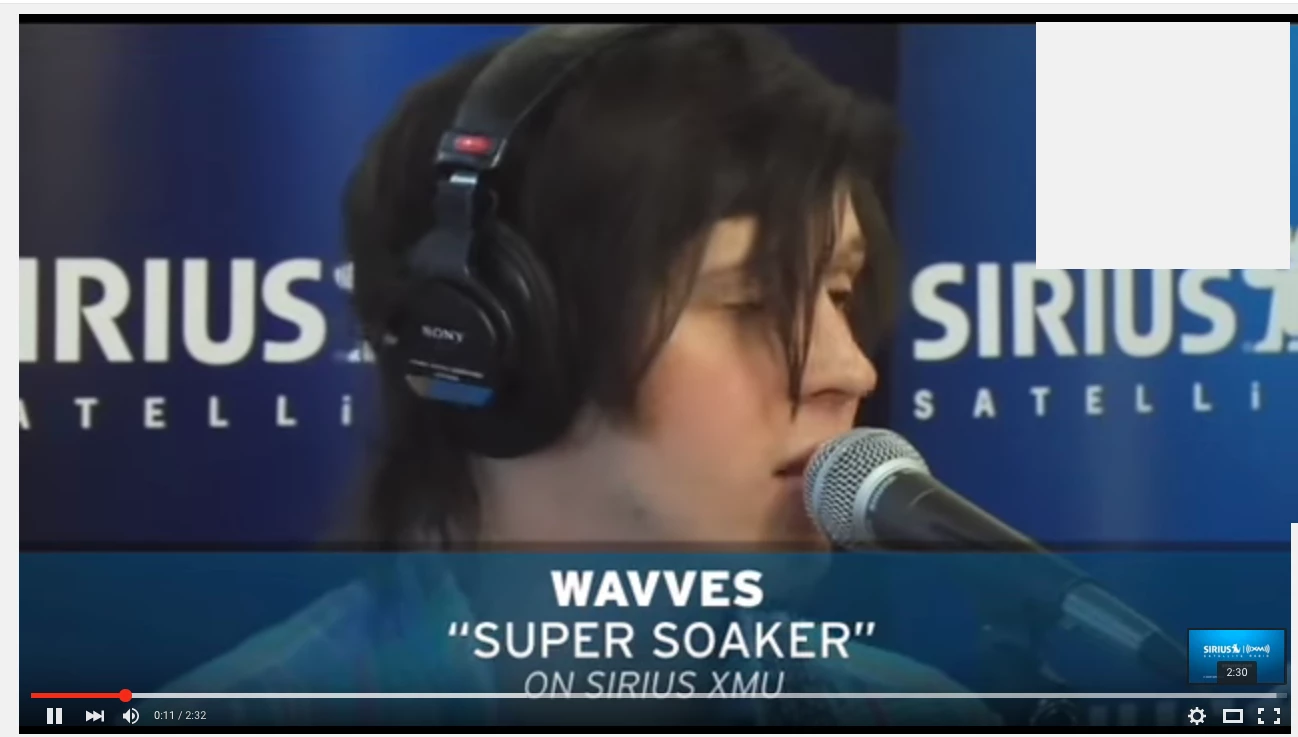
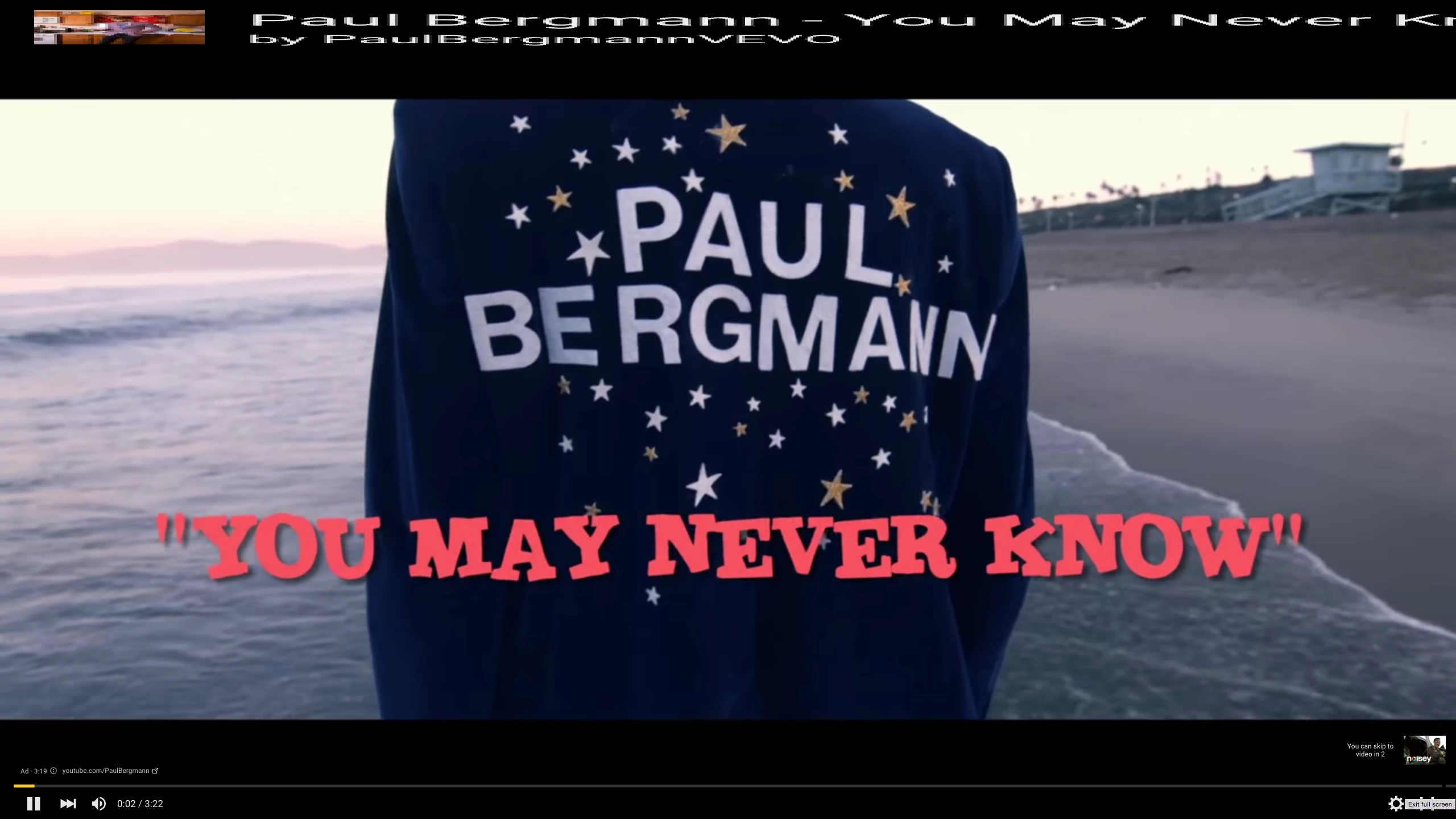
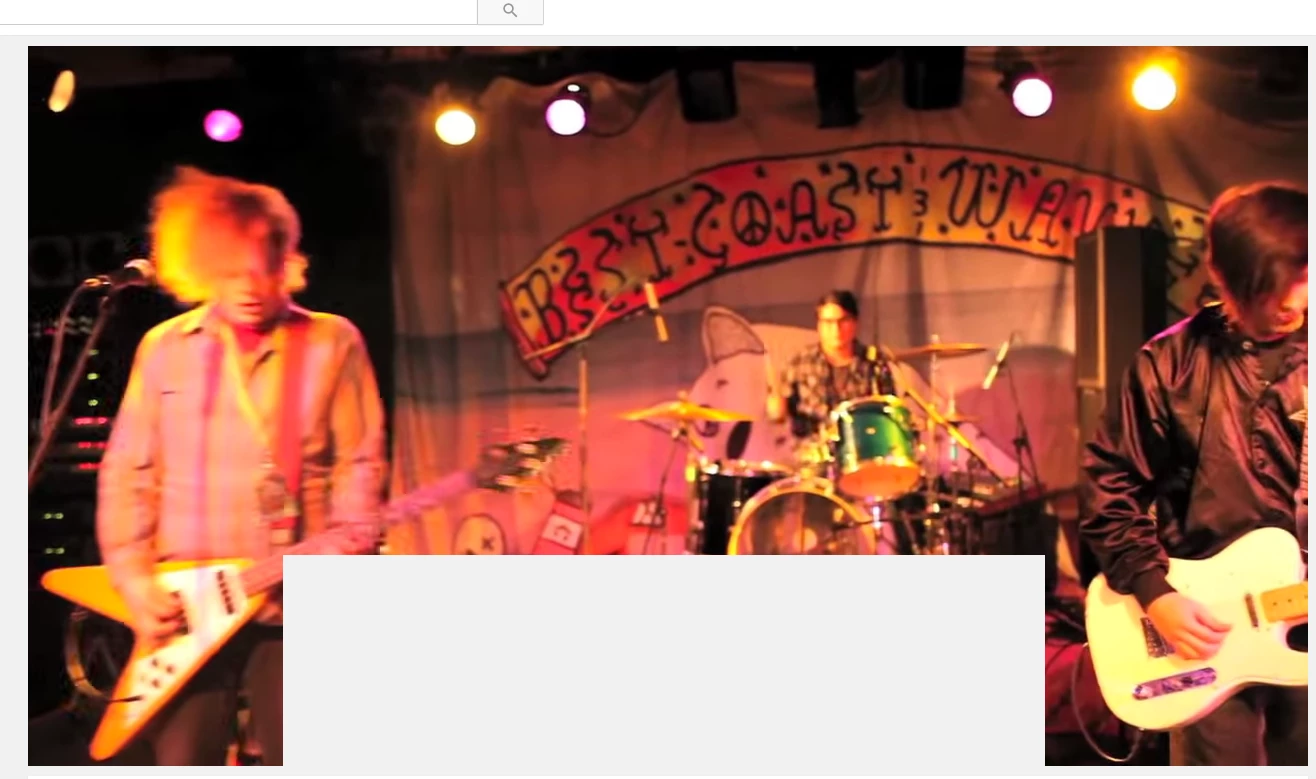
So when the video player options like play, pause, quality settings, full screen and so forth are showing blinking white boxes varying in size start to conquer the lower 1/3 of the video player box as well as the 1/6 of the screen on the far left and far right sometimes. In addition the Video Title when in fullscreen gets magnified and stretched in the remaining space to the right of the original proportions of the video title and start to blink rapidly too. I just want to get over this issue as it causes massive strain on my eyes
The steps I took in attempts to resolve the issue is:
Go into chrome://plugins and disabling Adobe Flash Player - Version: 19.0.0.245
Go into chrome://plugins and disabling Widevine Content Decryption Module - Version: 1.4.8.824
Deleting anything to with chrome on my computer (absolutely everything I promise you) and did a clean install from the google chrome site which I am running now
None of this worked
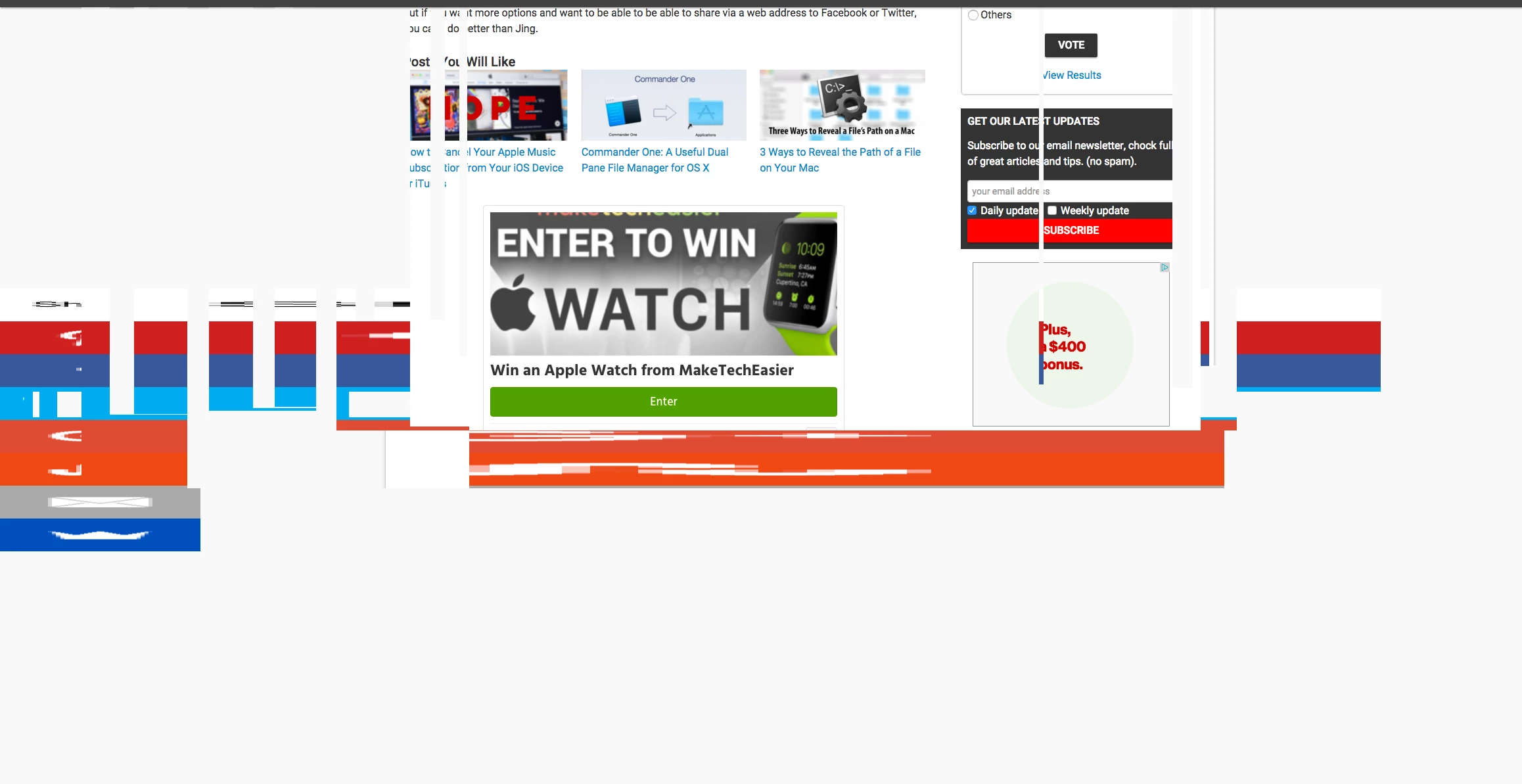
The problem also doesn't just interfere with video streaming but also text on miscellaneous sites
Screenshots (mind you the blinking boxes occur rapidly and are all over the place)

 AdChoices