
Answered
Flash player causing high CPU usage %, Windows 10 Pro 64-bit
Hey,
About week ago I build new PC and did clean Windows 10 install from .ISO. One day while I was gaming my FPS went from 100+ to ~20 so I tracked down causing the issue. In one of the browser tabs had just started livestream on Twitch, utilizing Flash Player. CPU usage % was off the hook causing CPU to hit 100% and choke whole system. Funny part being that with my old PC, that was running i5 750, I didn't have this issue.
Build;
W10 Pro 64-bit, pure install / no upgrade from previous Windows
Asus Z170-A
i5 6600K @ 4,4GHz
16GB DDR4
GTX980Ti with 355.60WHQL drivers
Full DXDiag of my computer HERE
I have tried to no help;
- Enabling and disabling hardware acceleration
- Installing Flash player from Adobe website, disabling Chrome integrated one and running one installed from website
- Different browser [Chrome & FireFox]
- Contacting Adobe via Twitter, only to be told "Works fine on my PC" by rep
Pics;
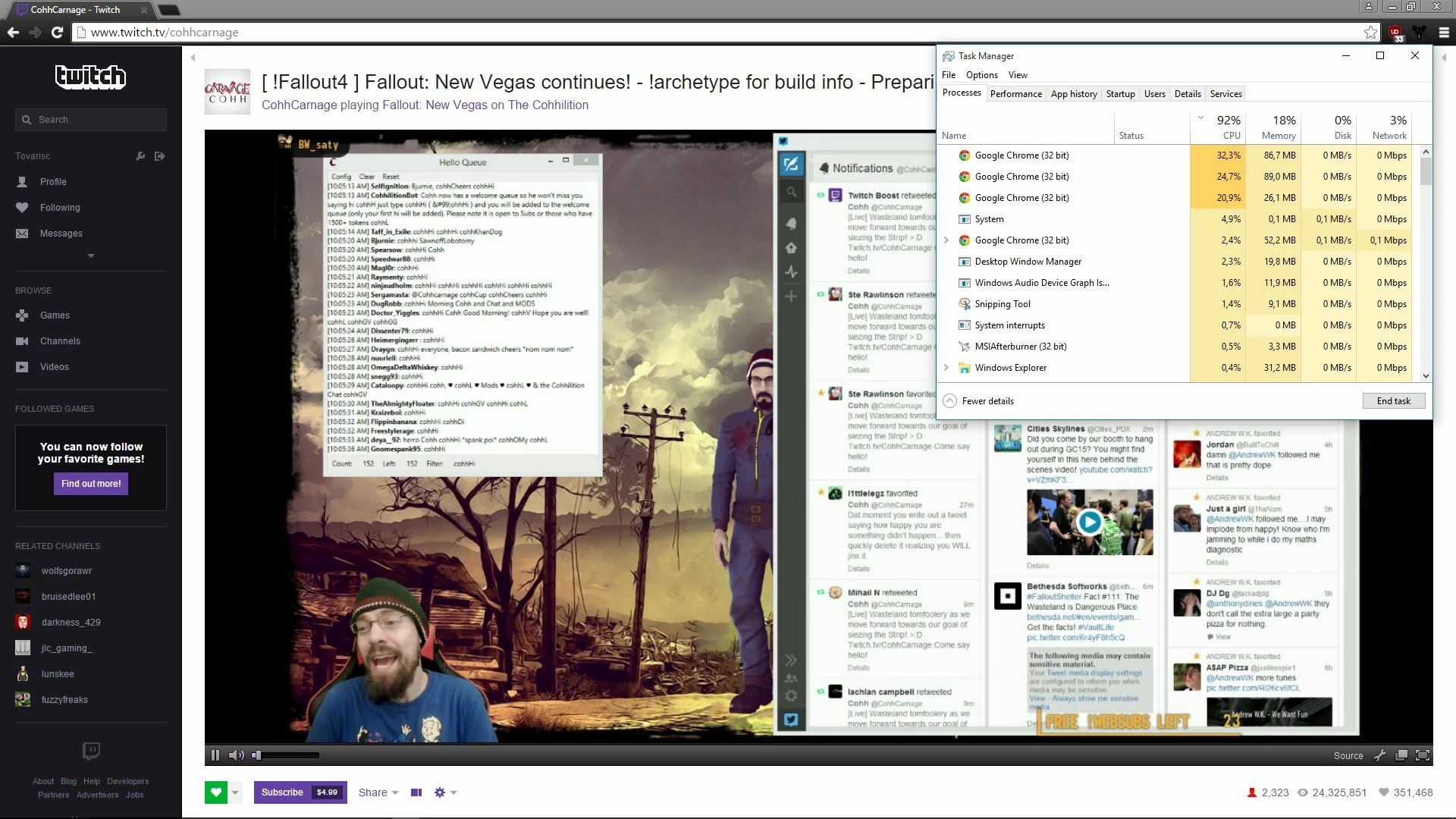
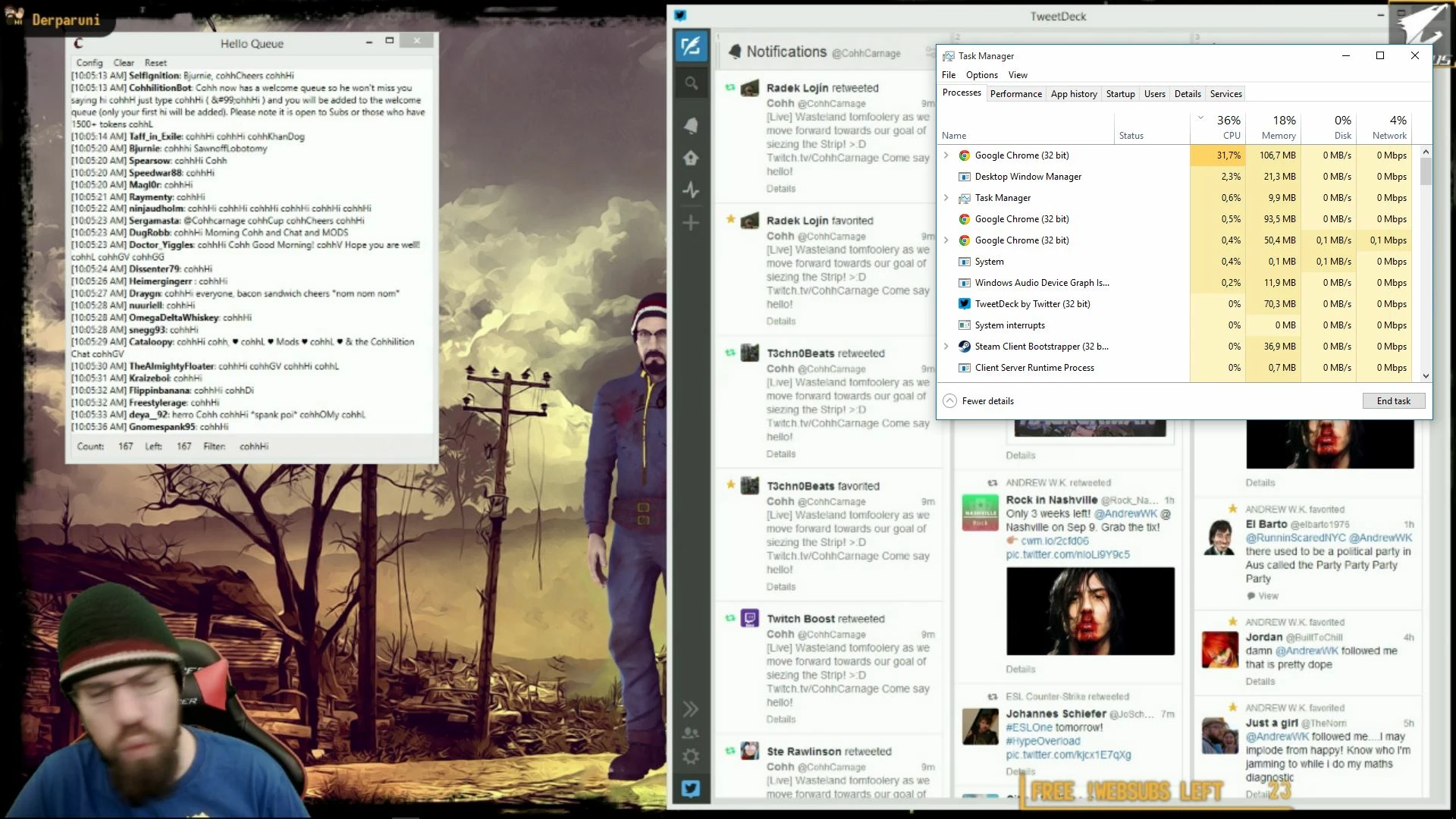
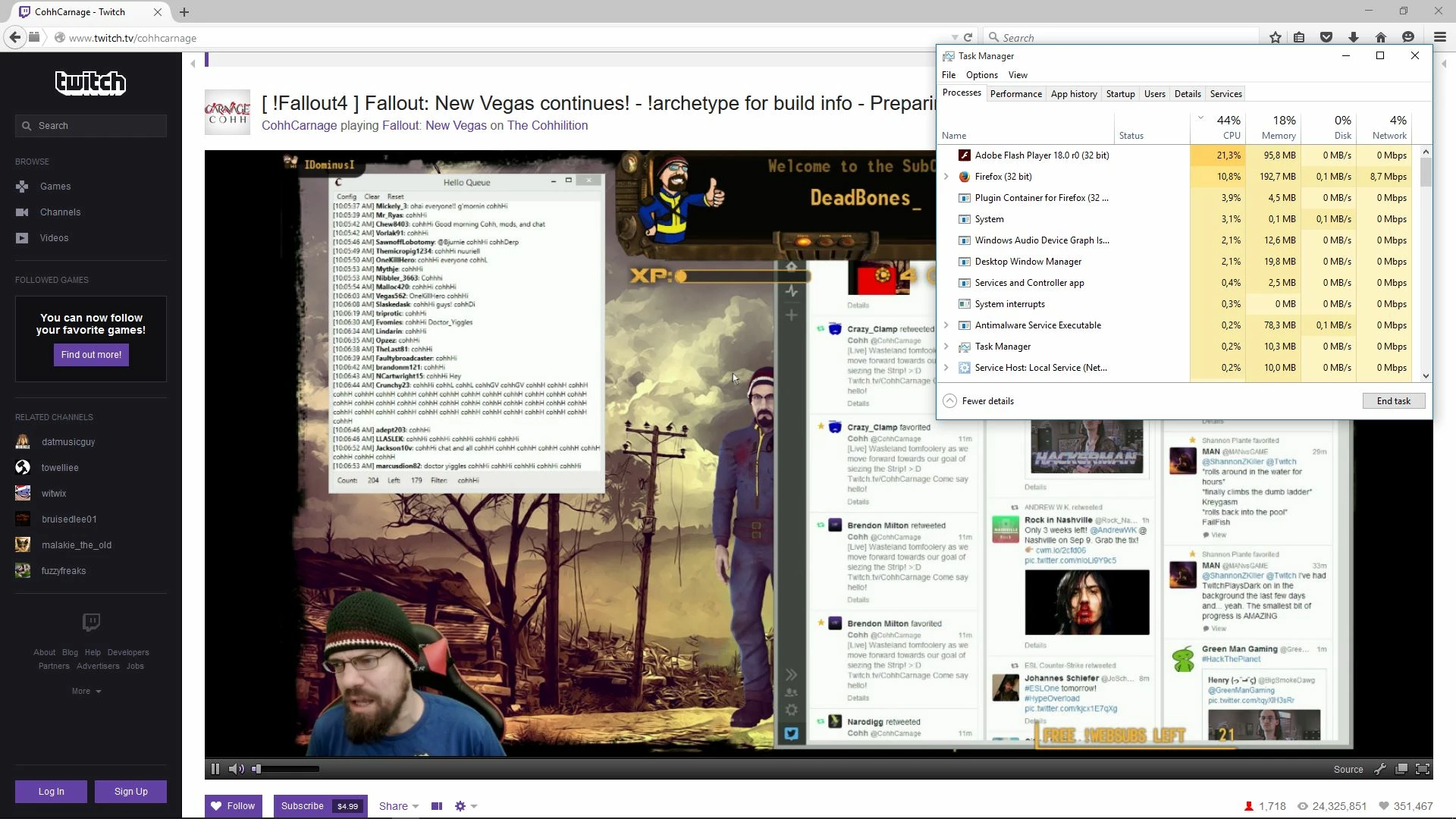
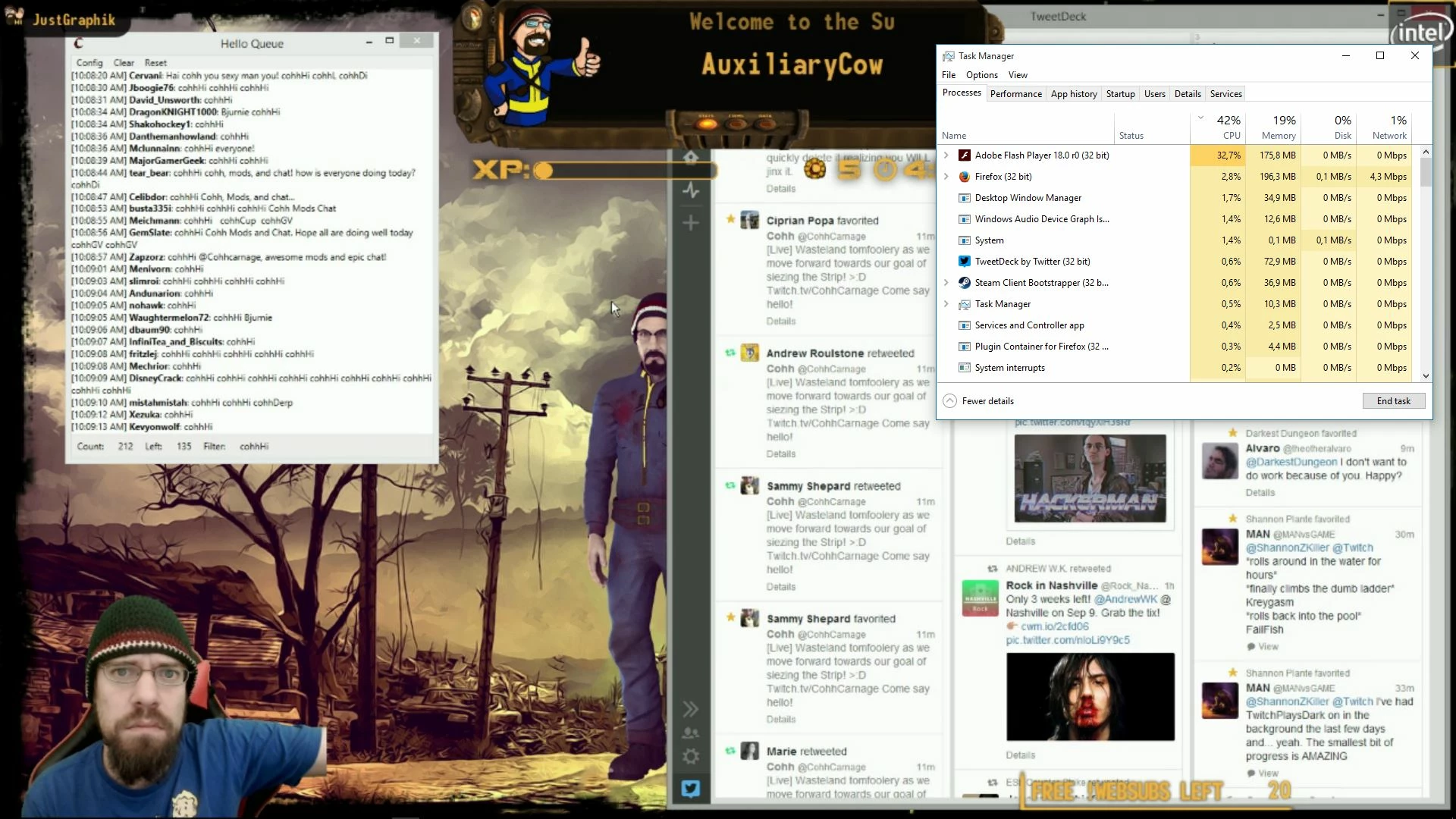
Any advice to solve this CPU utilisation issue would be welcome, or am I just out of luck and have to suffer from this?


 AdChoices