wolf3351
Participant
October 6, 2014
Answered

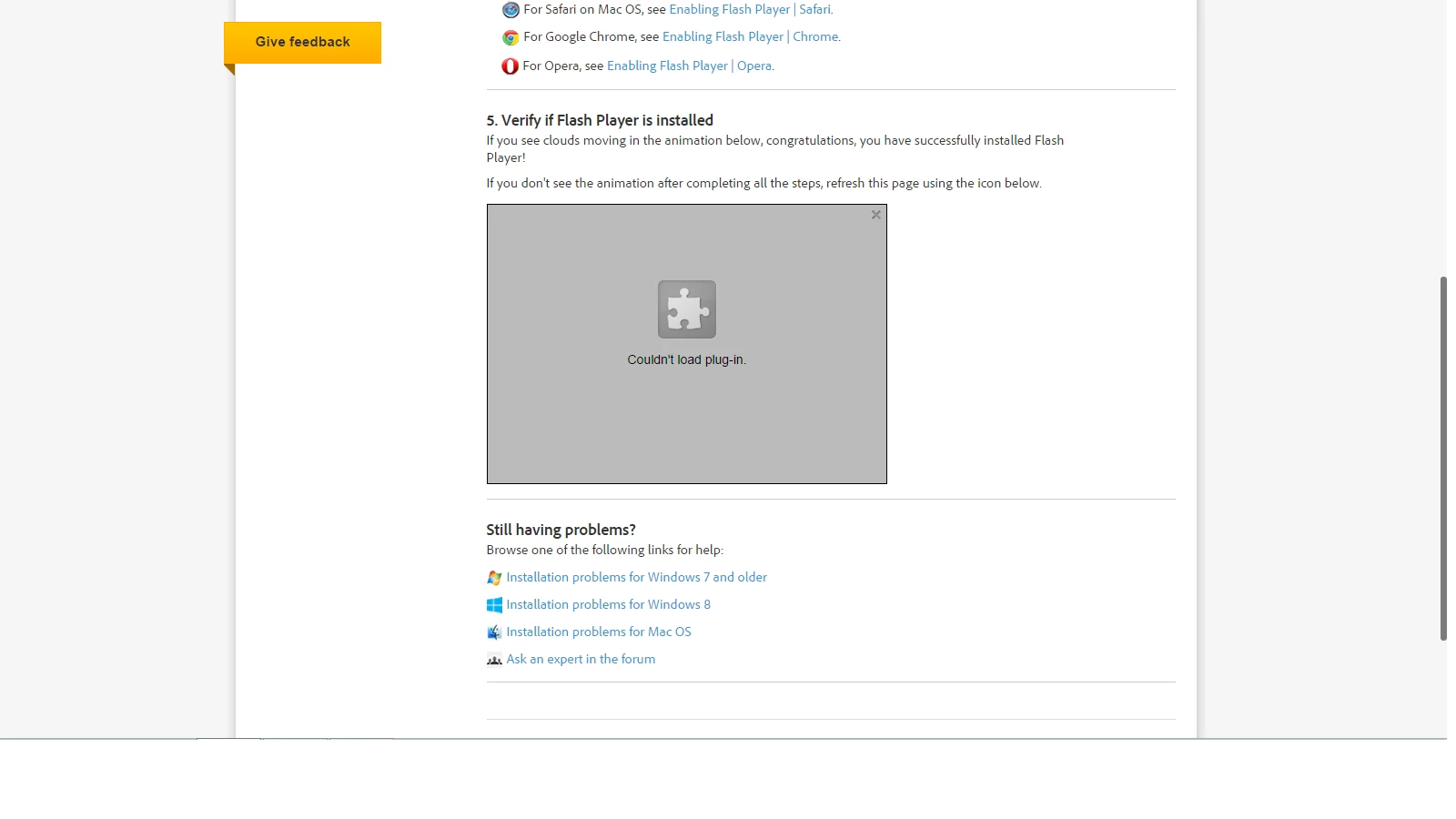
Flash Player "Couldn't Load Plugin"

  • October 6, 2014
  • 2 replies
  • 335719 views

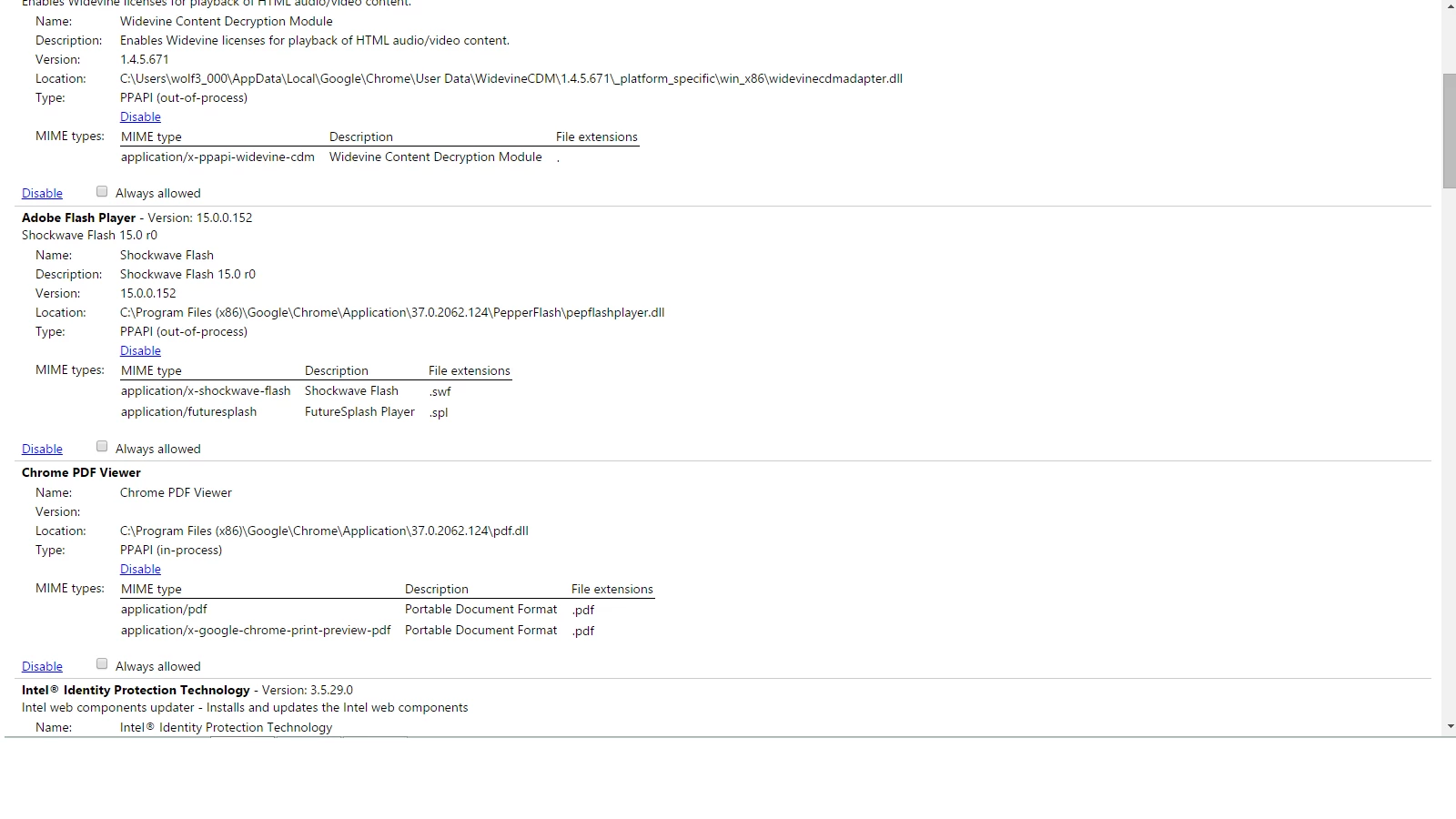
So I noticed this problem while using Facebook, none of the videos will play. When I attempt to play the video, the "Couldn't Load Plugin" comes on with the grey screen and puzzle piece. Oddly, however, videos work fine in YouTube. I have installed the latest Adobe Flash Player and checked about:plugins to insure it was enabled. I have deleted cache, history, and browsing data. I just don't know what do anymore and this is insanely frustrating! How do I fix this??

I am running on Windows 8.1, using Chrome browser (also updated).
This topic has been closed for replies.
Correct answer jeromiec83223024

This is really weird.  Flash Player is a built-in component of Google Chrome.  It should just work, and it looks like it's enabled.

If you haven't tried rebooting, I'd start there.  You should also make sure that you have the latest updates from Windows update.

If that doesn't help, two possibilities jump out at me:

- Third-Party anti-virus/anti-malware/privacy tools are interfering with normal operation

     - Depending on the tool, it may have to be completely uninstalled before Flash will start working

     - If this is what's happening, I'd like to be able to reproduce it.  If this is ringing any bells, a list of possible suspects would be great. 

- Your Chrome installation is damaged.  Uninstalling and re-installing Chrome should resolve that.

2 replies

August 29, 2016

I think this will help you,

Couldn’t load plugin – ReSolution

jeromiec83223024
jeromiec83223024Correct answer
Inspiring
October 6, 2014

This is really weird.  Flash Player is a built-in component of Google Chrome.  It should just work, and it looks like it's enabled.

If you haven't tried rebooting, I'd start there.  You should also make sure that you have the latest updates from Windows update.

If that doesn't help, two possibilities jump out at me:

- Third-Party anti-virus/anti-malware/privacy tools are interfering with normal operation

     - Depending on the tool, it may have to be completely uninstalled before Flash will start working

     - If this is what's happening, I'd like to be able to reproduce it.  If this is ringing any bells, a list of possible suspects would be great. 

- Your Chrome installation is damaged.  Uninstalling and re-installing Chrome should resolve that.

wolf3351
wolf3351Author
Participant
October 6, 2014

THANK YOU!! I checked my anti-virus, and it wasn't it. So I uninstalled Chrome and re-installed it; worked like a charm! Thank you sooo much!