
Flash player download: download manager is blank
On Windows 10, running FireFox 68.8.0esr (32-bit), I am unable to install or run the Adobe Flash Player.
When I manually try to download flashplayer32_xa_install.exe, I checked "unblock" on the general properties tab, but that still does not let the Adobe Download Manager work. I get a blank screen.
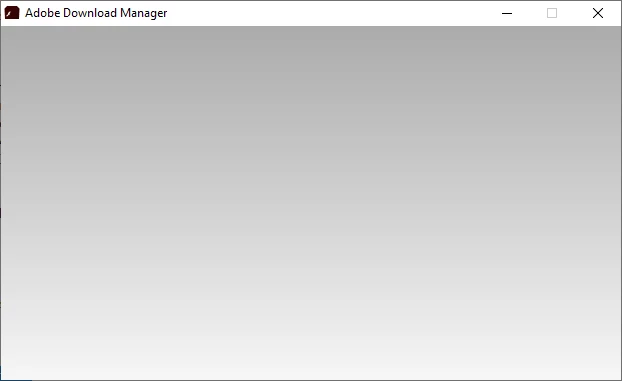
The C:\Users\<user>\AppData\Local\Temp\AdobeARM.log shows the below error
[2020-05-07 17:28:54:0994] Adobe ARM 1.824.24.5926 logging started.
[2020-05-07 17:28:55:0056] could not find valid preference in product specific registry
[2020-05-07 17:28:55:0056] could not find valid preference in default registry, setting to semi-auto
[2020-05-07 17:28:55:0056] ProductCode: {AC76BA86-7AD7-1033-7B44-AB0000000001}
[2020-05-07 17:28:55:0056] ProductName: Adobe Reader XI (11.0.23)
[2020-05-07 17:28:55:0056] ProductVersion: 11.0.23
[2020-05-07 17:28:55:0056] ProductUACPatching: enabled
[2020-05-07 17:28:55:0103] Using registered preference AUTO_DOWNLOAD
[2020-05-07 17:28:55:0103] Last check for updates not expired
[2020-05-07 17:28:55:0103] Error Code: 120300
Any suggestions on how to get my Adobe Flash running again?


 AdChoices