
Flash player error message
Whenever I start firefox, I am given this message:
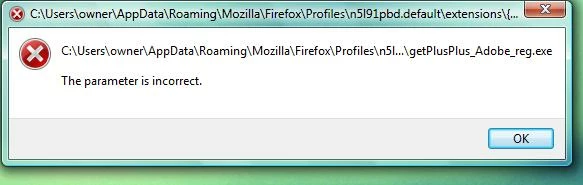
Until I close it Firefox won't open, so I do close it and everything on firefox works fine. I've located the file and attempted to delete it, but I simply received a similar message specifying the file cannot be found. The message is quite annoying and I want it to stop, also, I'm quite afraid something will go wrong soon.
This all started when neither youtube or certain flash videos would play, so I uninstalled adobe flash player and they started working again, but this message started up along with that. The location of the file is
C:\Users\Owner\AppData\Roaming\Mozilla\Firefox\Profiles\5v5171m3.
Default\extensions\{E2883E8F-472F-4fb0-9522-AC9BF37916A7}\chrome\
Content\getPlusPlus_Adobe_reg.exe
Which is a destination I've seen others mention on this website. Does anybody have an idea how to fix this?
EDIT: On the same file location, There was a similar file there to install adobe download manager, I activated it and after a while I got this message:
\
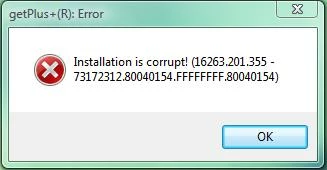
I'm not sure if it's related or not.
 AdChoices